hands-on ~
Oak Wine & Steak · Rama 4, BangkokJonny West
Get connected first
Wi-Fi
Network
OakWineSteakRama4
Password
Oakwinerama4
Get on the Wi-Fi now. We start hands-on in a few minutes.
YOUR WORKSHOP SLIDES
Type this into your browser:
aiceos-bkk.pages.devSave the link for the exercises and resources.
Today's Co-Host
Meet KruBow
Founder, Engbrain
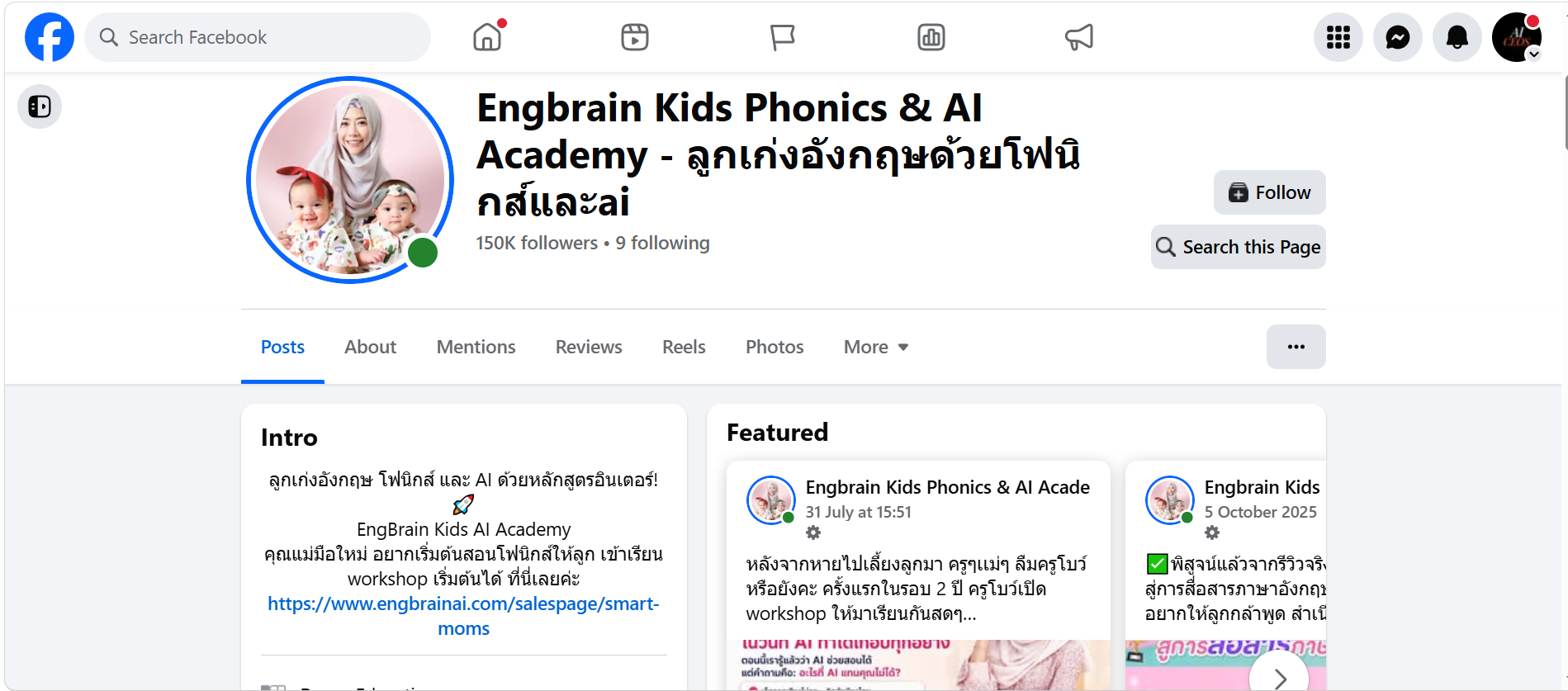
She built one of Thailand's leading phonics-focused English teaching brands.
13+ years
teaching phonics
20,000+
students trained
Today, KruBow is co-hosting the workshop with Jonny and helping turn every idea into something practical.
BEFORE WE BEGIN
We're glad you're building with us today.
Thank you for choosing to spend this day learning and building with us.
WE APPRECIATE YOU
Your ticket includes a one-hour VIP group Q&A with Jonny, 3:00 to 4:00 PM.
STAY AFTER THE WORKSHOP

AI news · 4 October 2026 · Opus 5.5 launched September 22
Opus 5.5: Fable 5.1-level performance on most work.
About 40% lower typical usage cost than Opus 5.
Stronger at building software and completing tasks with several steps.
Clearer writing that puts the important information first.
Improved business research and work with numbers.
Anthropic reports these improvements. Opus 5.5 announcement ↗
AI news · The cost of doing the work
Opus 5.5 compared with Opus 5.
Illustrative cost index · same typical workload
Also generates output over 30% faster.
Anthropic estimates for typical work billed by usage, not a 40% subscription discount. Actual savings vary. Source ↗
AI news · Launched September 28
Same price per word. It needs fewer words to finish the job.
Cost per task · Sonnet 5 = 100
Up to 30% less per task.
Best for documents, slides and spreadsheets.
Anthropic figures. Savings vary by task. Sonnet 5.5 announcement ↗
AI news · Which Claude for which job?

Sonnet 5.5
The car · everyday
Emails, summaries, documents, slides and spreadsheets.

Opus 5.5
The van · complex work
Analysis, automation, building tools. Jobs with many steps.

Fable 5.1
The crane · biggest jobs
Hard thinking and long projects with many stages.
Not sure? Start with Sonnet 5.5. Too hard for it? Move up to Opus 5.5.
Speed from Anthropic's model guide (fast, moderate, slower). Cost dots follow Anthropic's published prices: about 1x, 2x and 5x. Models overview ↗
AI news · September 16 update
Cowork capabilities are rolling into normal chats. Less switching between modes.
Create and edit documents, slide decks and designs inside a conversation.
Existing projects, connectors and skills carry into the new experience.
“Turn this week's sales sheet into a one-page summary and five slides for my team.”
Cowork rollout: gradual on Pro/Max, web, desktop and mobile. Document/design/slide artifacts: all plans; Enterprise requires enablement. Claude release notes ↗
What this means for your business
Better tools and lower usage costs make small automation experiments more practical.
A weekly report. A lead summary. A draft customer reply.
Provide the inputs, explain the result, and let Claude make a first version.
Check accuracy. Measure time saved. Connect and schedule the steps that work.
Today's goal: one useful task you can stop doing by hand.
Workshop takeaway from the September updates. Connected apps and recurring workflows still need setup and testing.
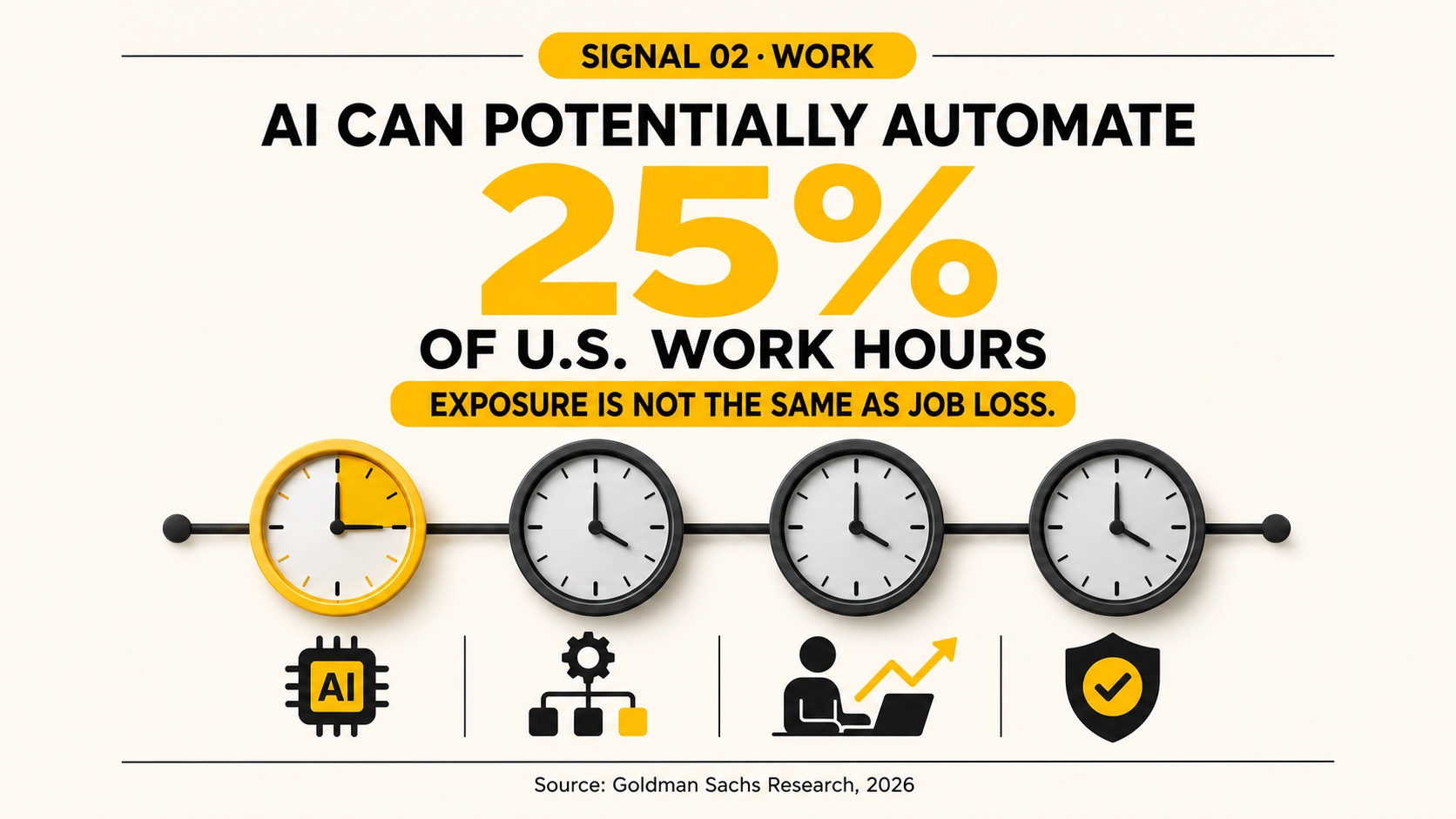
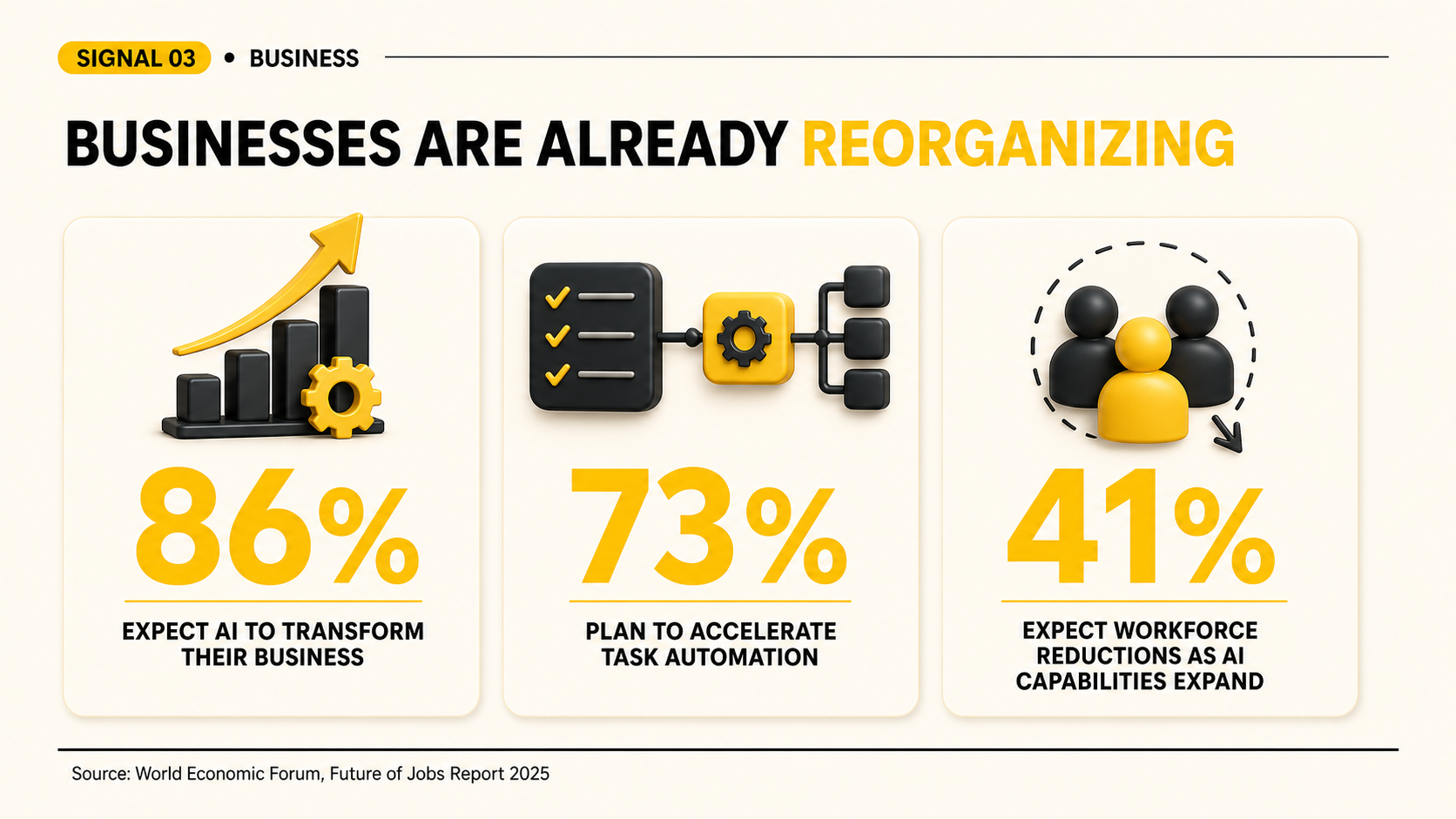
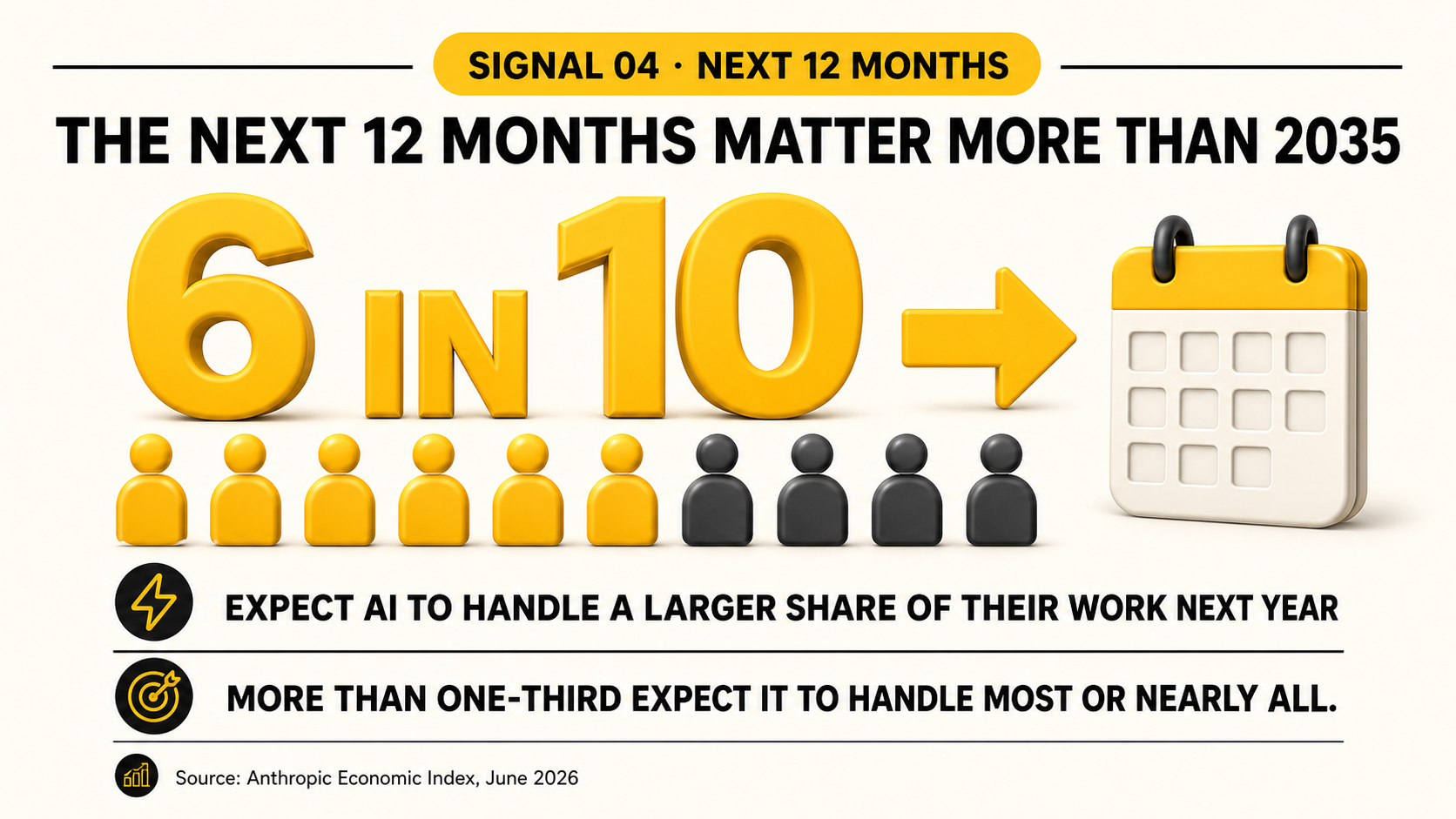
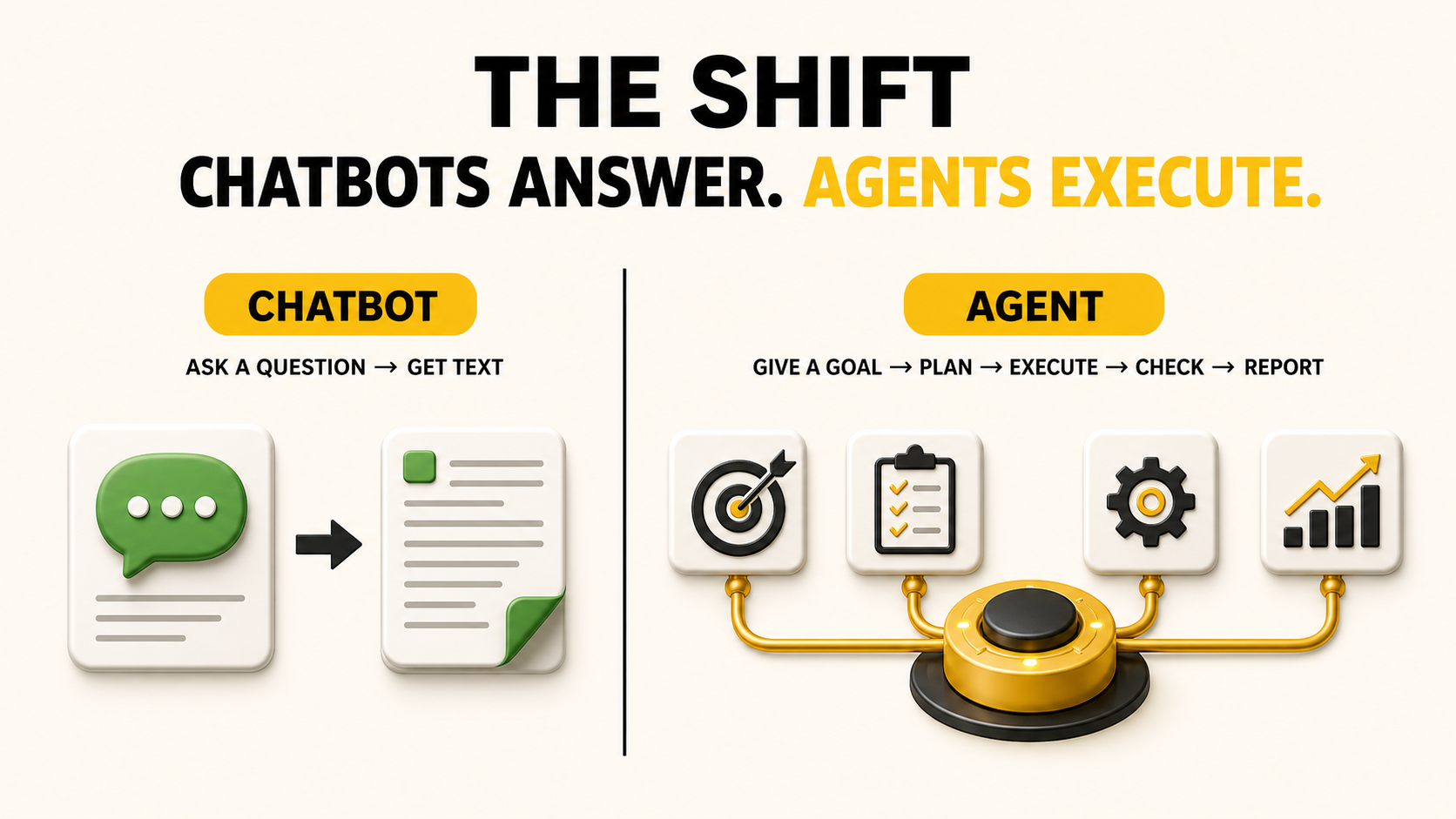
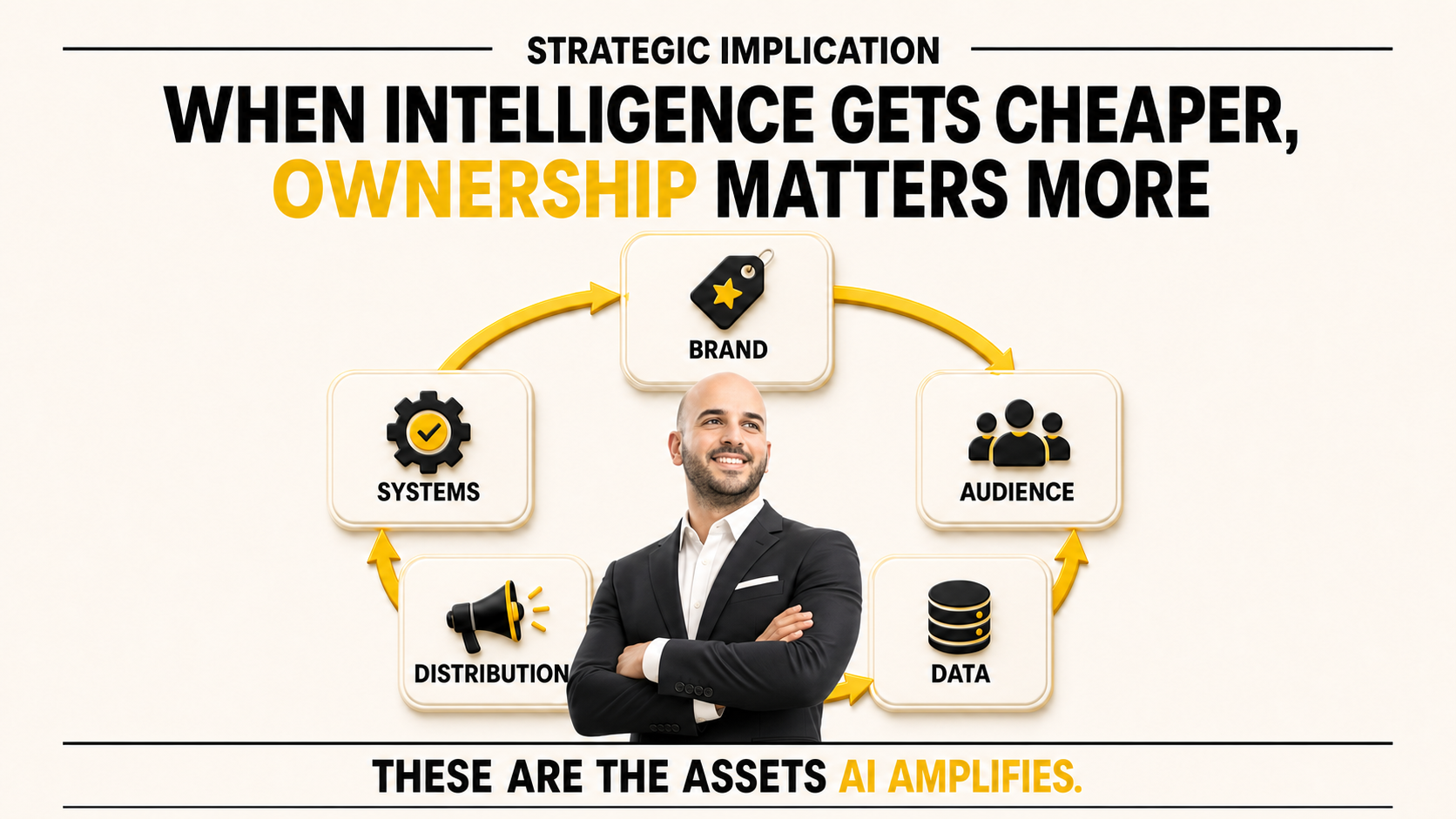
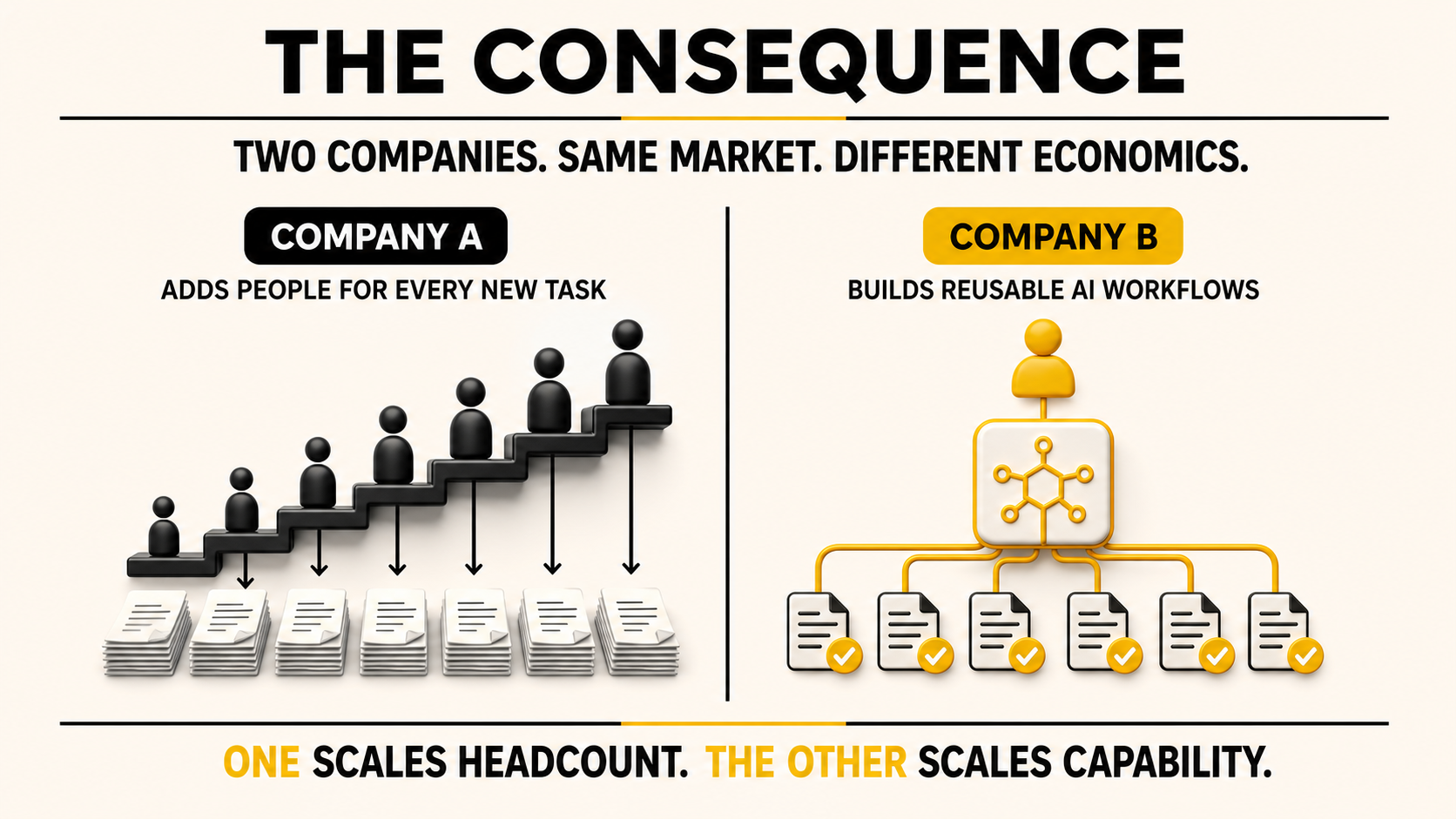

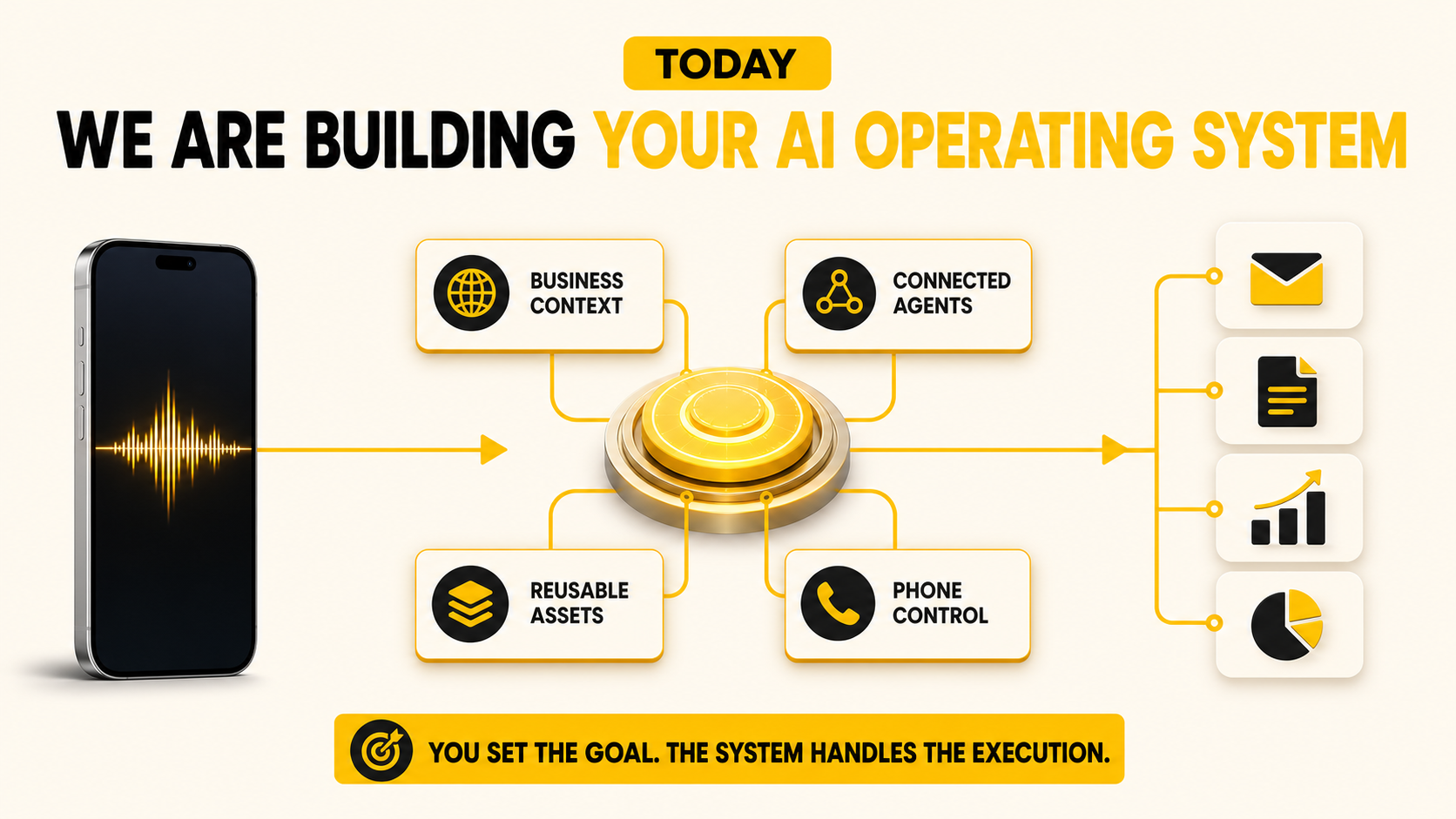

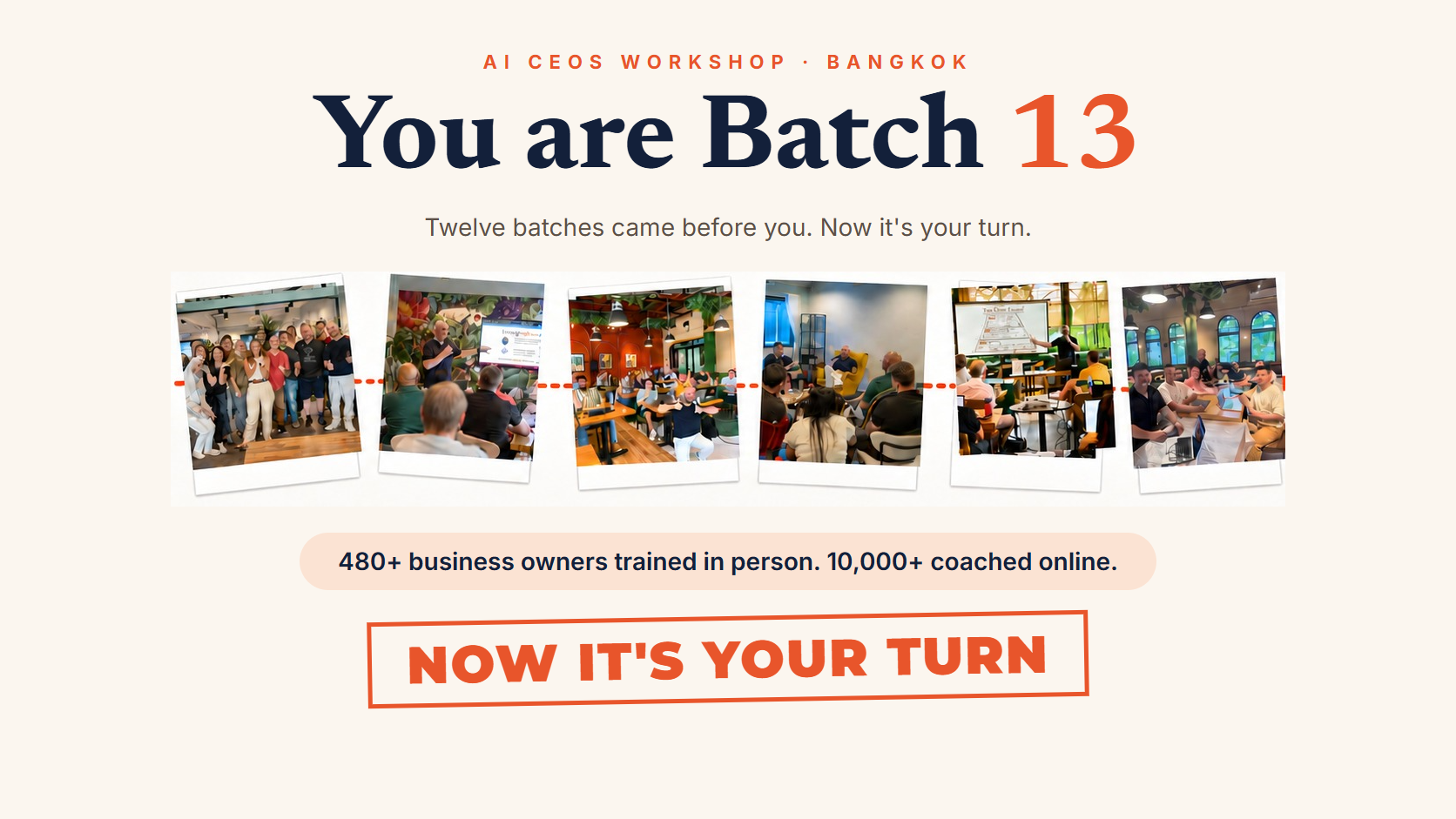
Now it's your turn
Introduce yourself.
Your name
What you do
What you hope to learn here
Stand up. Mic up. Keep it tight.

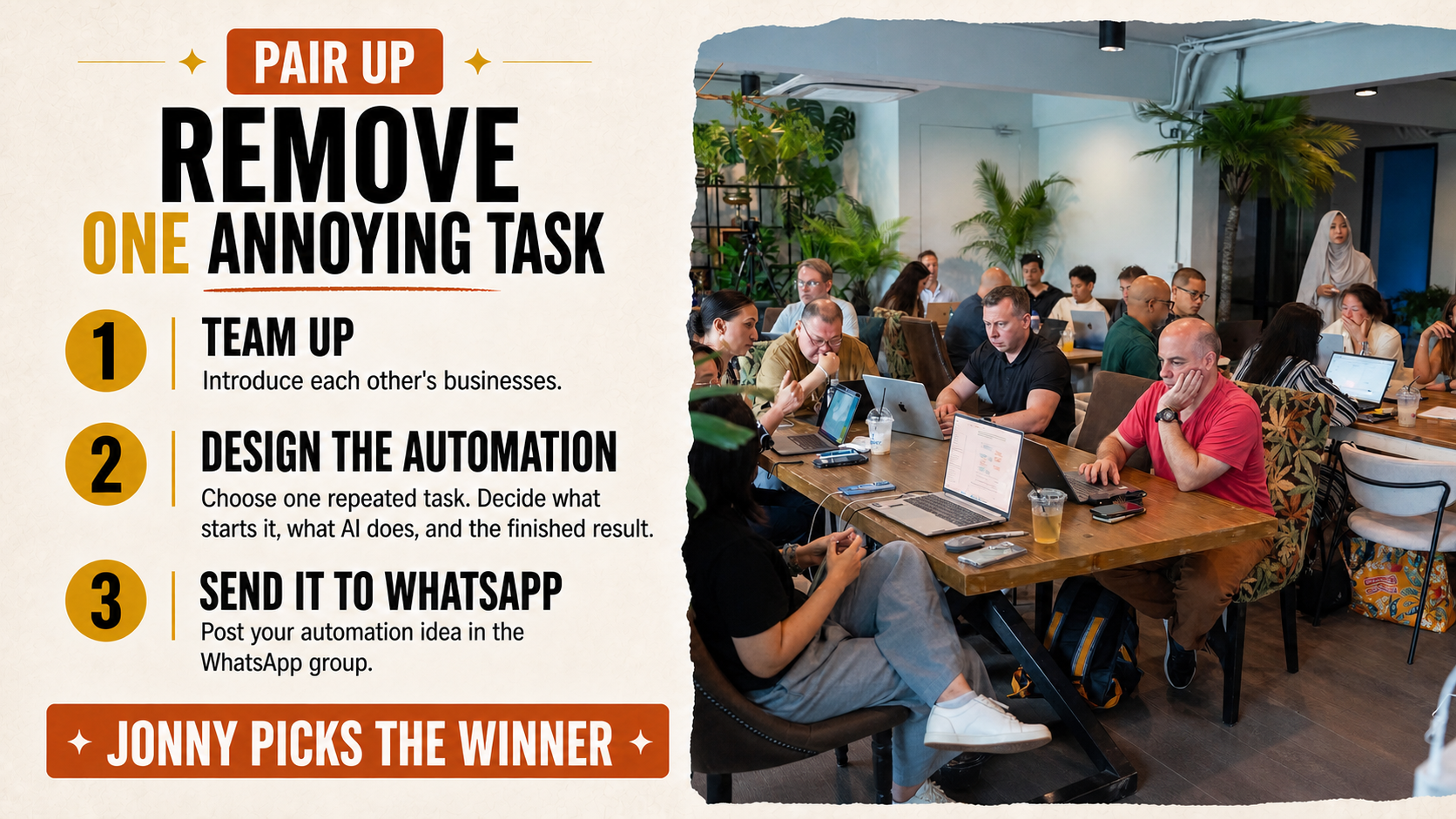
5-minute build sprint
Work with your partner. Keep it simple enough to explain in one sentence.
Before time runs out
Be ready to share your answer.
Ready when you are
Real Claude use case
Potential saving ฿30,000+ per month
Before · Raw phone video
▶ Click to play the original
After · Finished reel
▶ Click to play the result
REAL PRODUCT · BUILT WITH AI
We vibe coded a product
people pay for.
Already generating revenue
One photo. Your child becomes the hero.
Personalized illustrated storybooks.
Thai + English · Narration · PDF


Story Hero product artwork · Click the image to explore



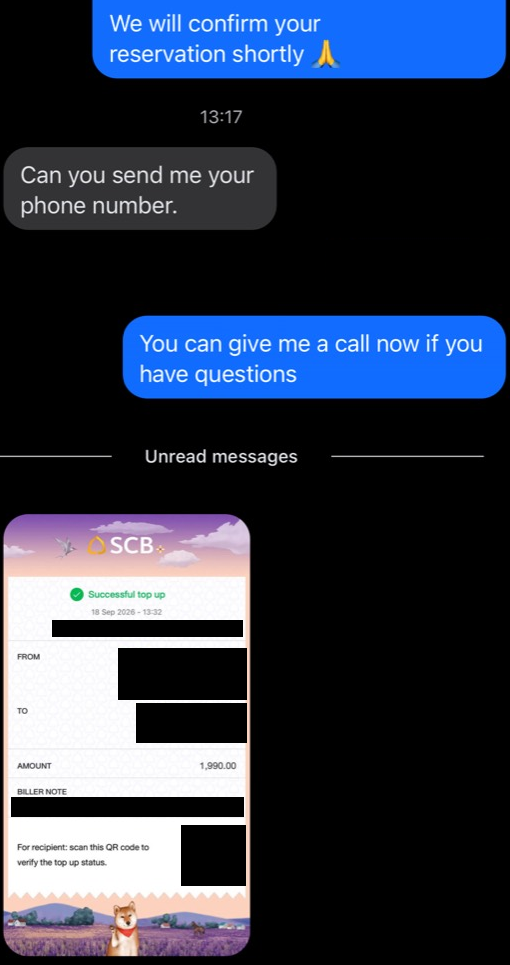

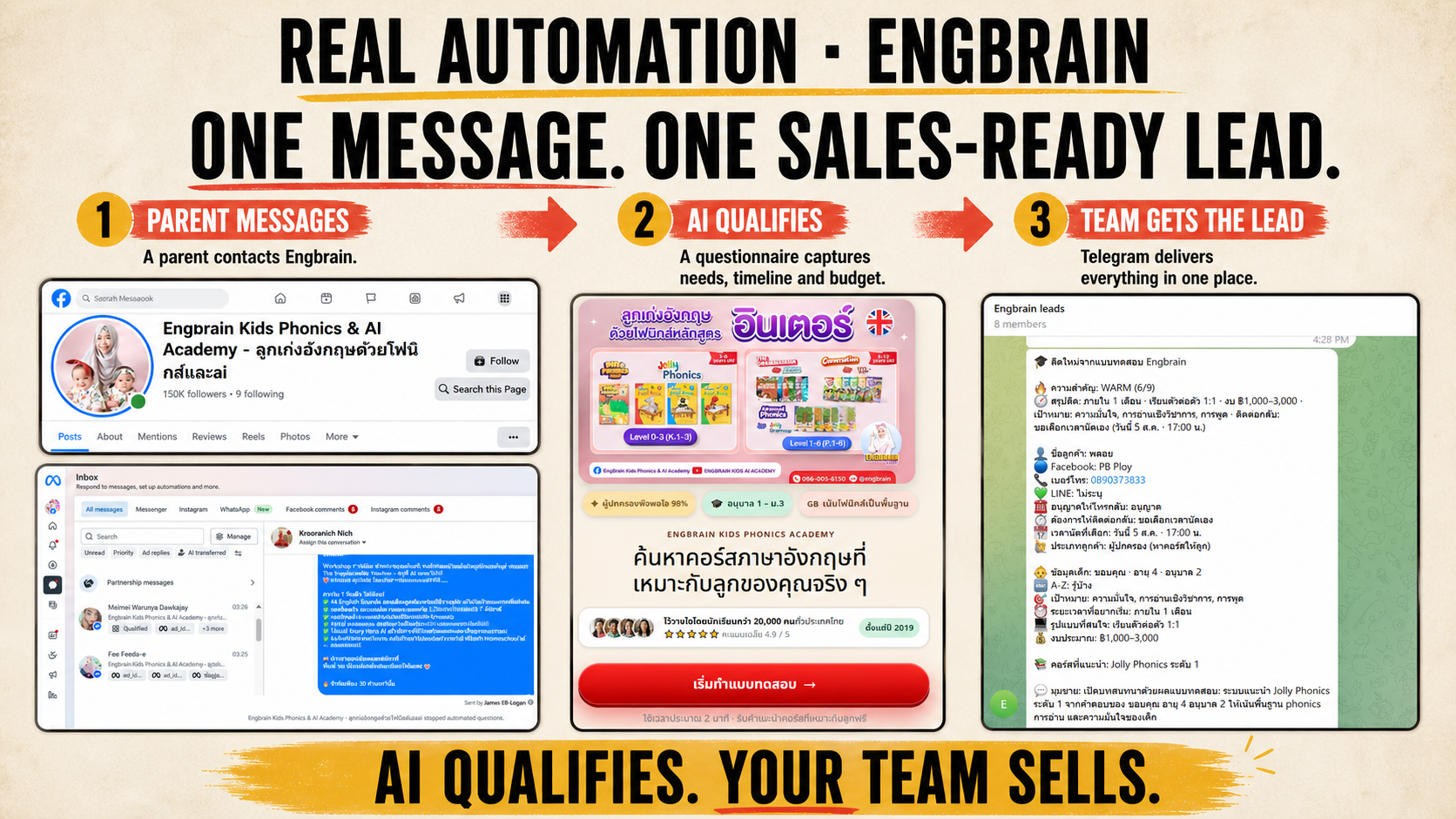
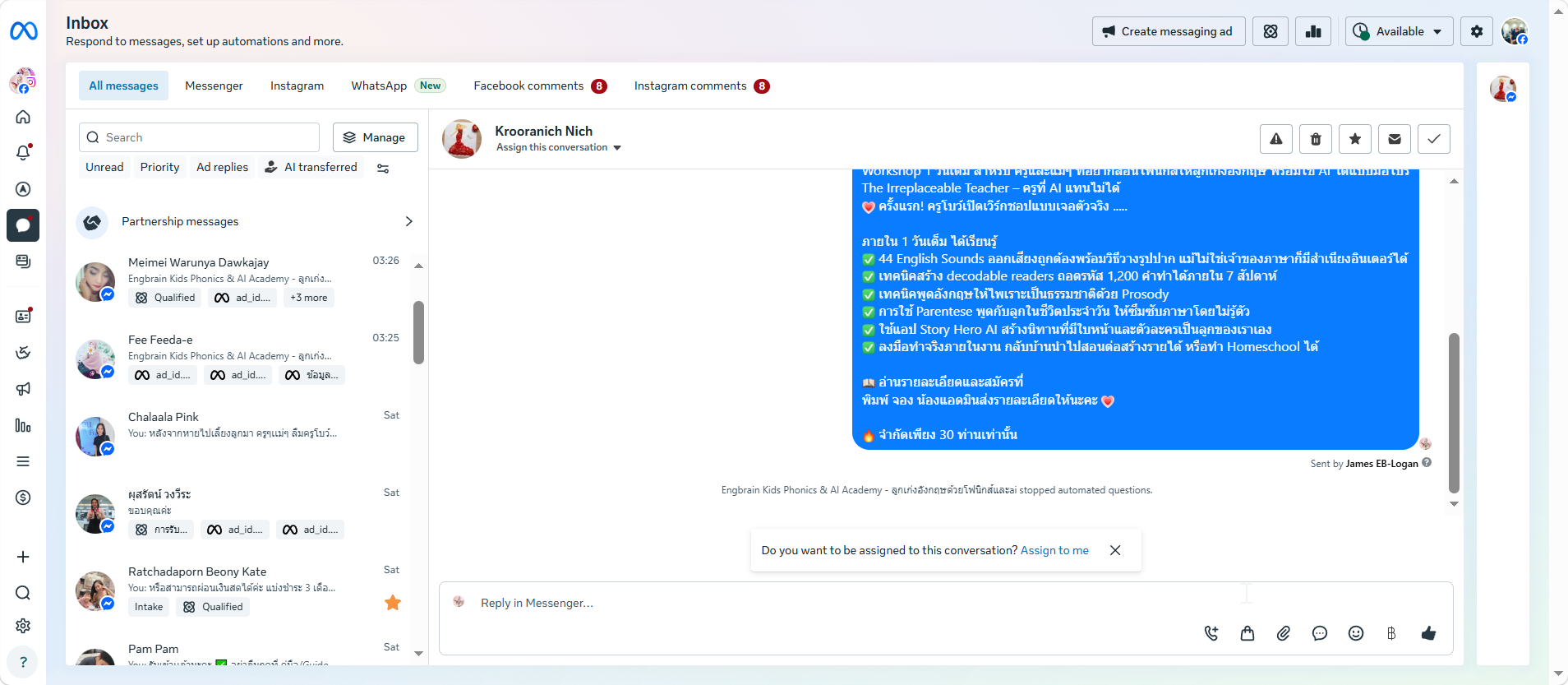
Every step before the sales conversation happens automatically.


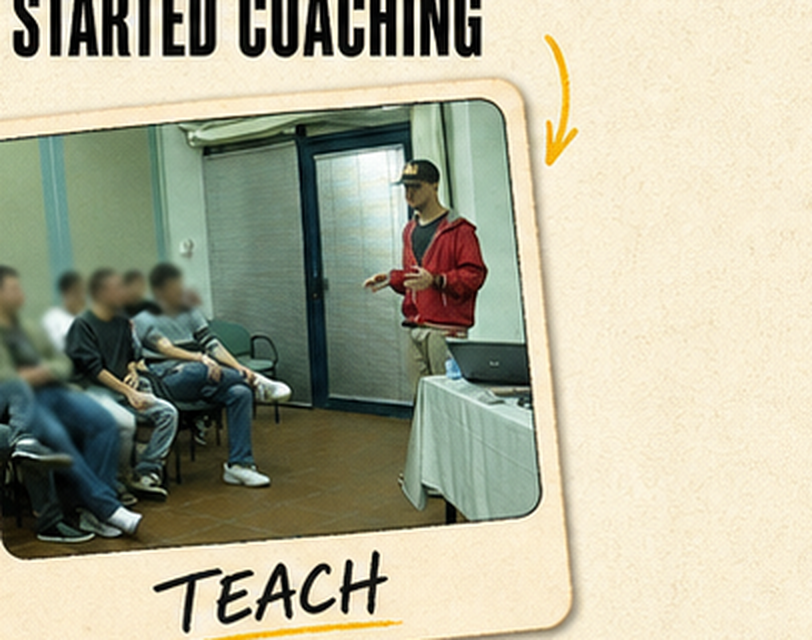
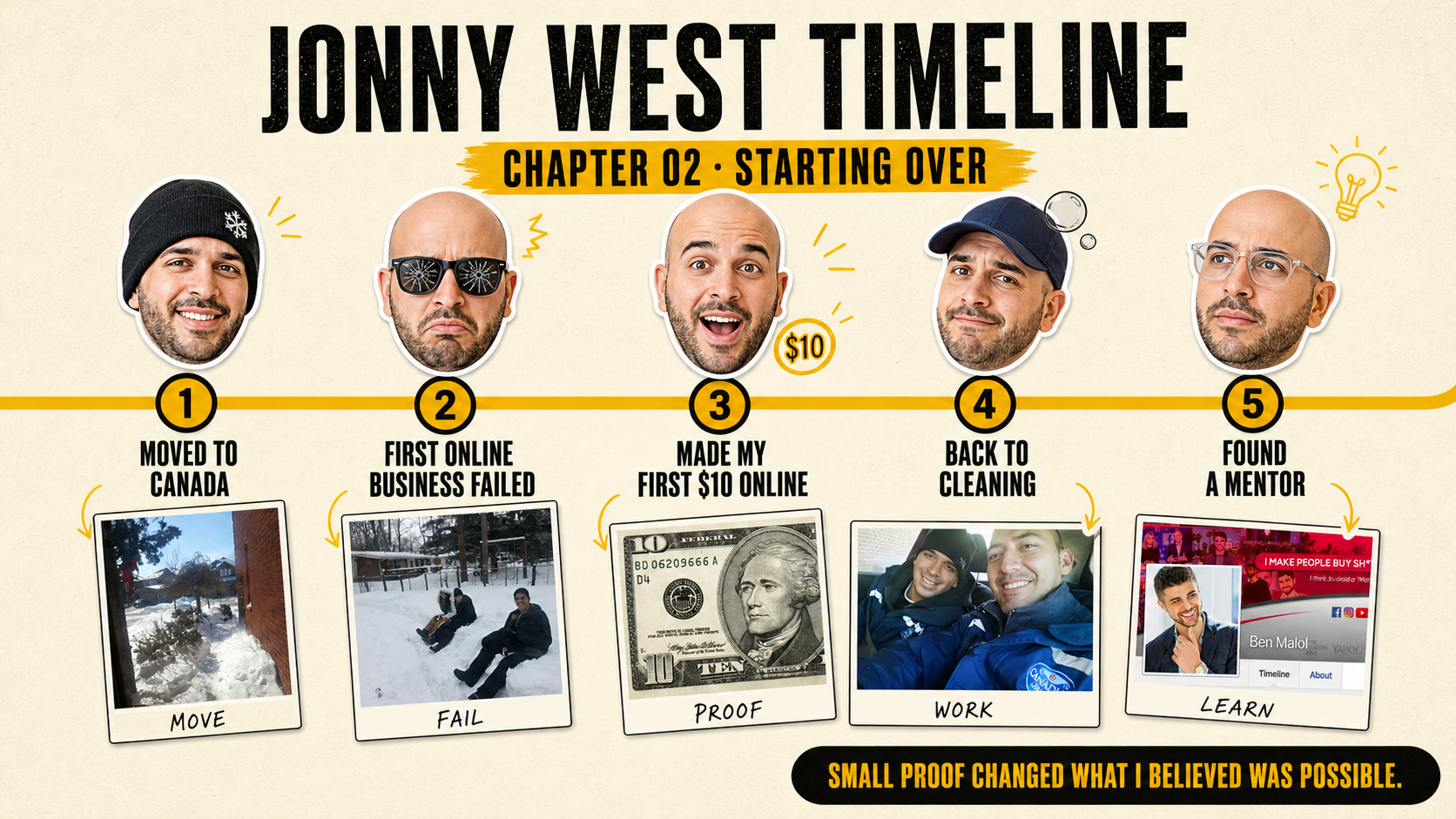

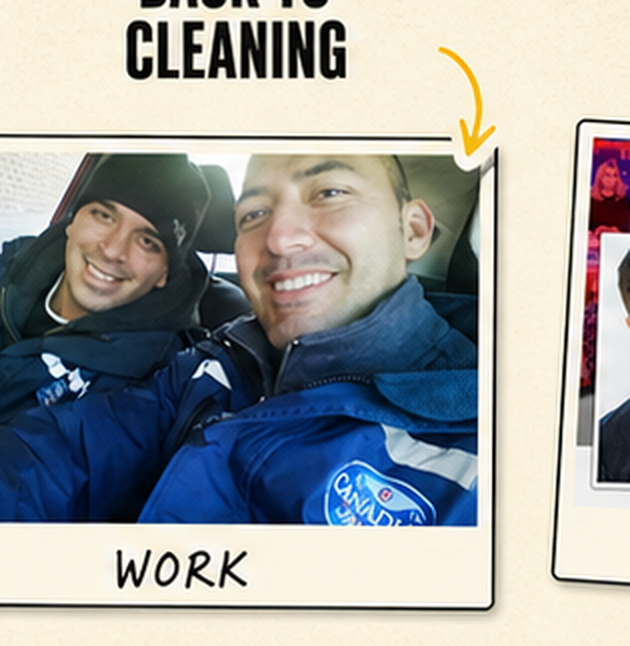
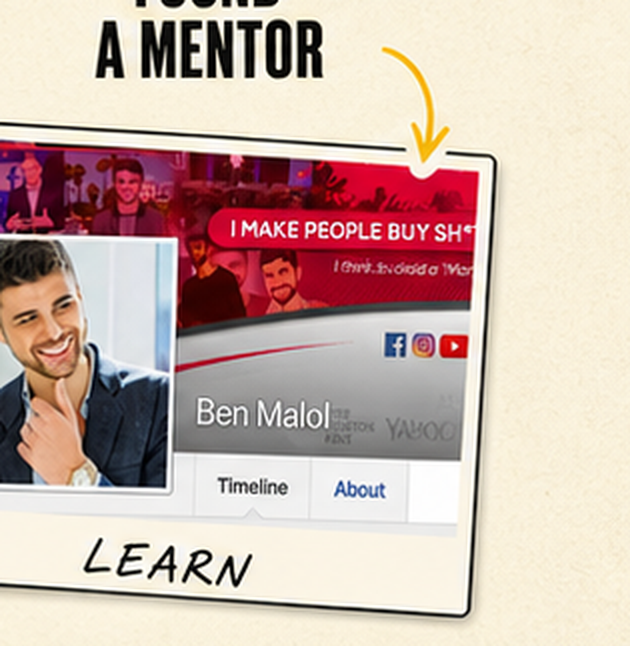
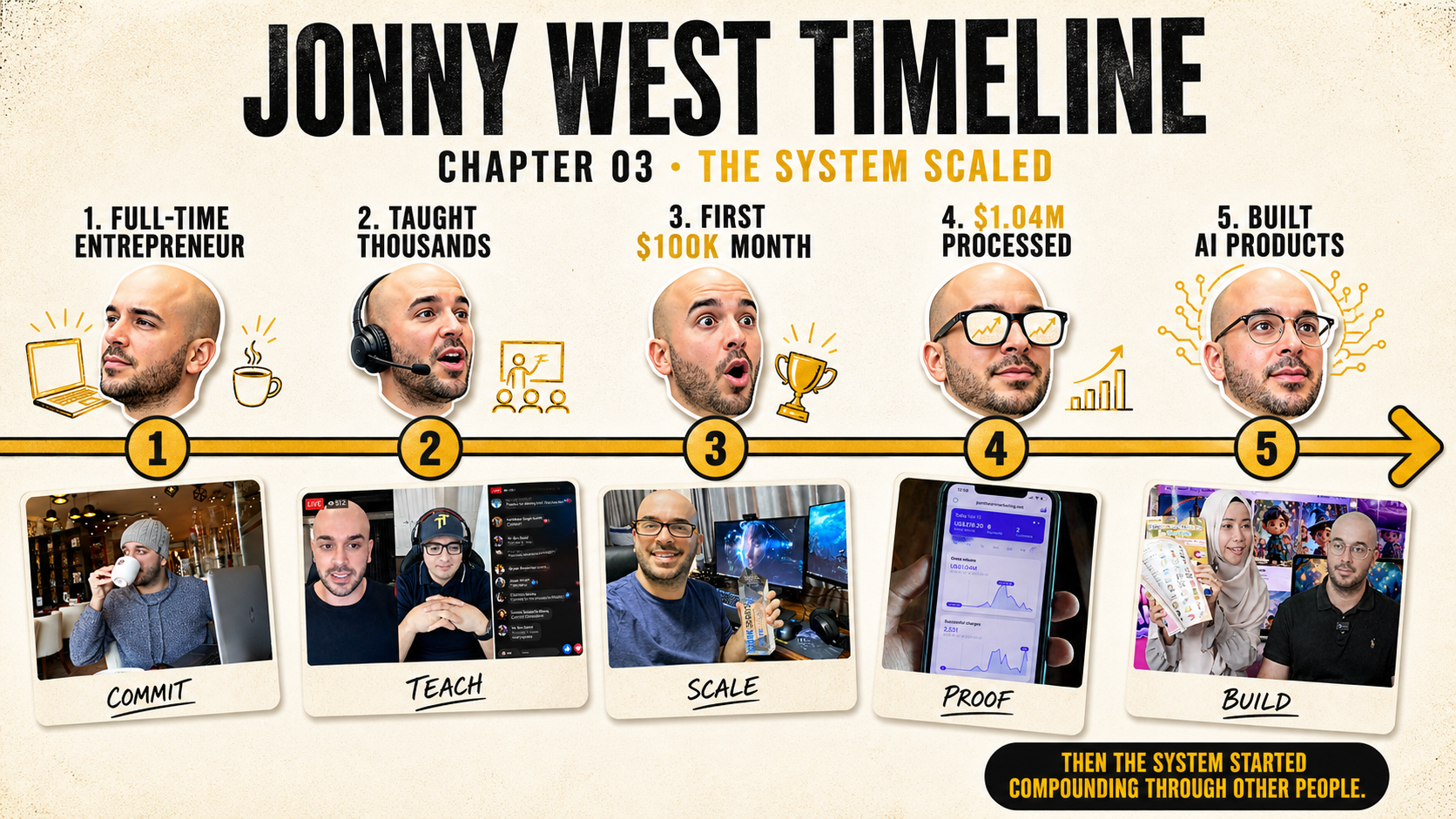

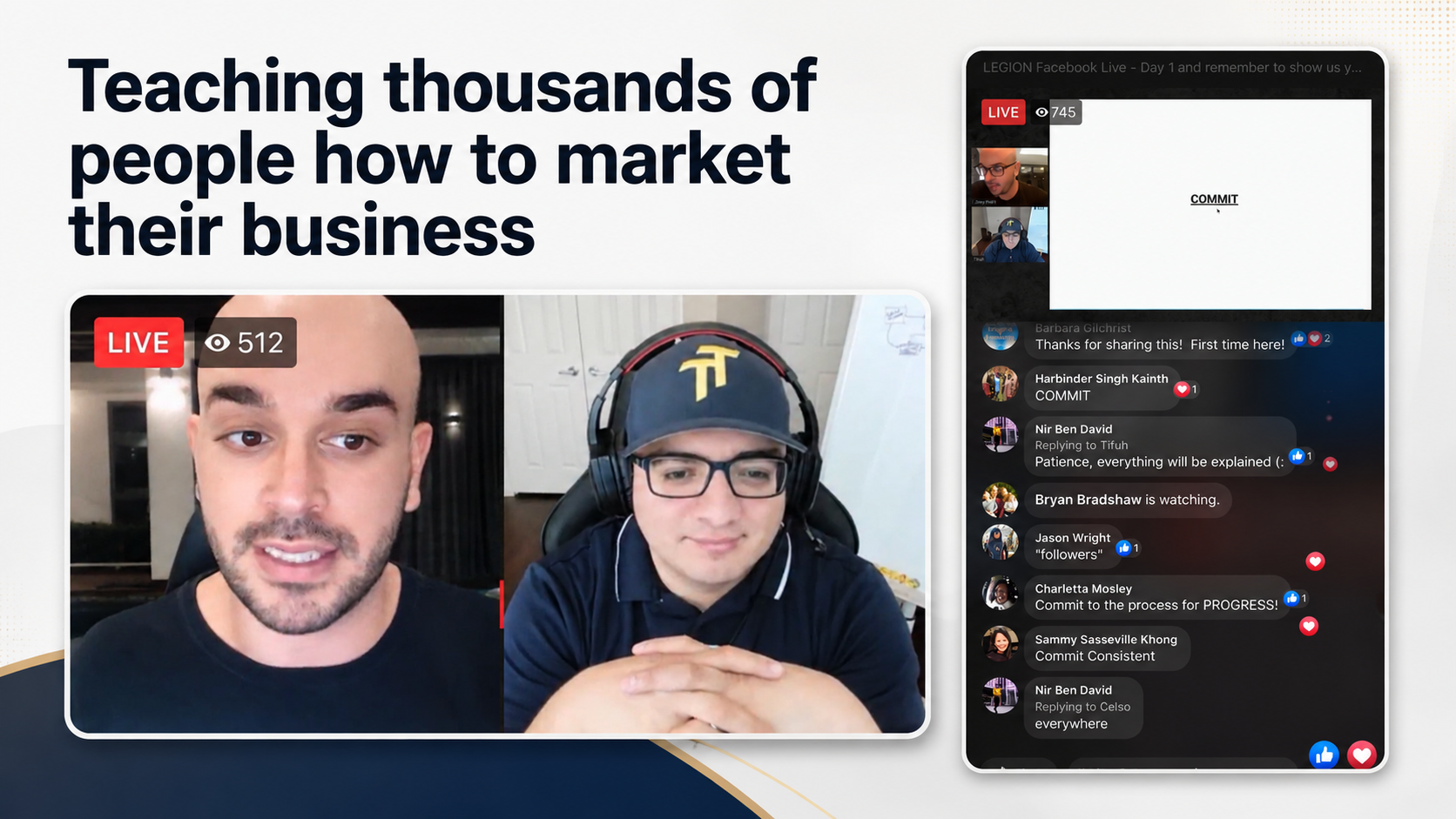


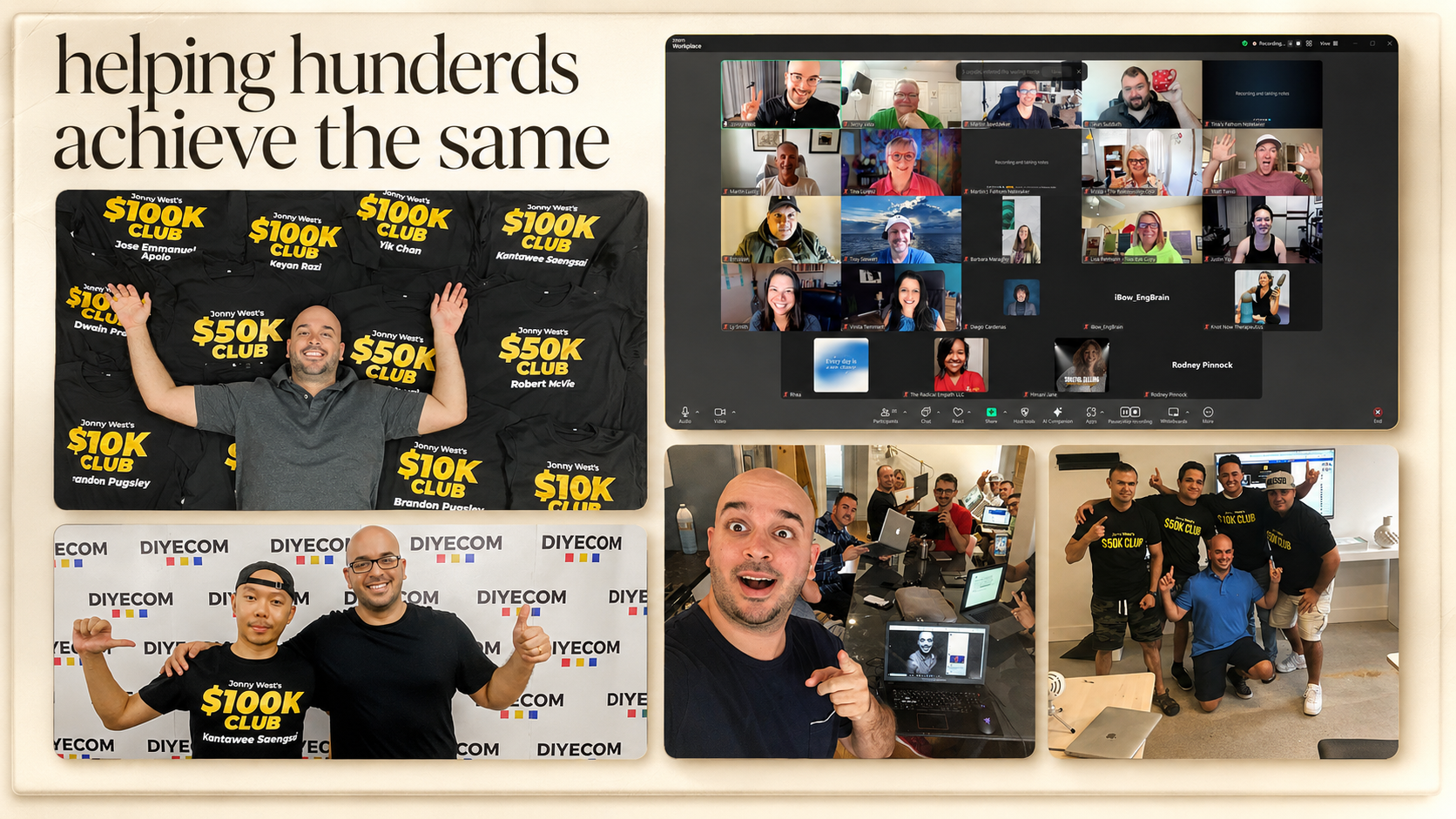

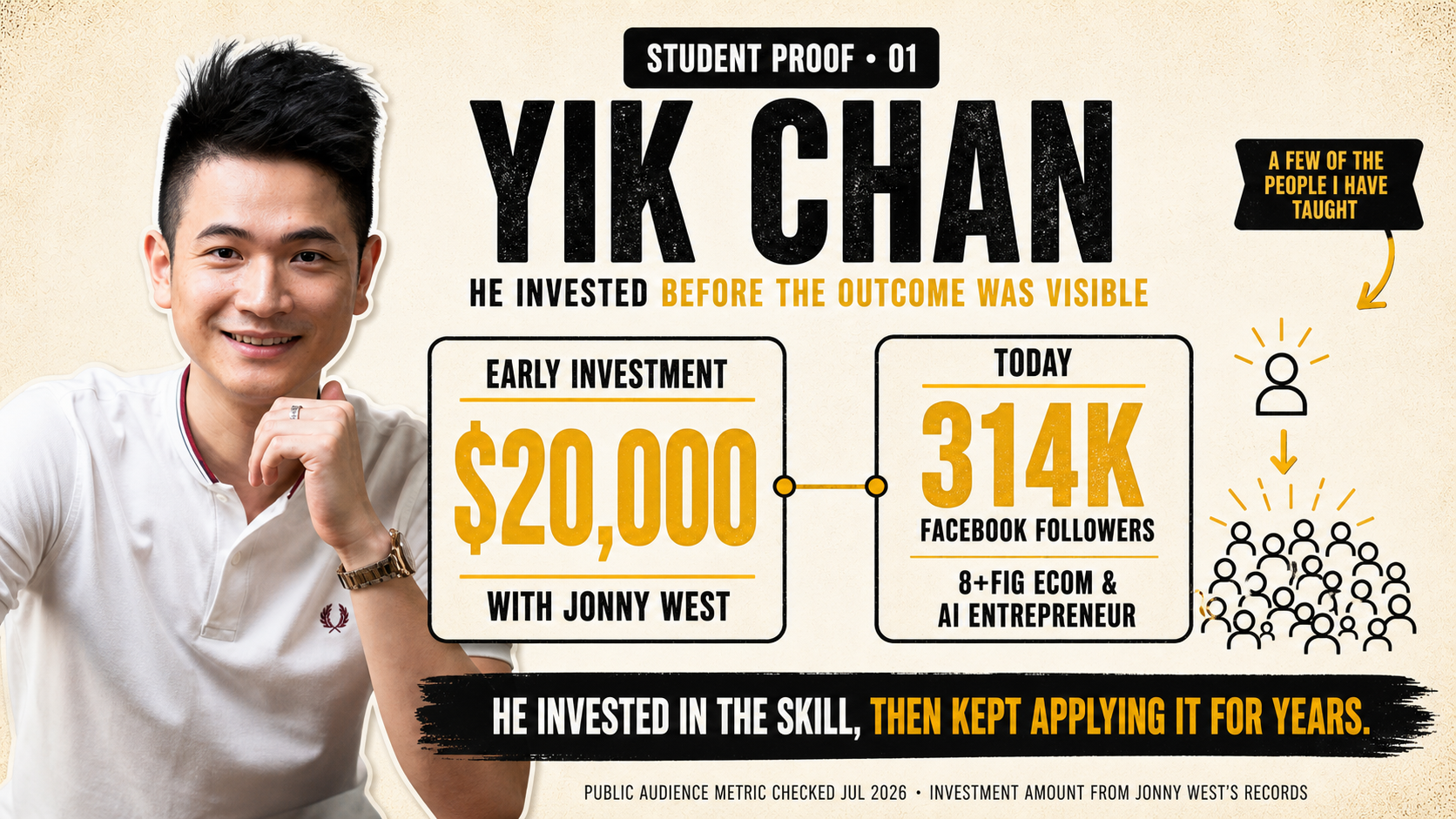
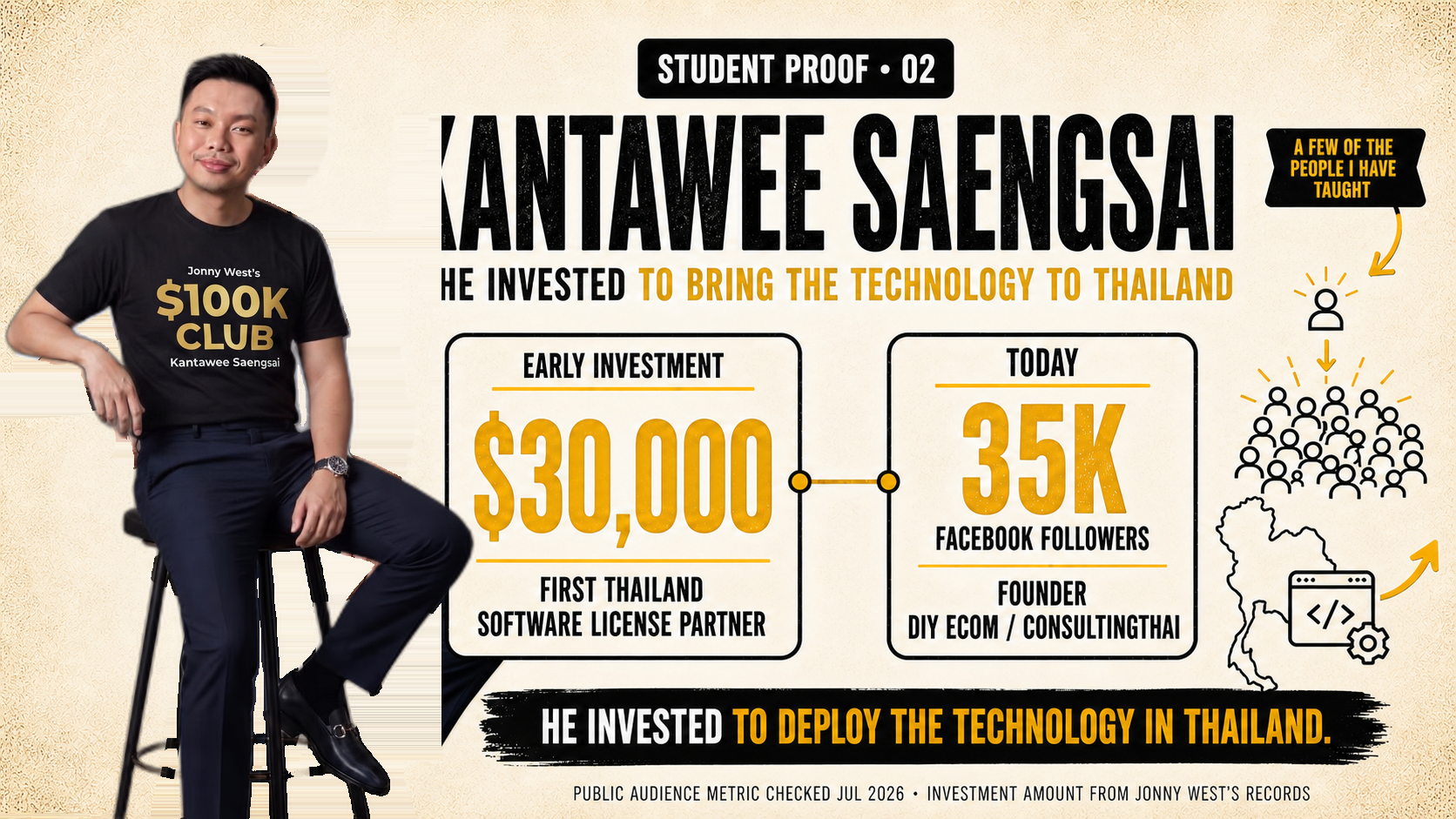

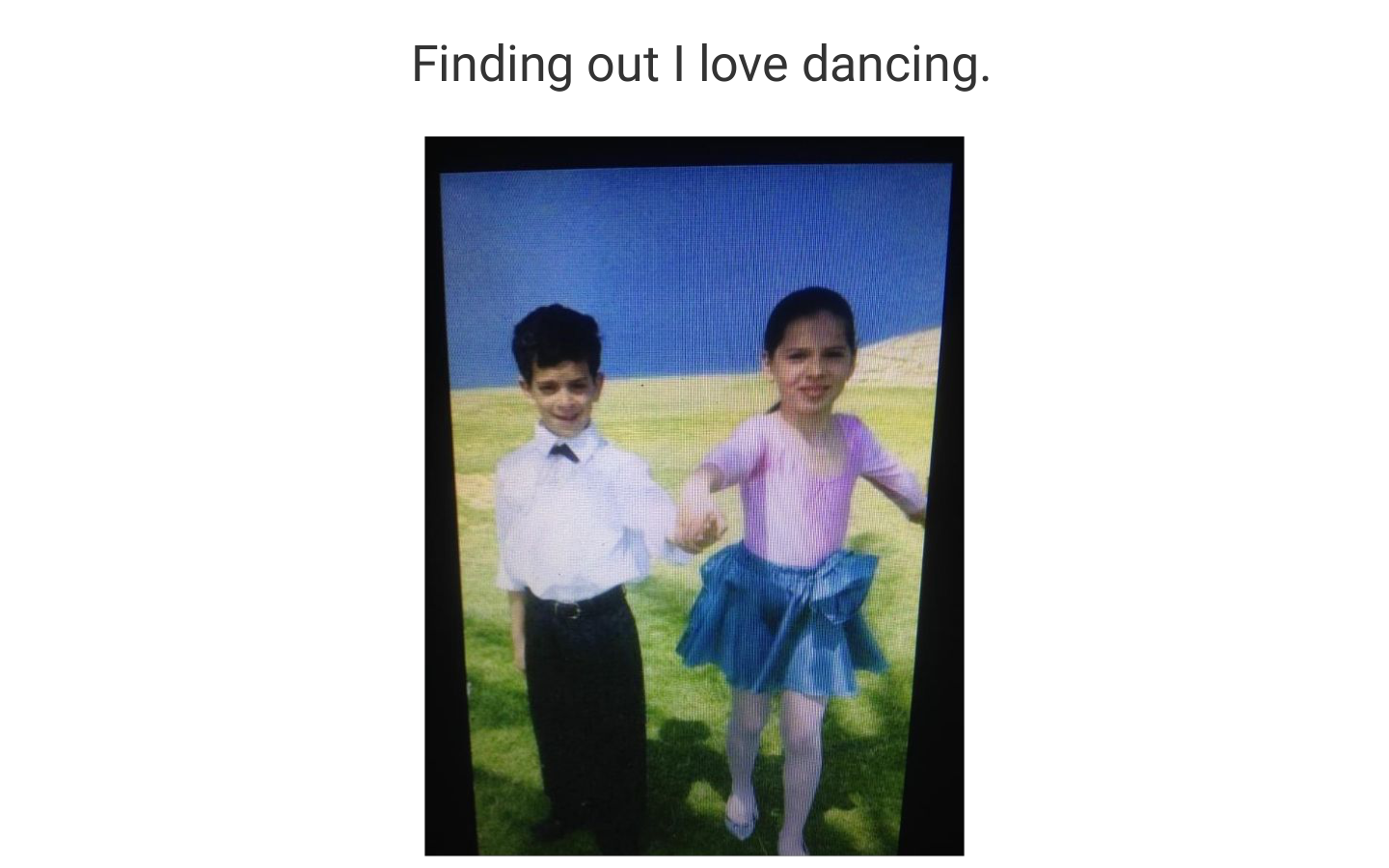
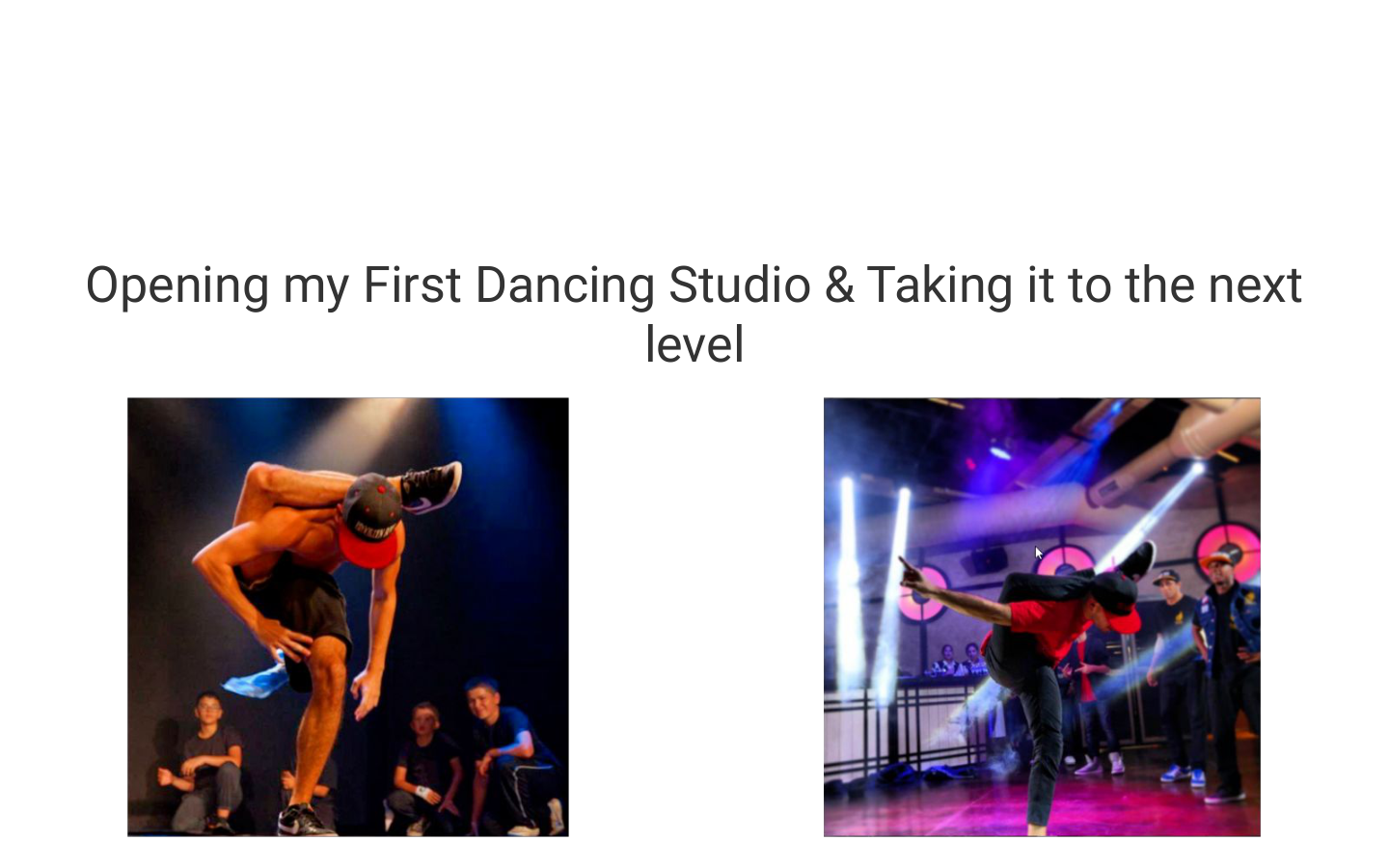
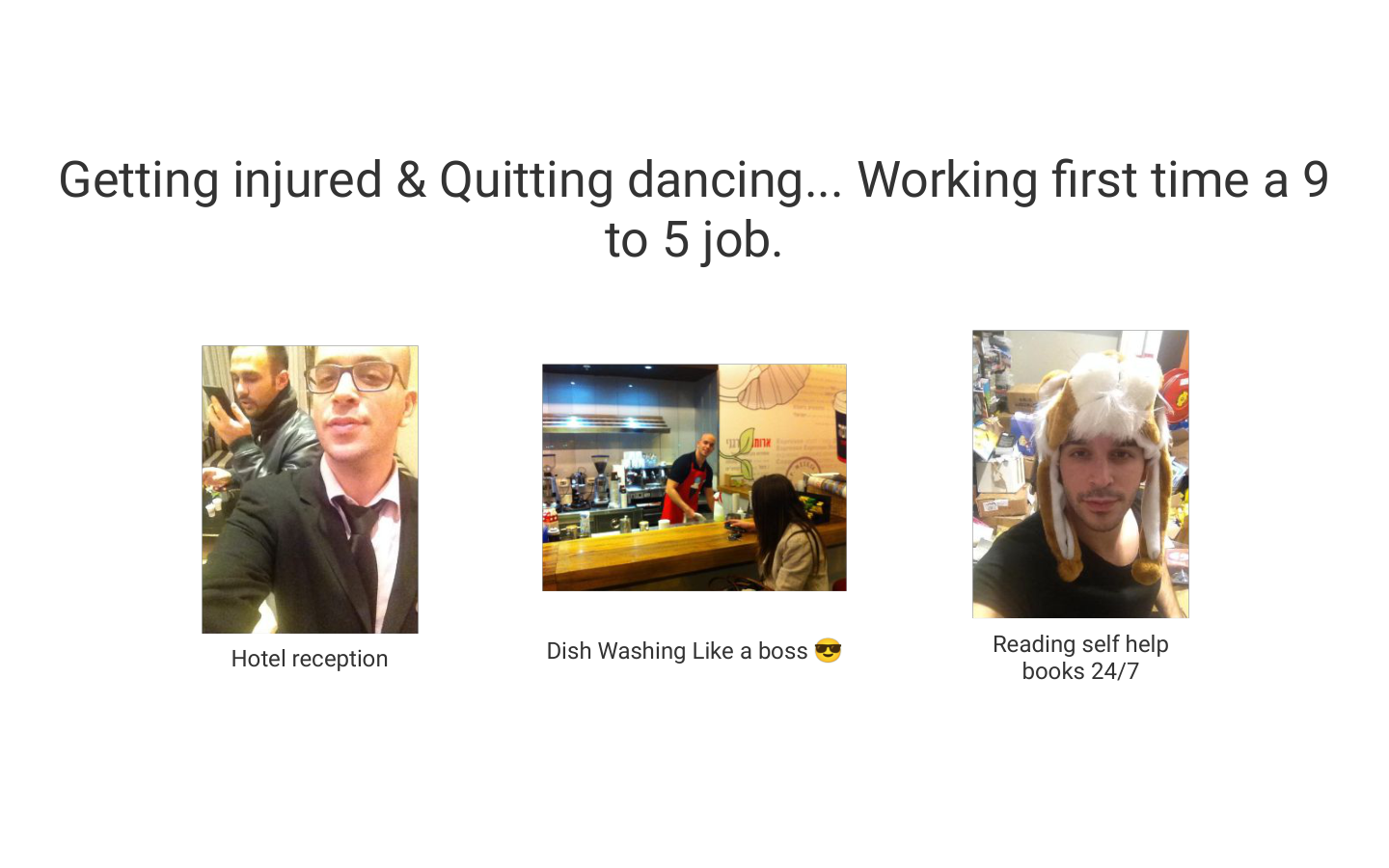
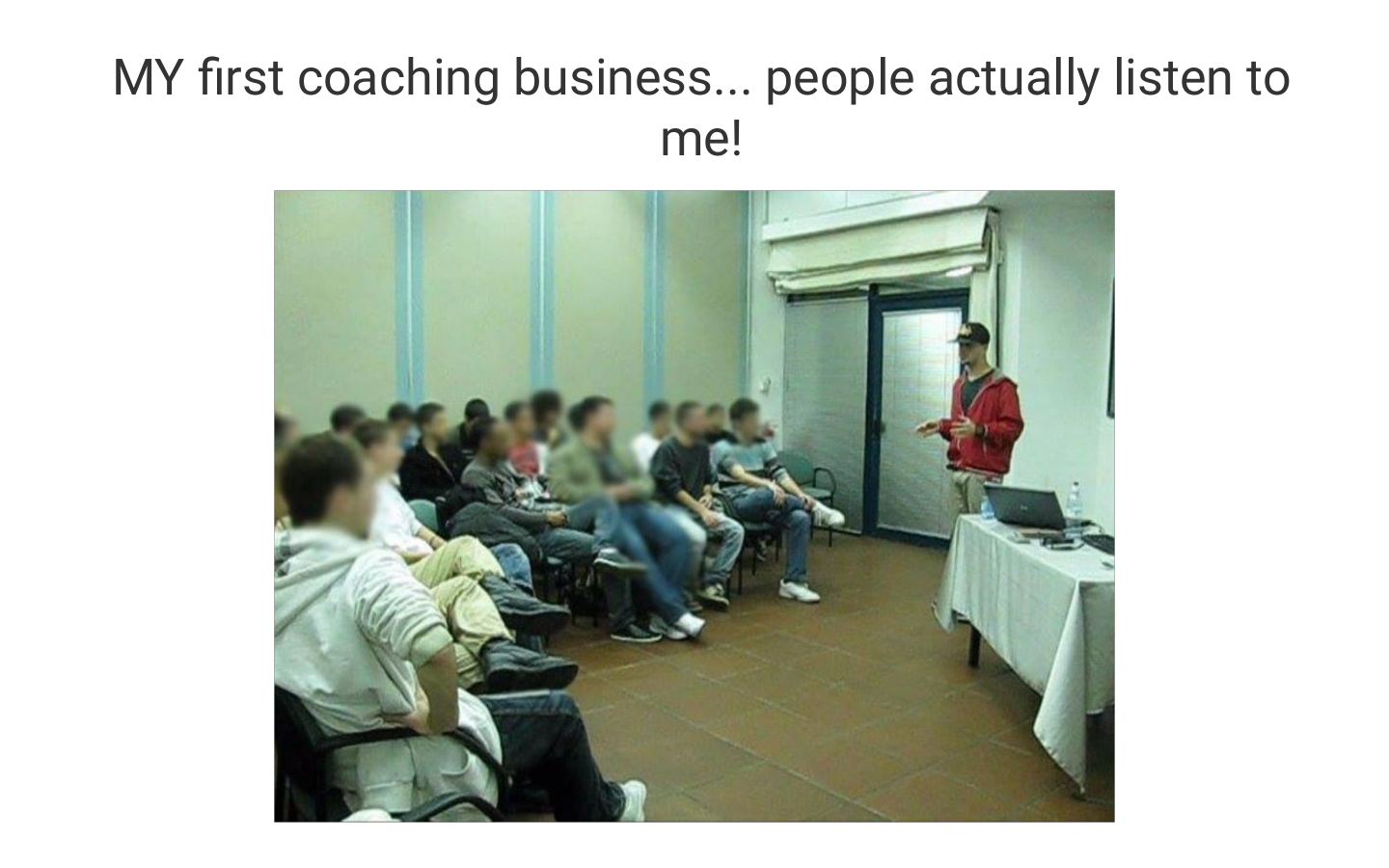

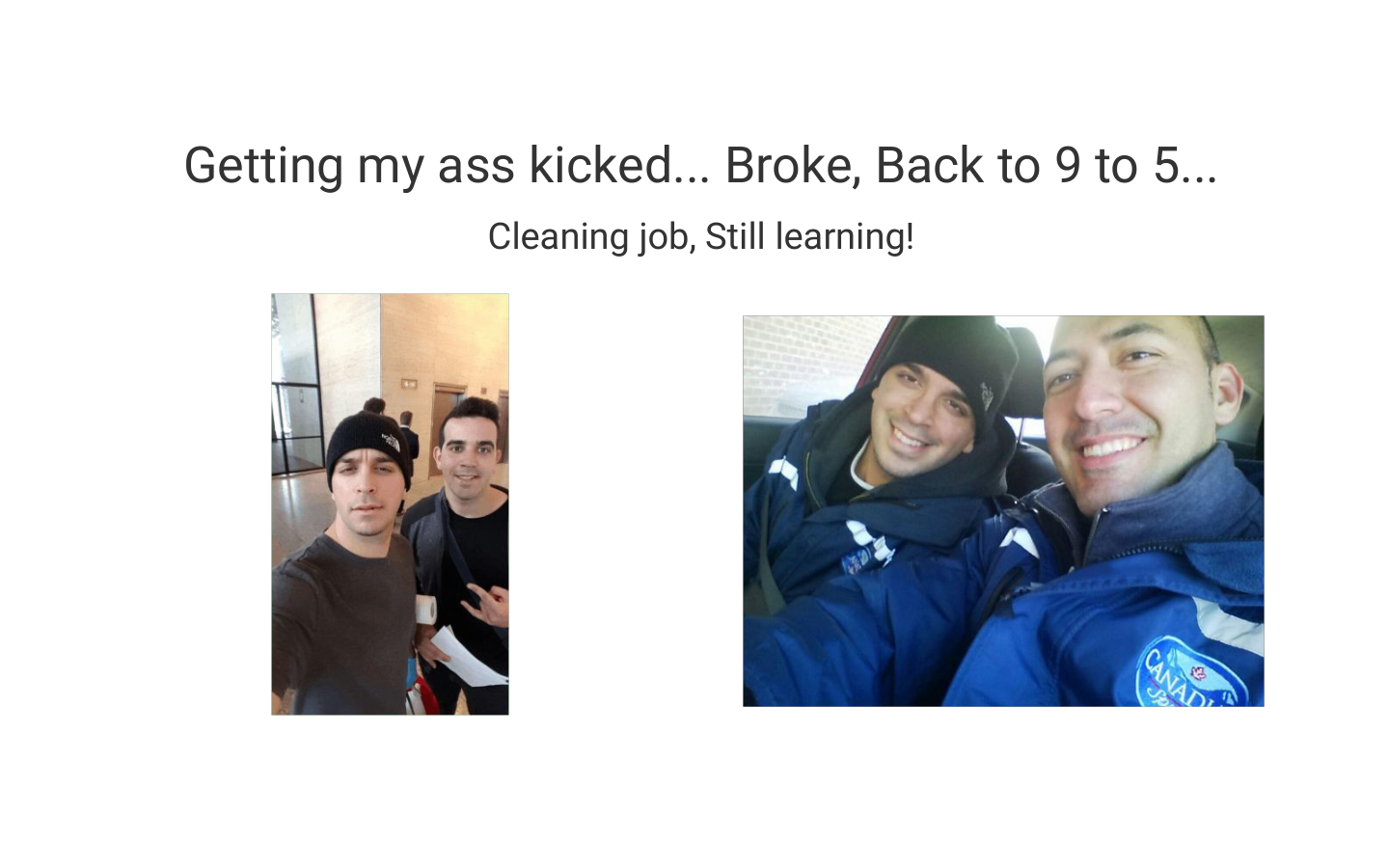
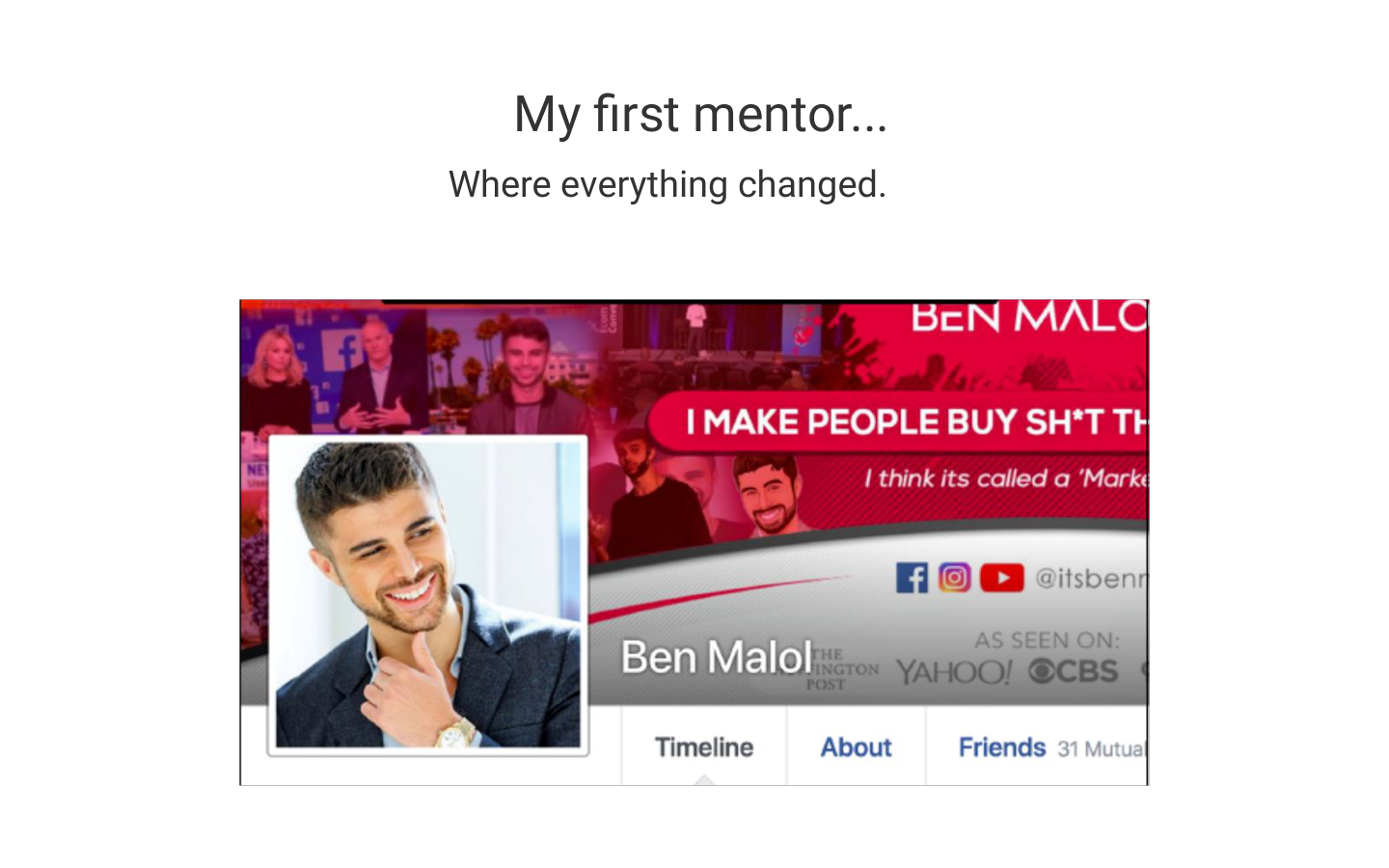
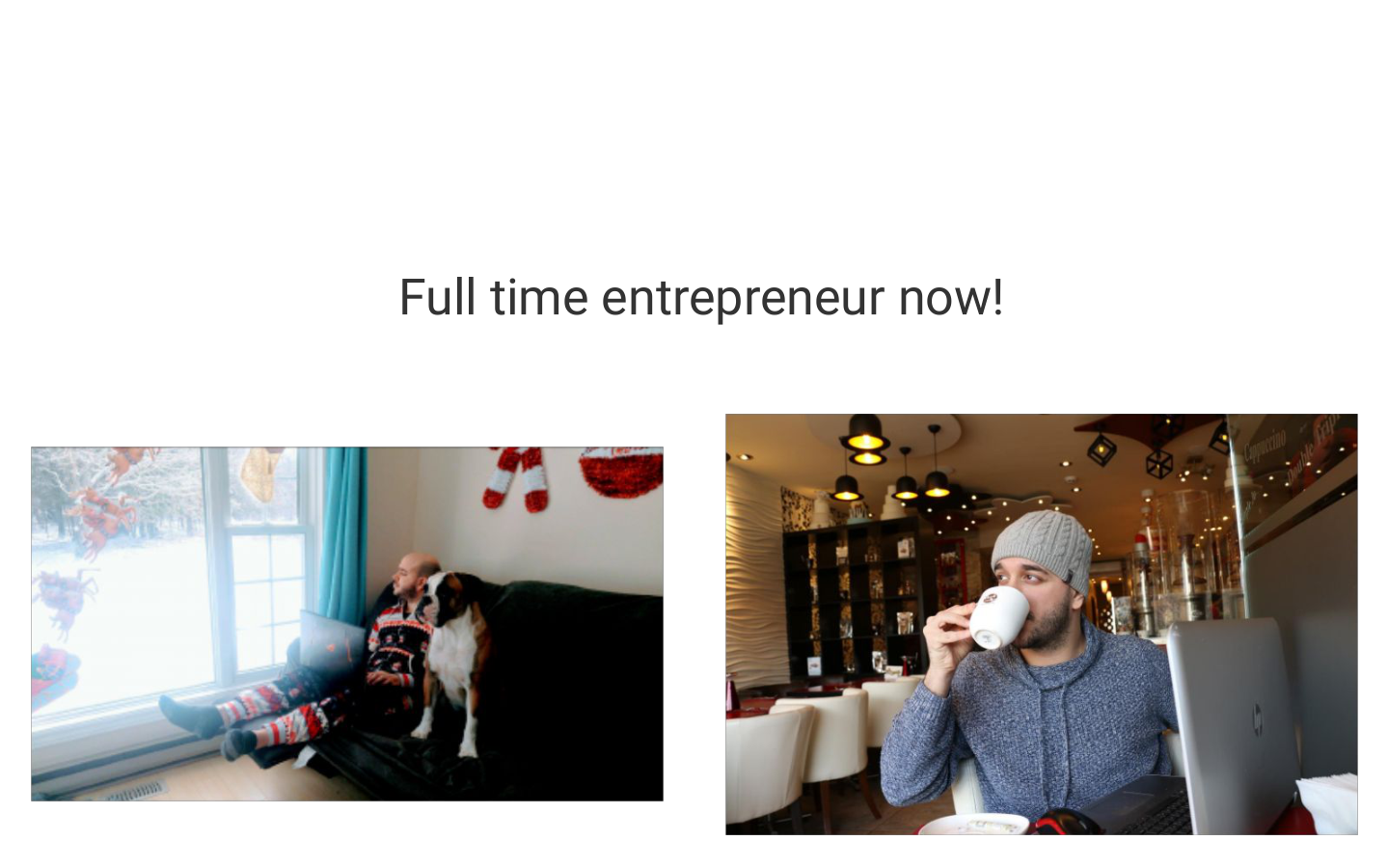
Giving it another go…
And it's working.
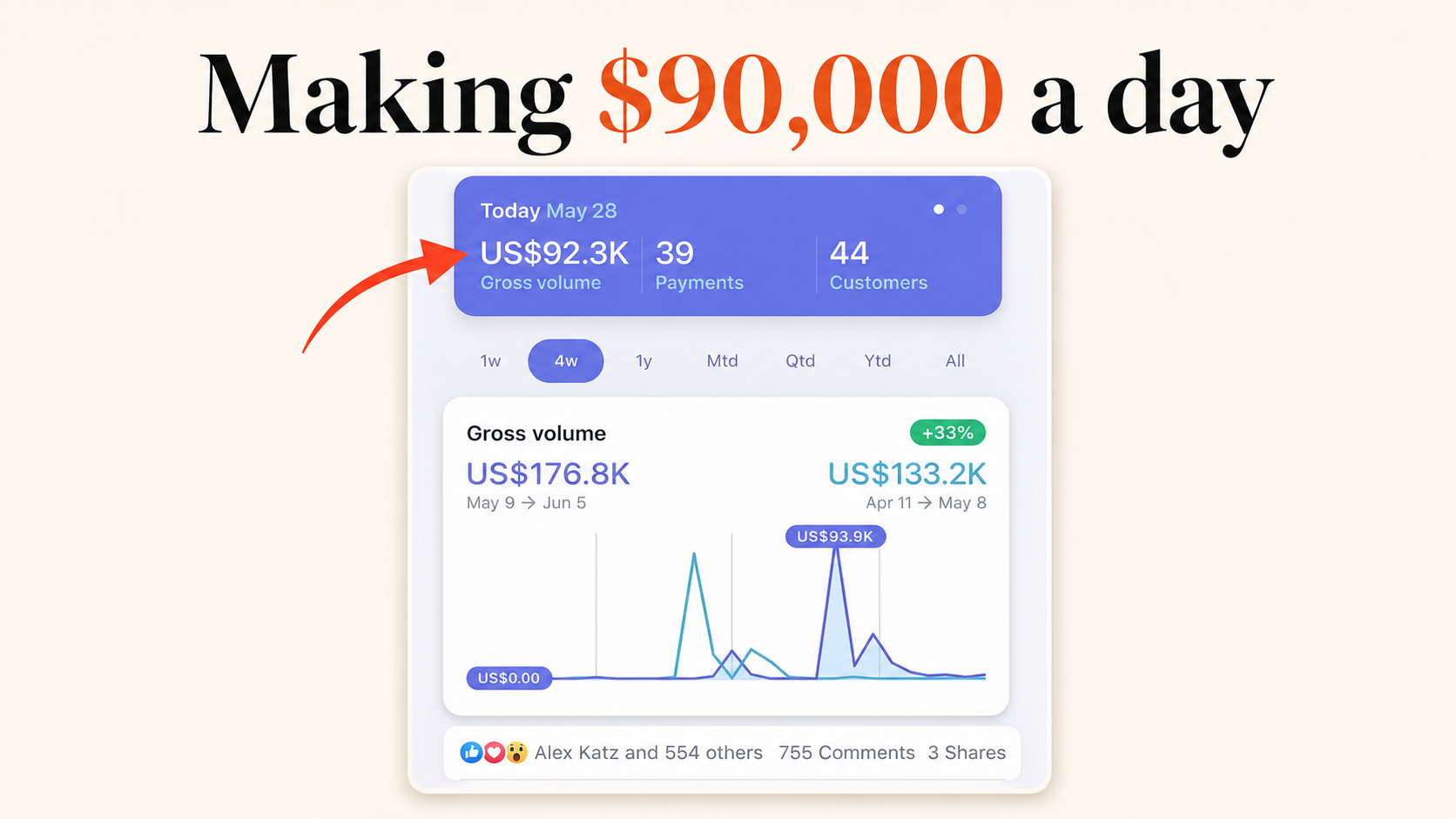
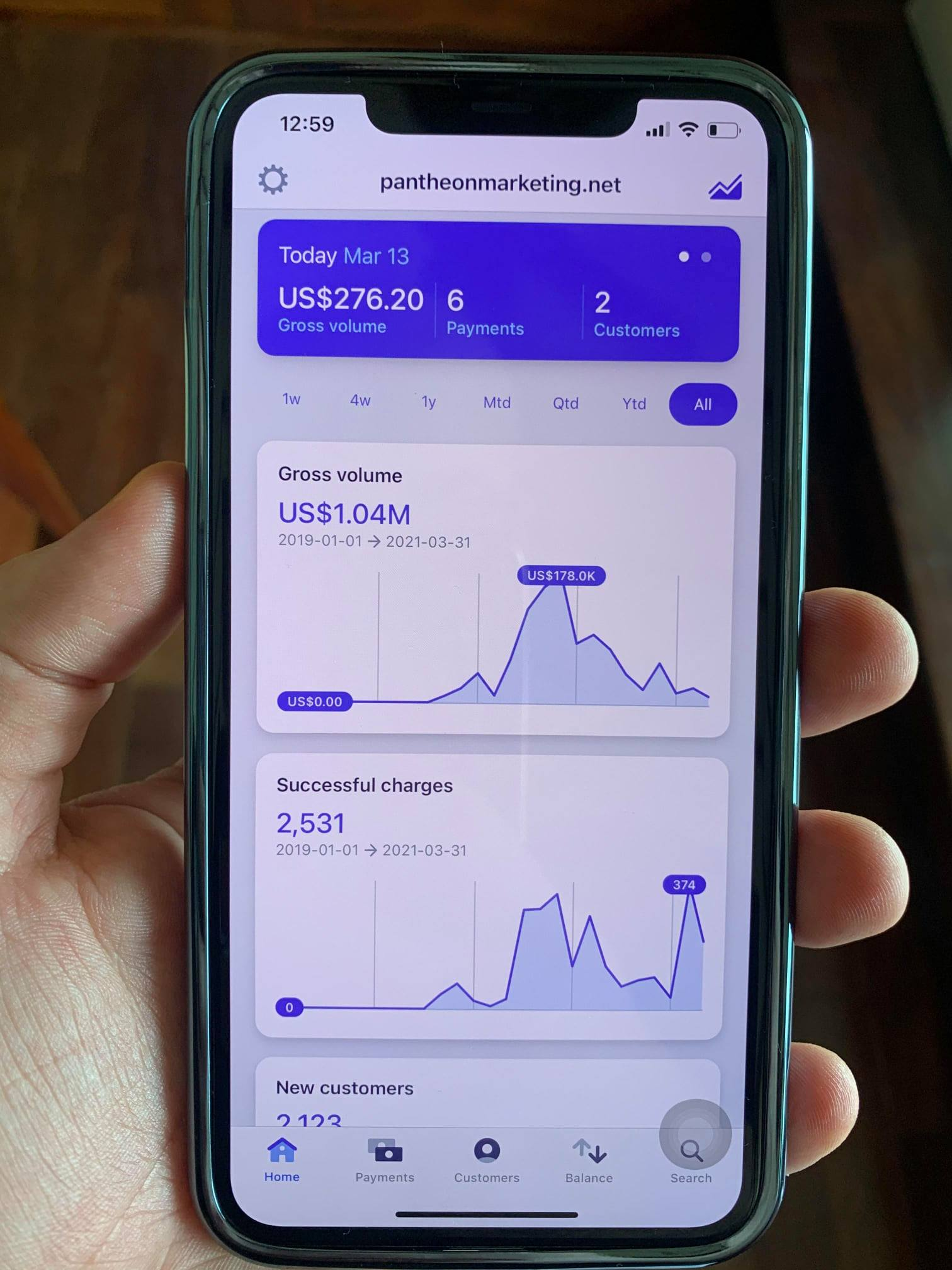
Making my first $100,000 a month.
Then it kept going…
My first million dollar year.
With 85% profit margin. Almost no team. Just systems.
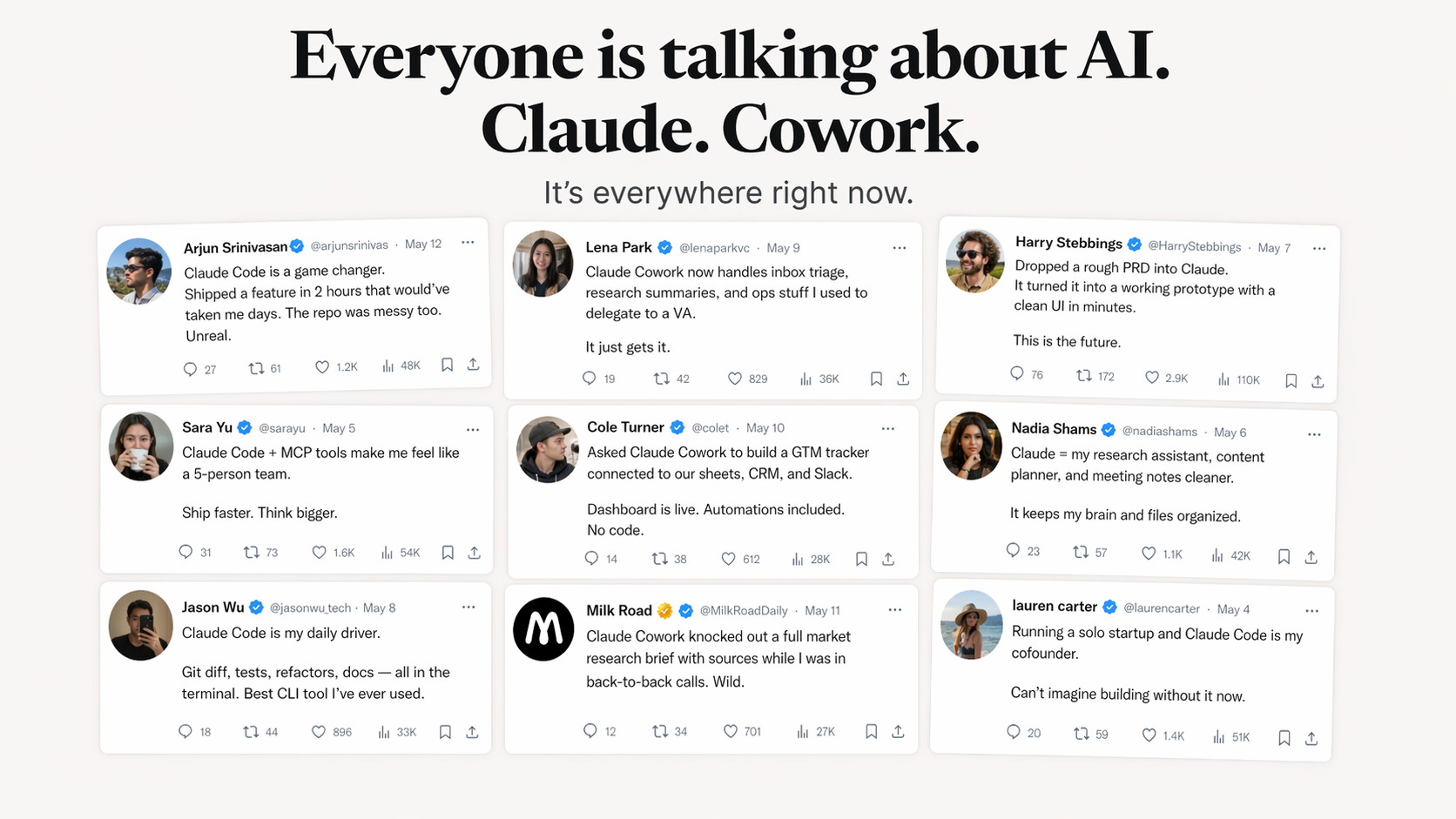
Almost nobody is using it
to its full capability.
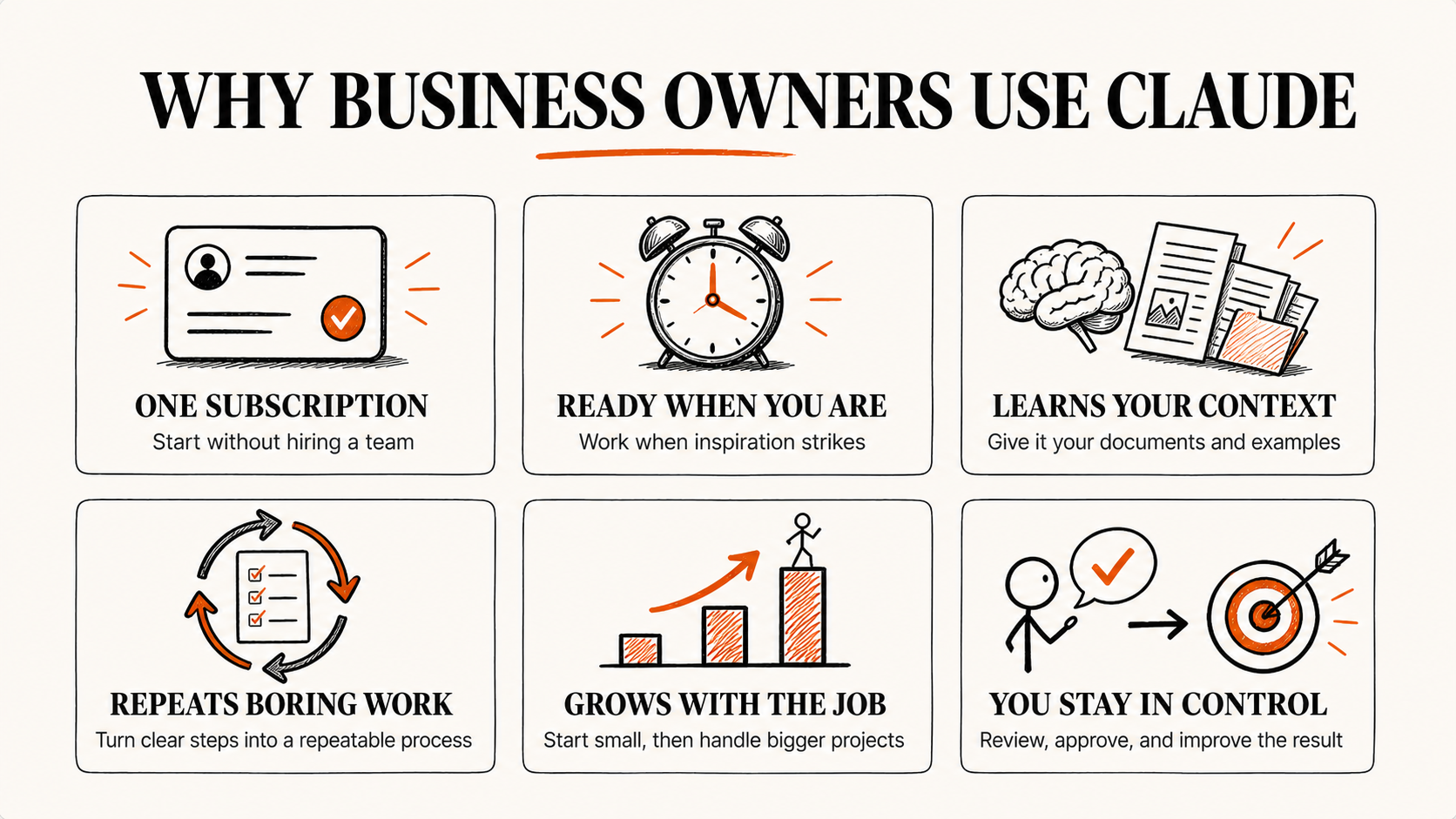
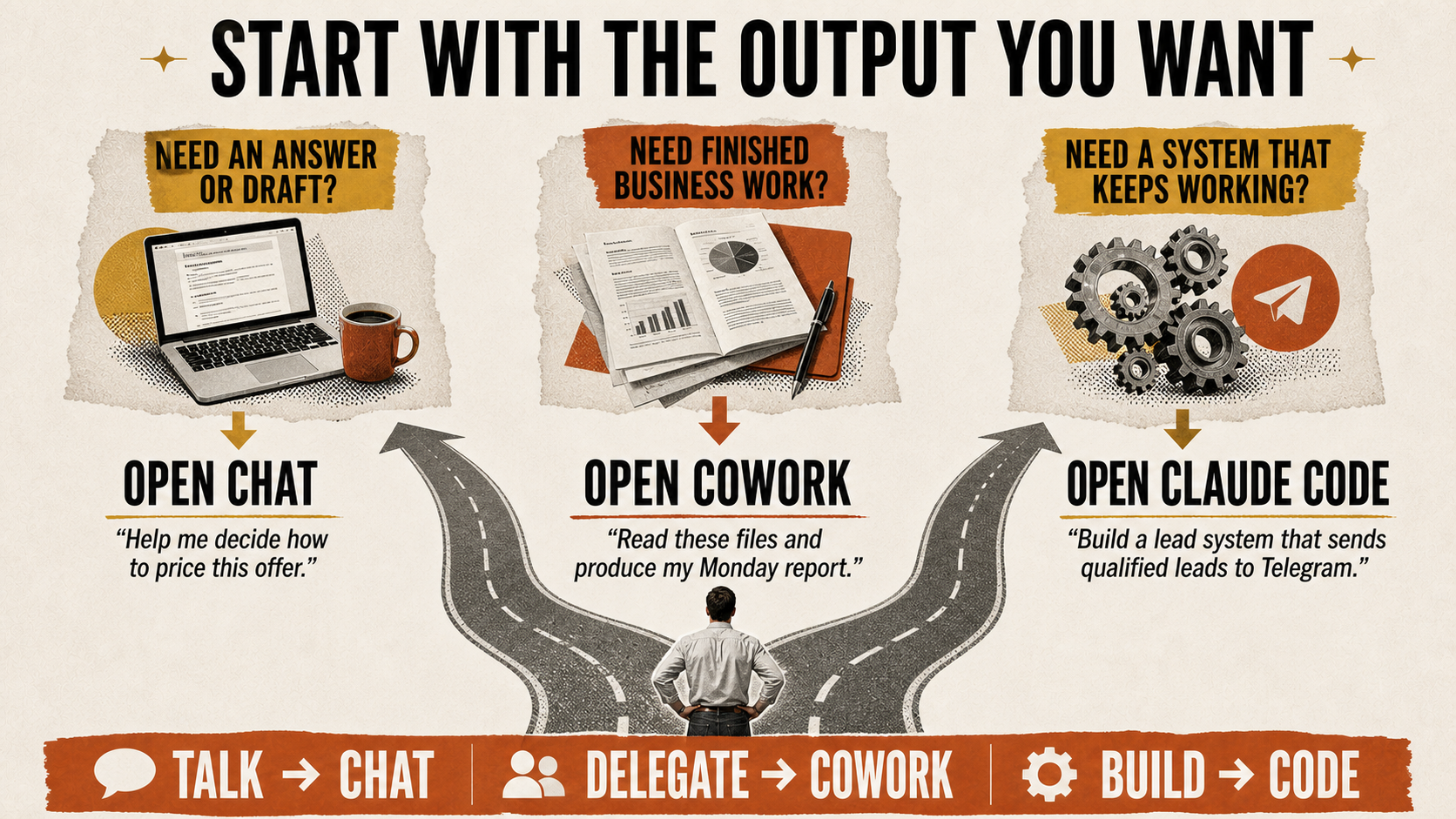
Most people open Claude, ask a question, get a text answer, and close it. That's like buying a Ferrari and only using it to check the clock.
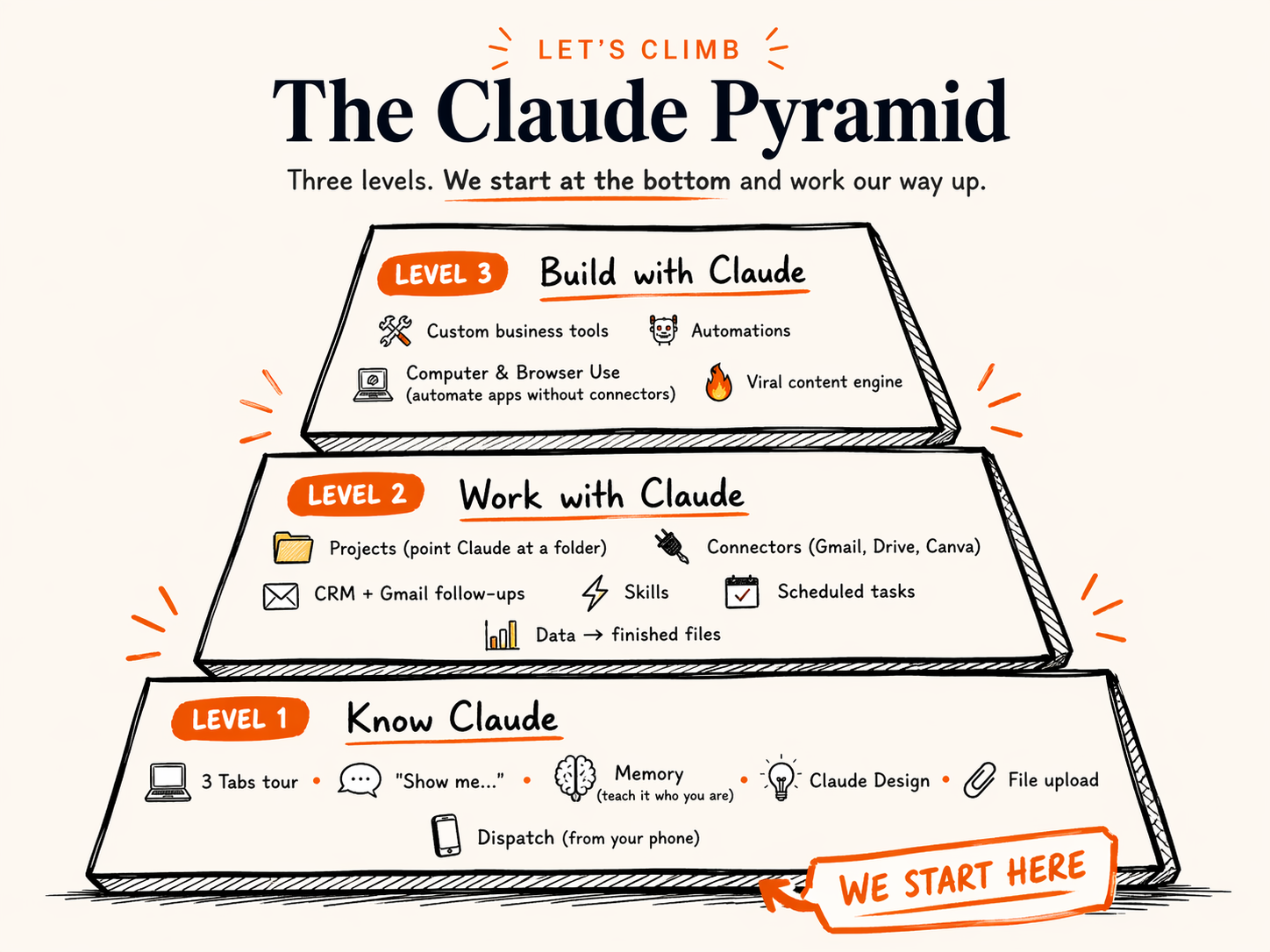
Today's Schedule
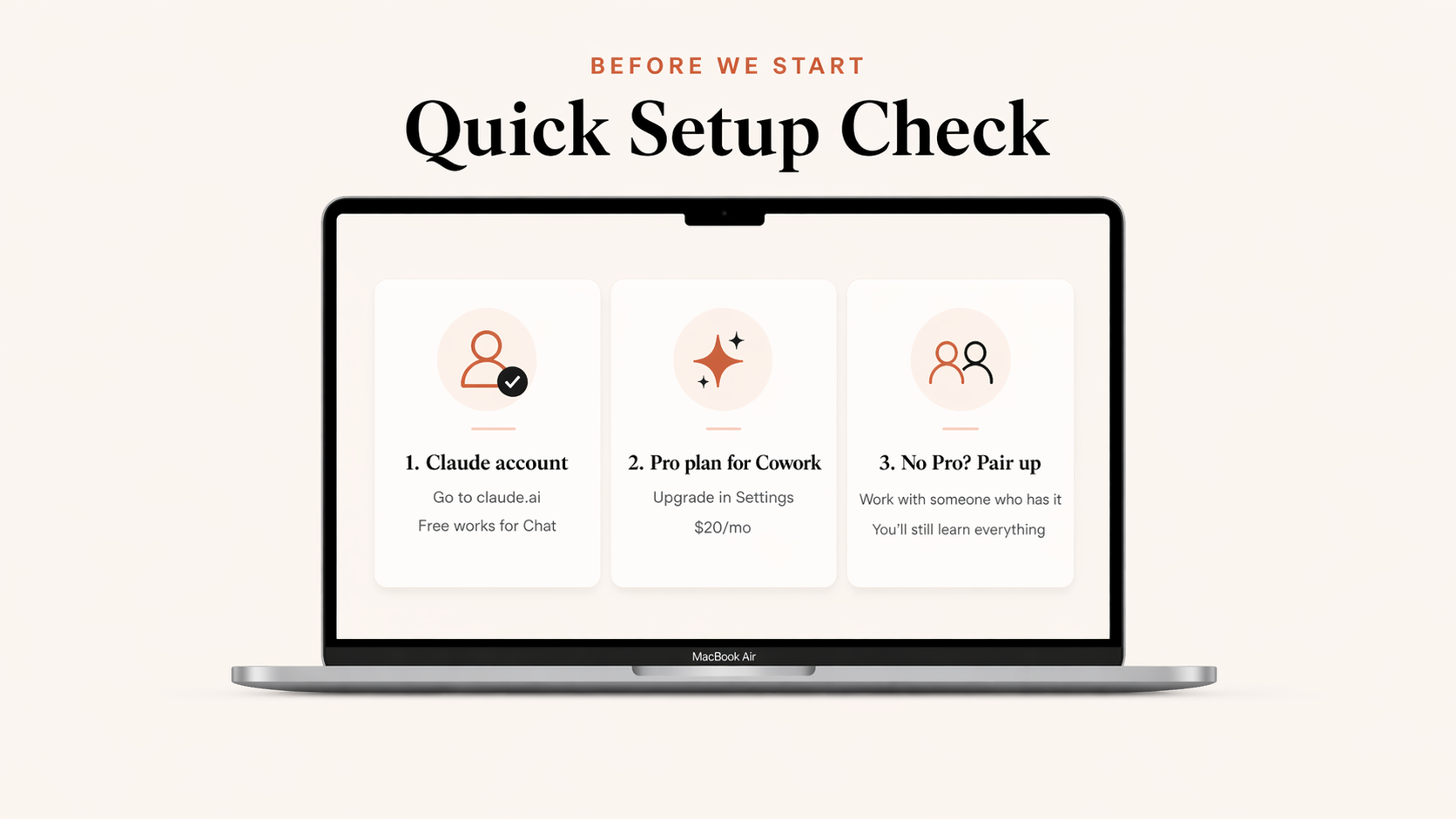
Get on the Wi-Fi. Open Claude.
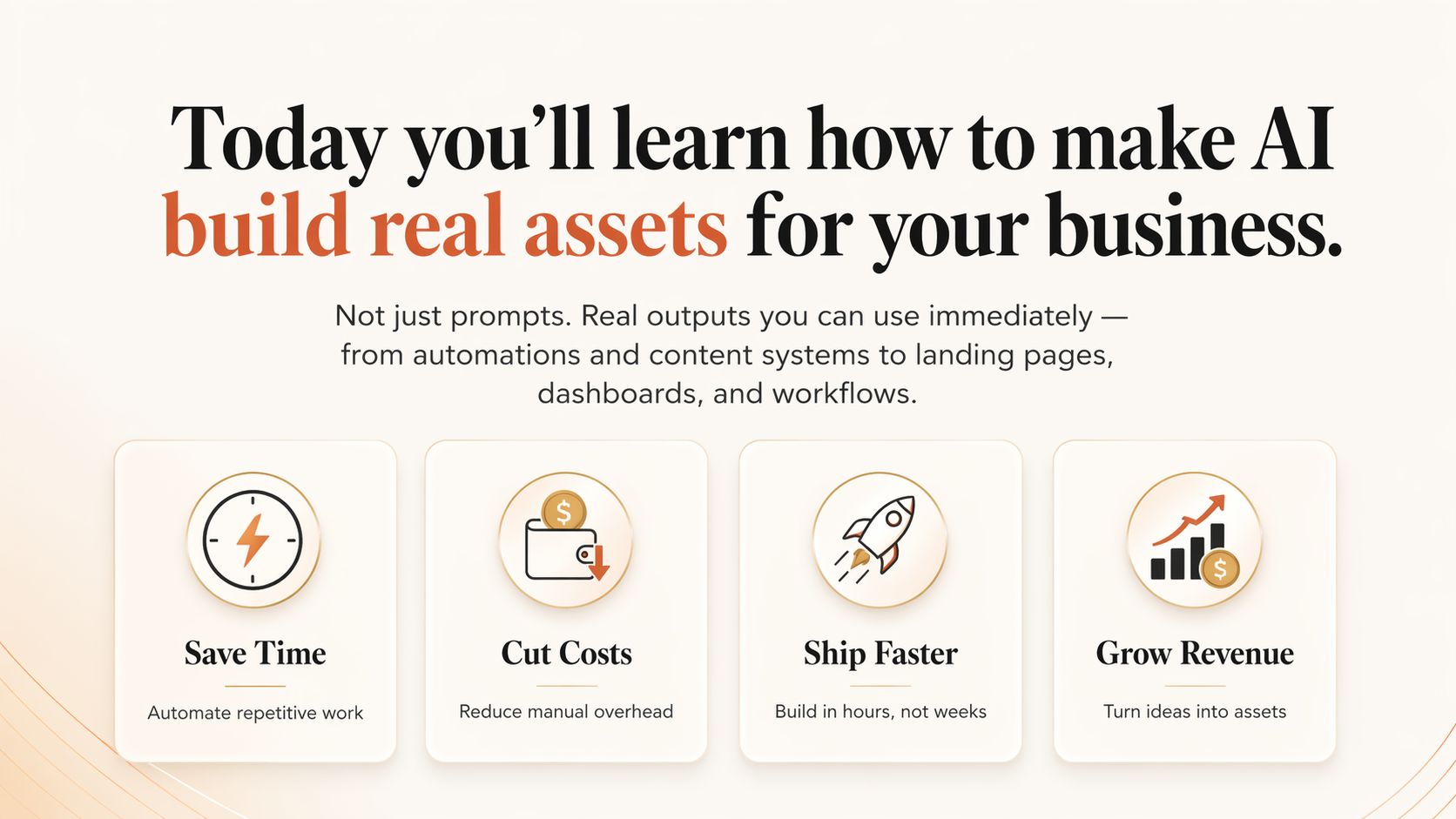
Hands-on. Build a real website and a simple automation from scratch.
Short break. Quick questions with Jonny.
Your own business problem, with guidance.
We'll introduce it. You decide if it's for you.
Drinks and networking.
With Jonny. VIP ticket holders only. Until 4:00.
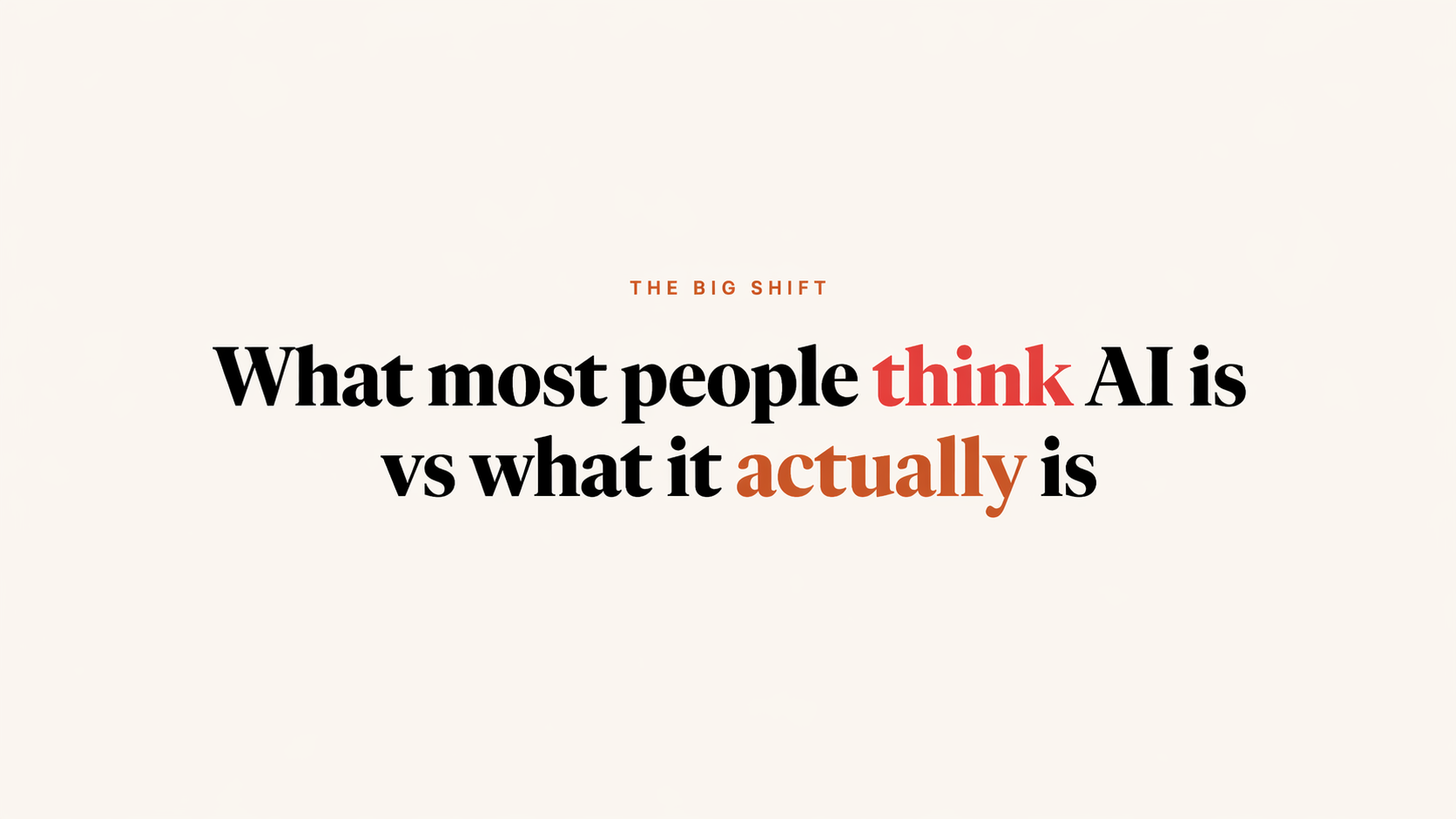
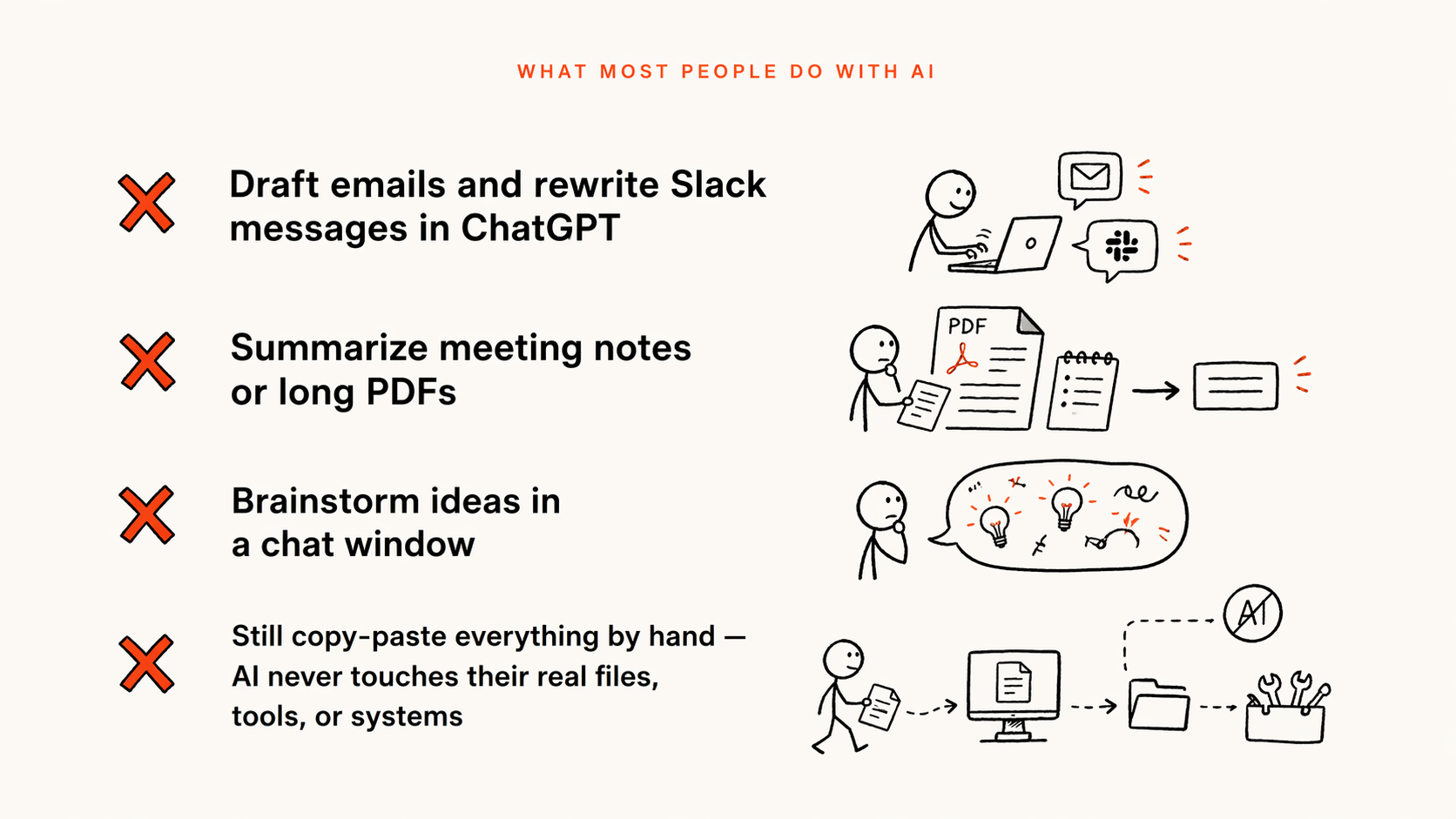
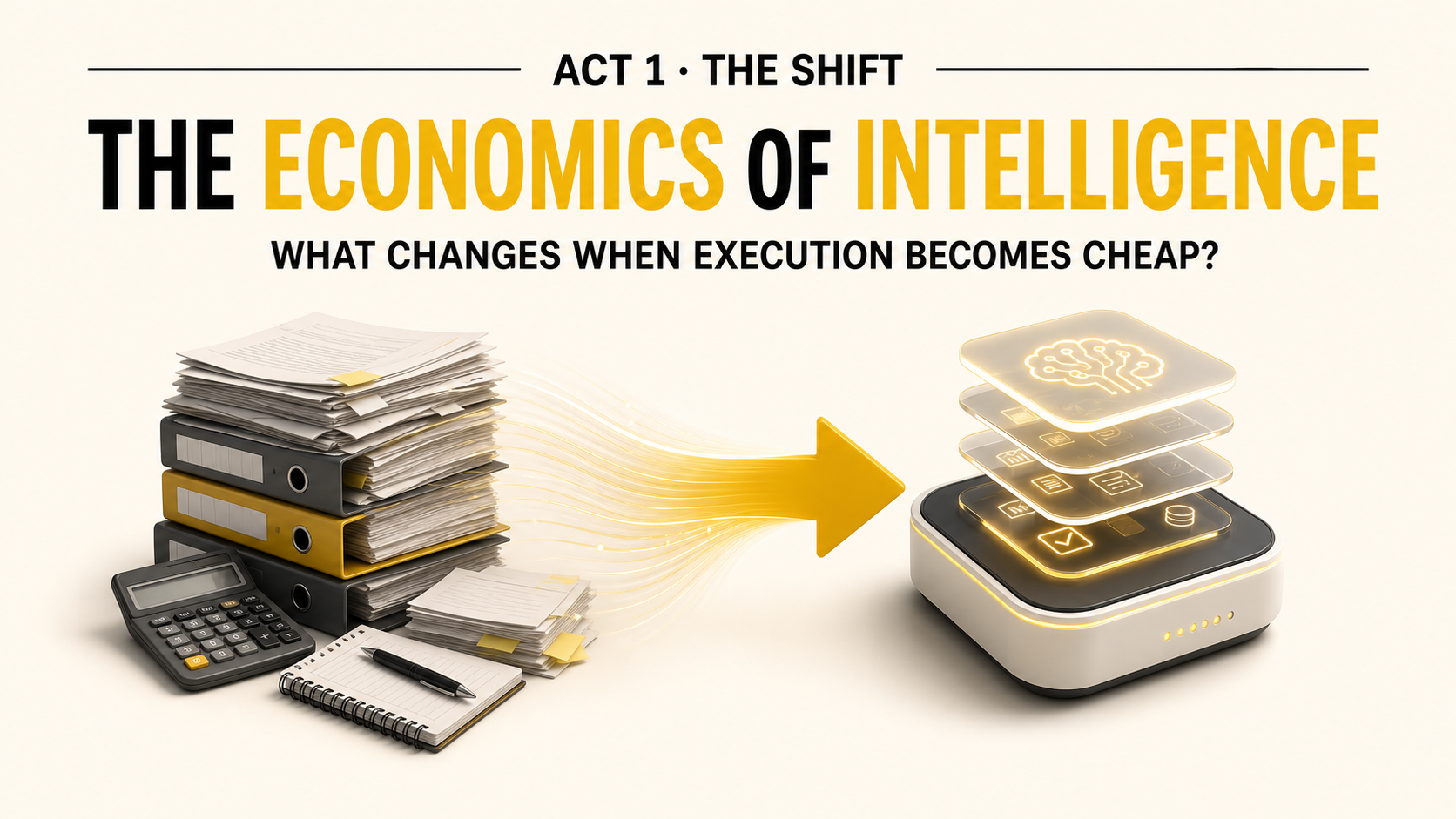
The Shift
But here's what Claude can actually do for you.
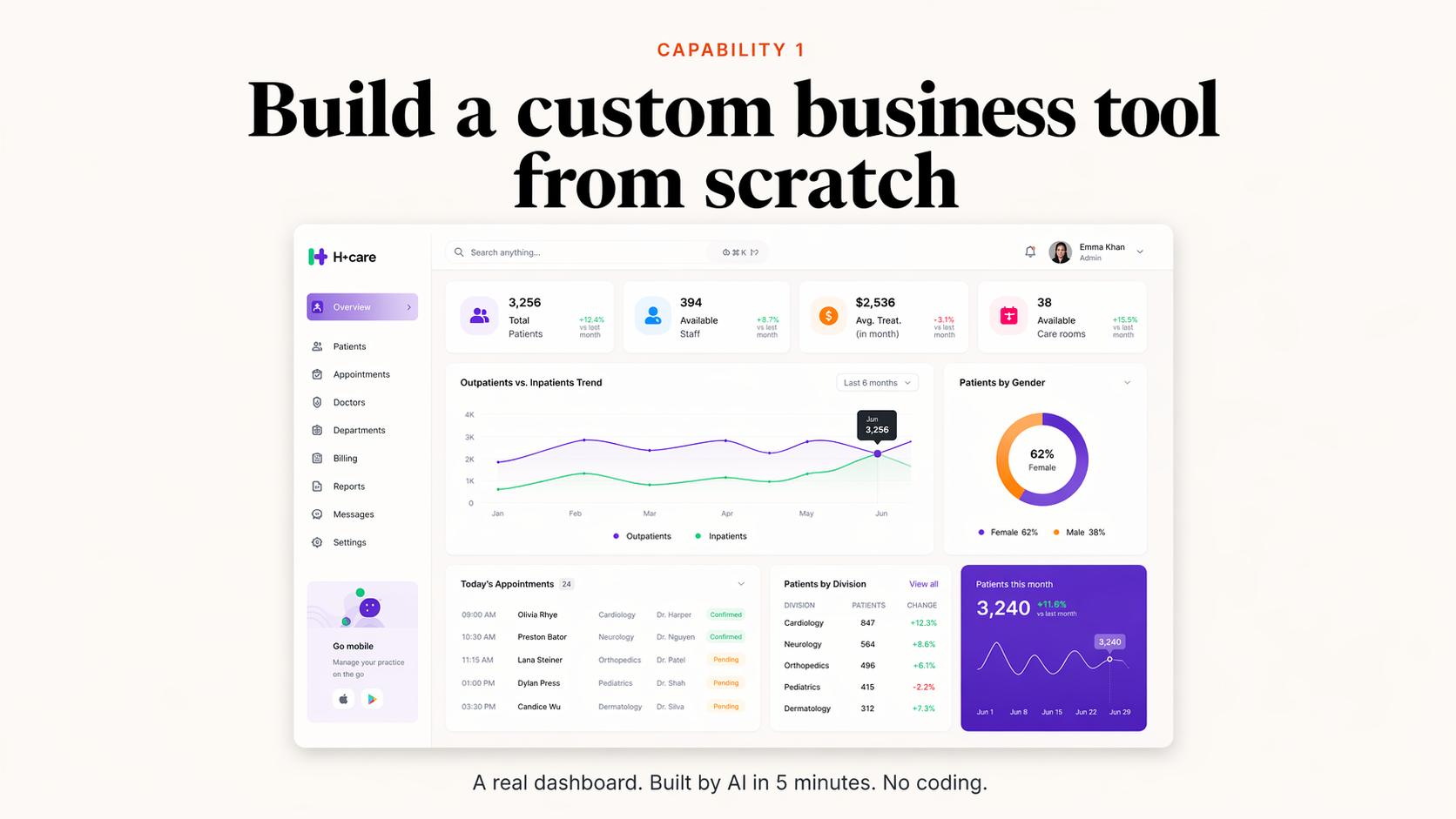
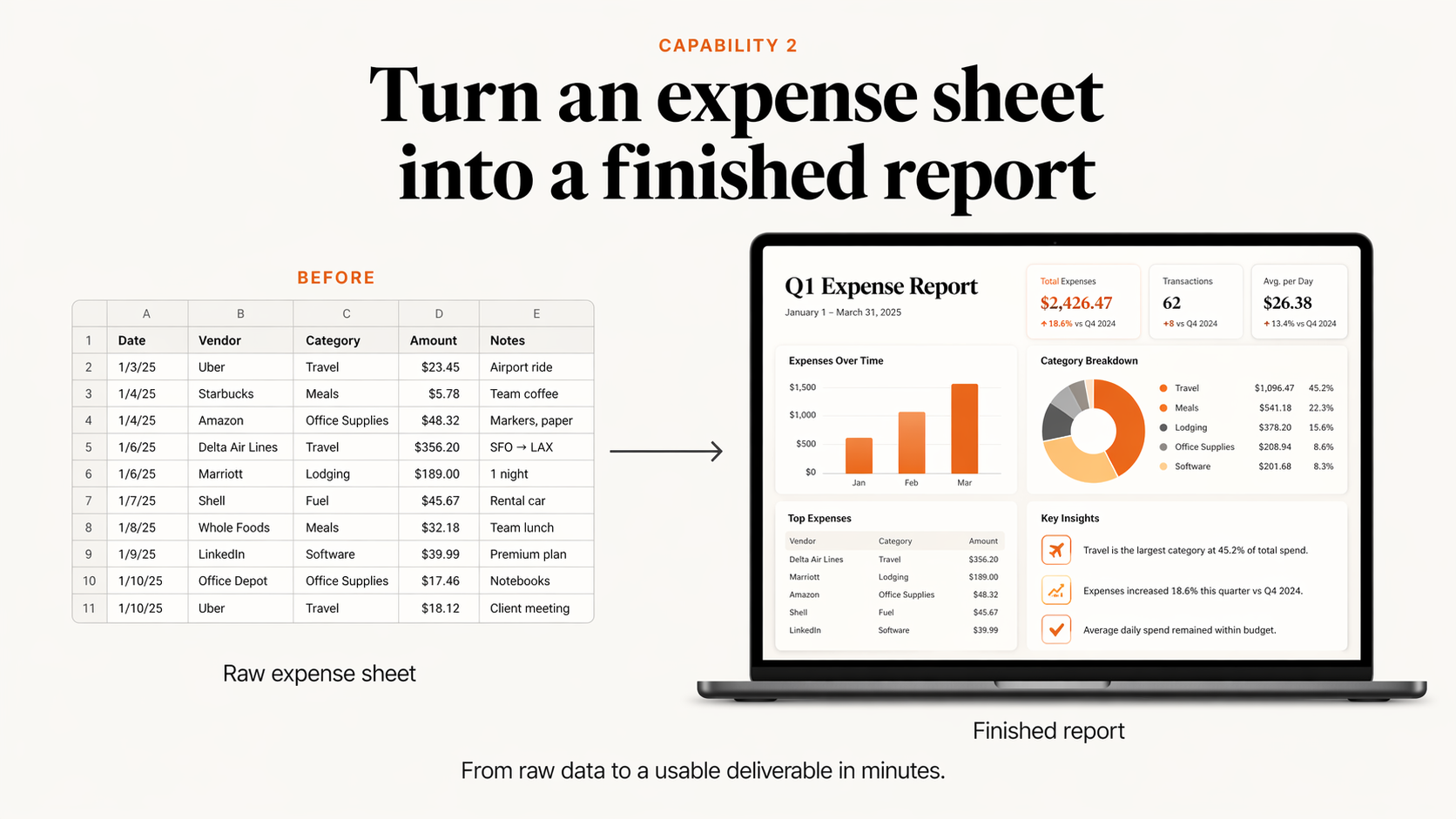
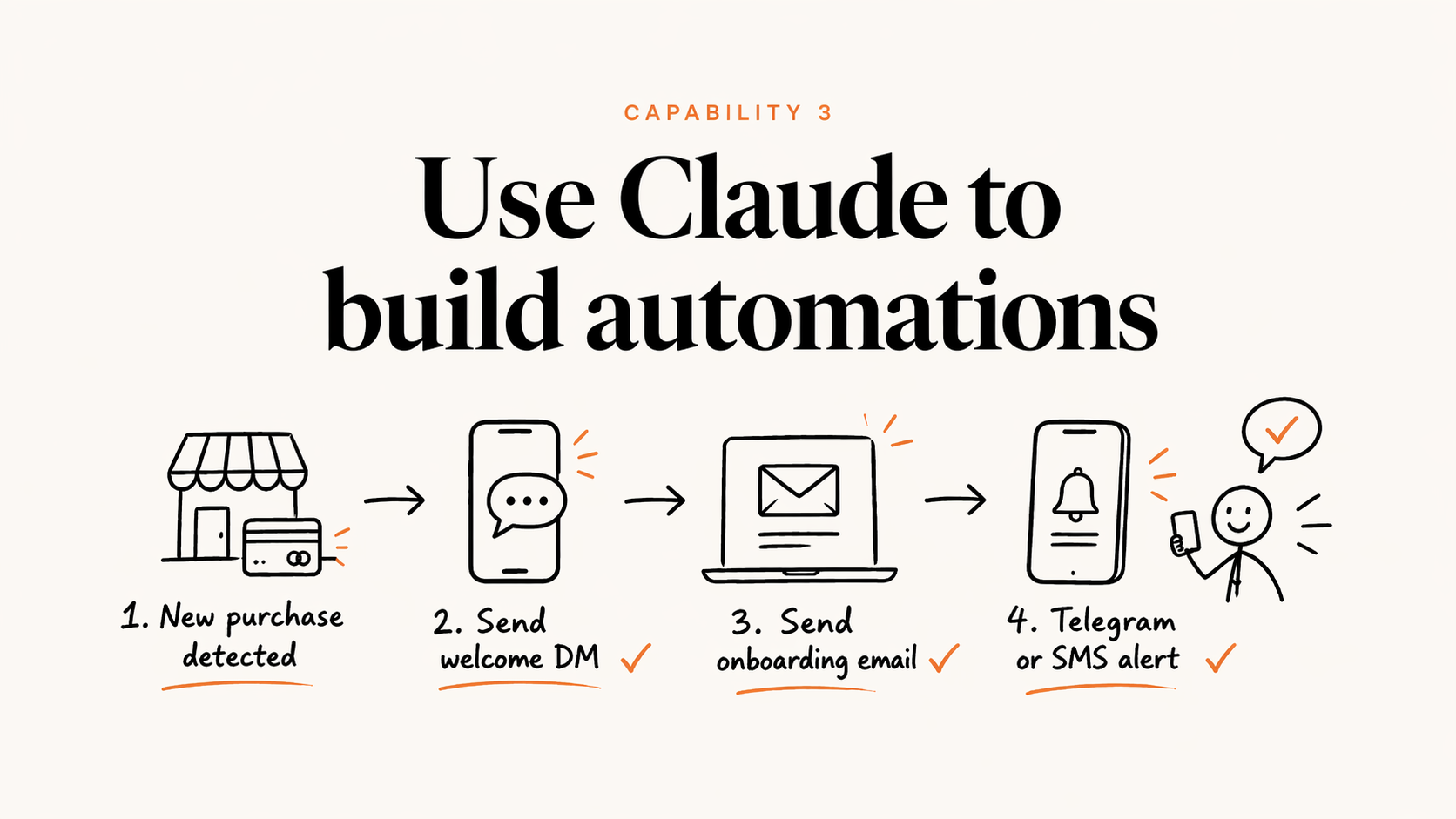
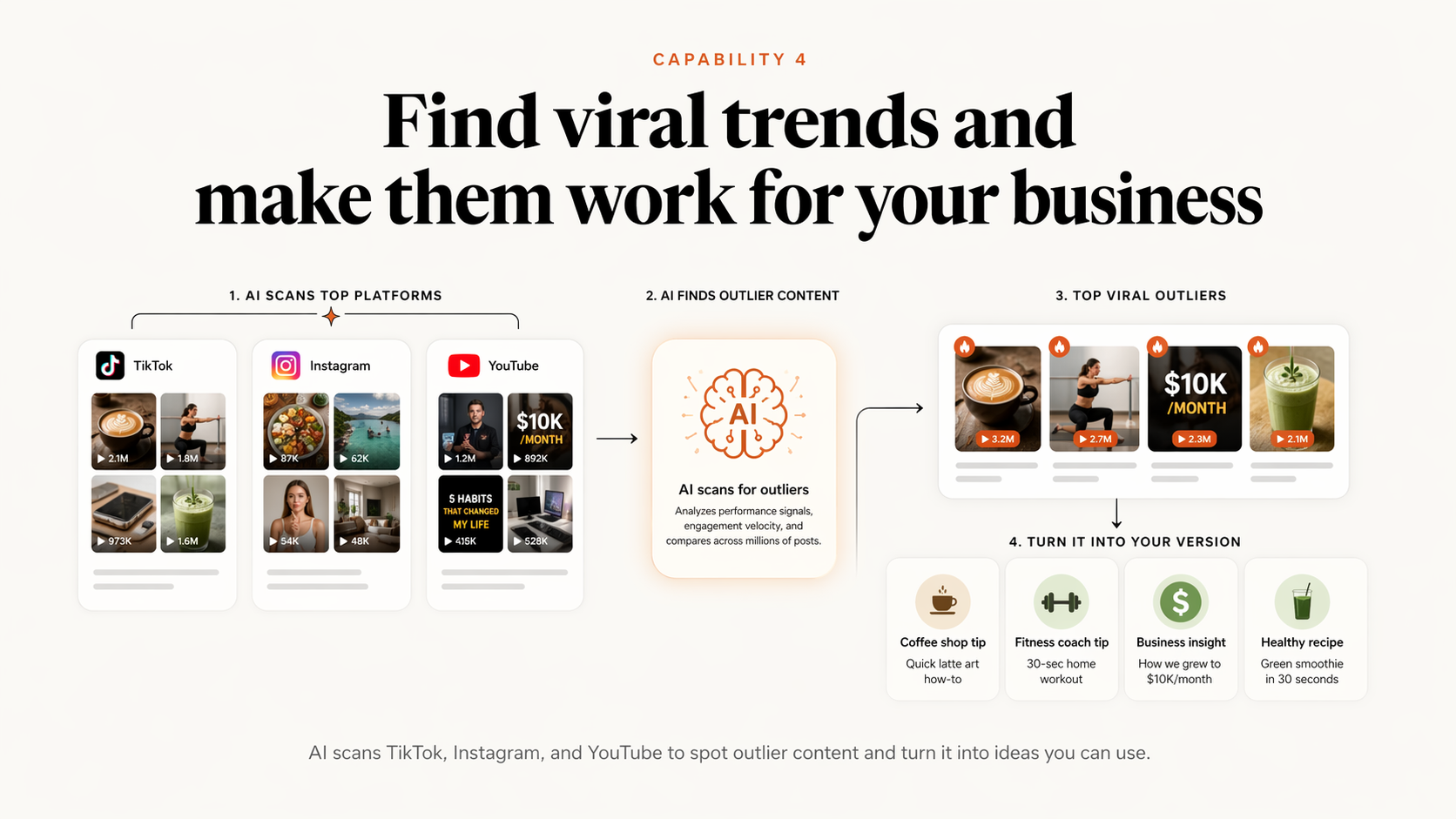
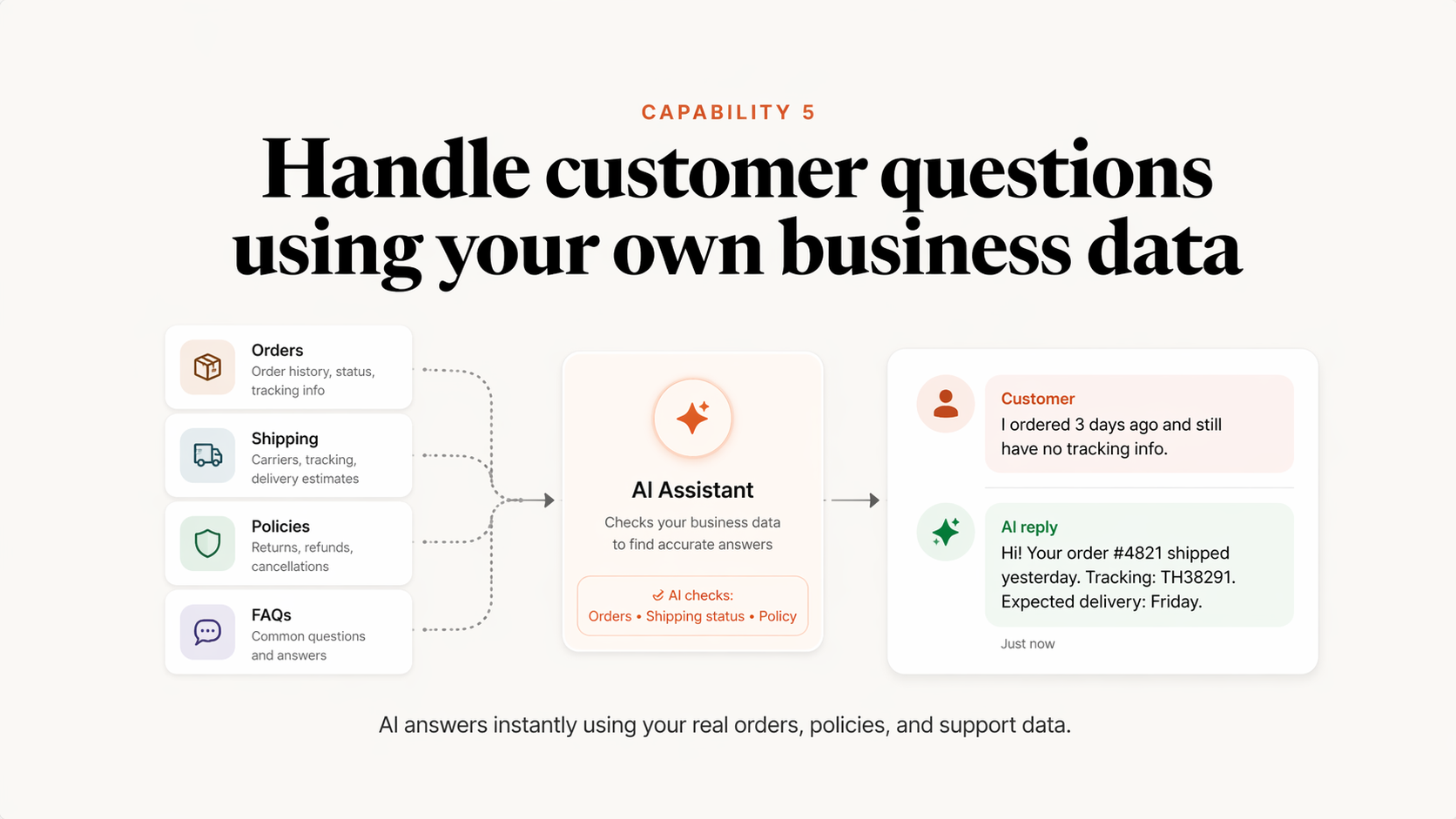
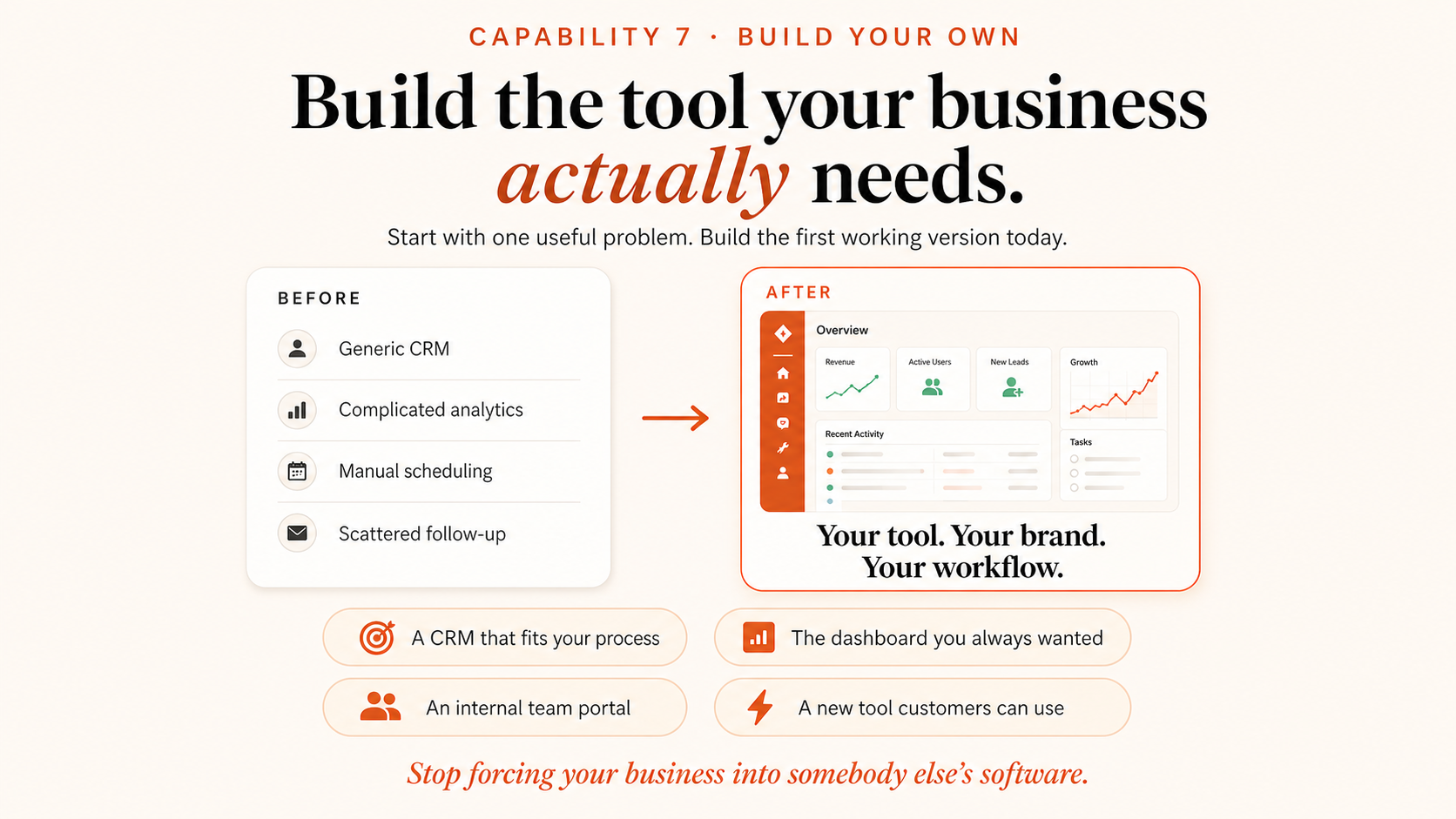
Real example · My Last 30 Days
Claude runs 3 businesses for me
Business 1
My Coaching Business
Growing my email list & making money on autopilot.
Business 2
Engbrain Kids Academy
Thailand's first AI learning platform for kids.
Business 3
AI CEOs
An automated growth engine built end to end.
This would normally need a team of 8 to 10 people across 3 companies.
I built all of this. Me. One person. Using Claude.
Real Example
Each one built, wired up, and maintained with Claude. No developers, no funnel agency.
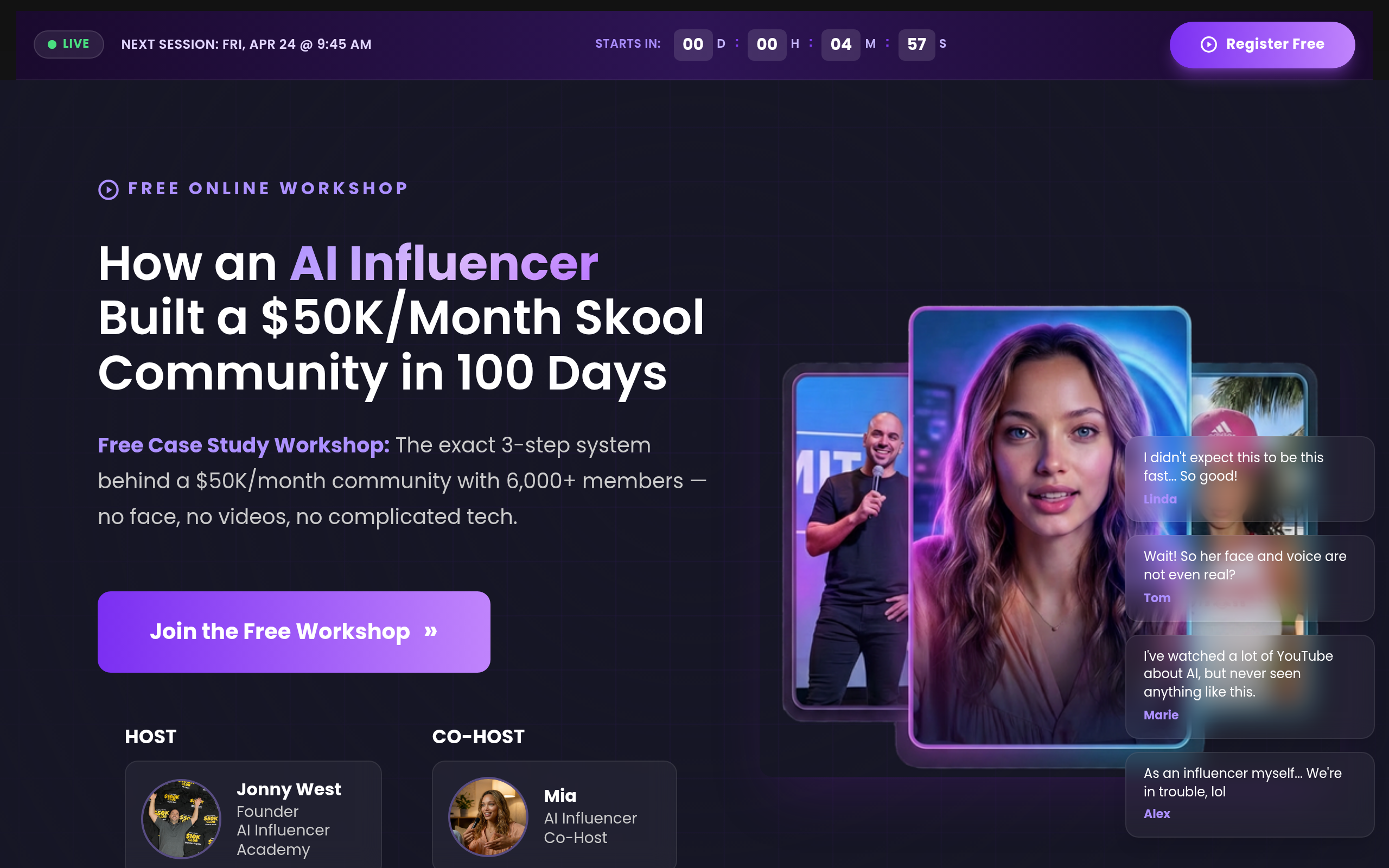
Funnel 1 · Auto Webinar
Evergreen webinar running 24/7. Registration, live-style replay, reminders, follow-up sequences, offer stack - all handled automatically.
Visit funnel ↗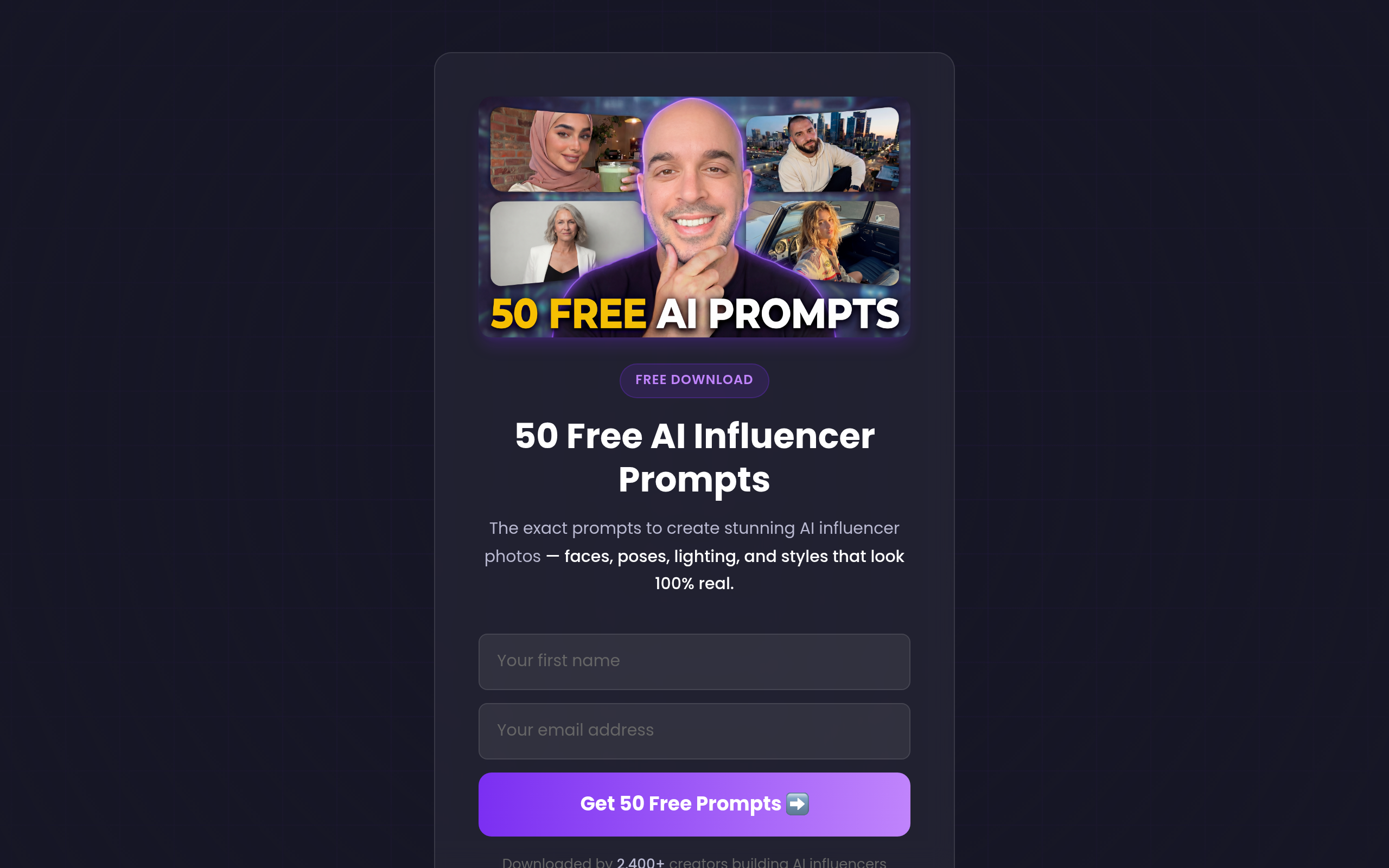
Funnel 2 · Lead Magnet
Squeeze page that converts cold traffic into email subscribers. Downloaded by 2,400+ creators. Delivers the PDF automatically and drops them straight into the follow-up sequence.
Visit funnel ↗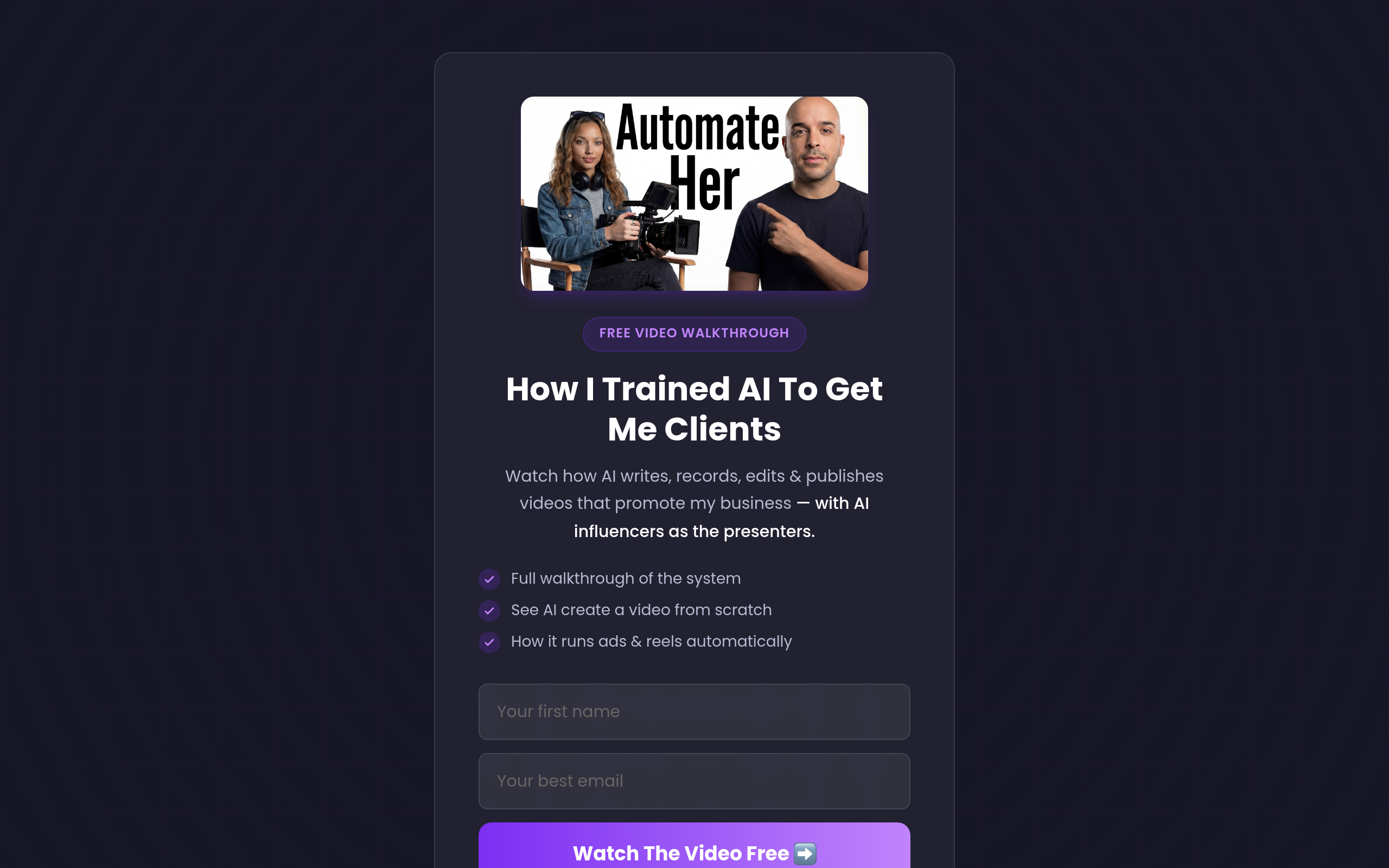
Funnel 3 · Video VSL
Video walkthrough funnel showing how AI writes, records, edits, and publishes videos automatically. Opt-in leads straight into the course offer.
Visit funnel ↗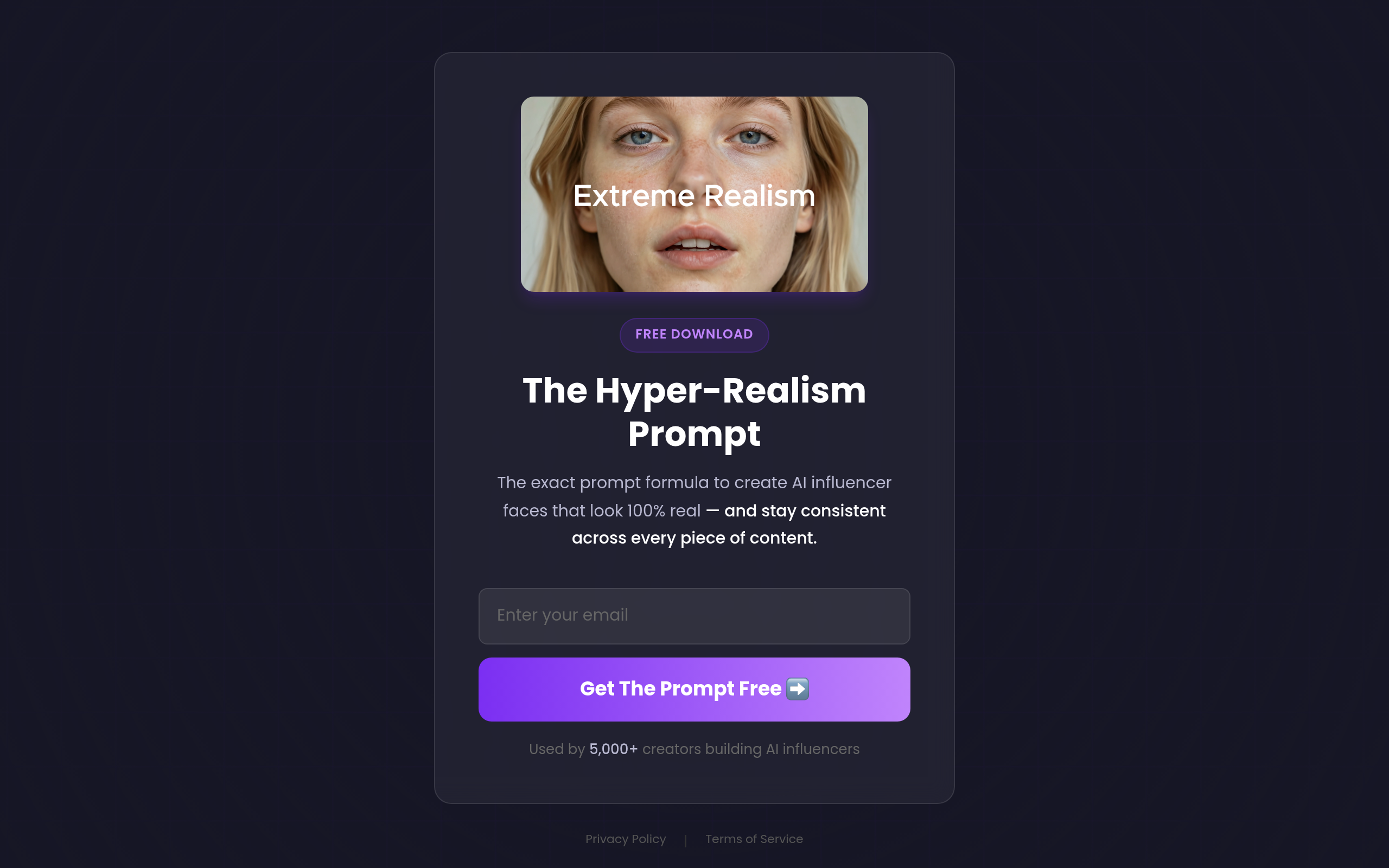
Funnel 4 · Lead Magnet
Email-for-prompt squeeze page. The exact formula to create AI influencer faces that look 100% real. Used by 5,000+ creators - fully automated delivery.
Visit funnel ↗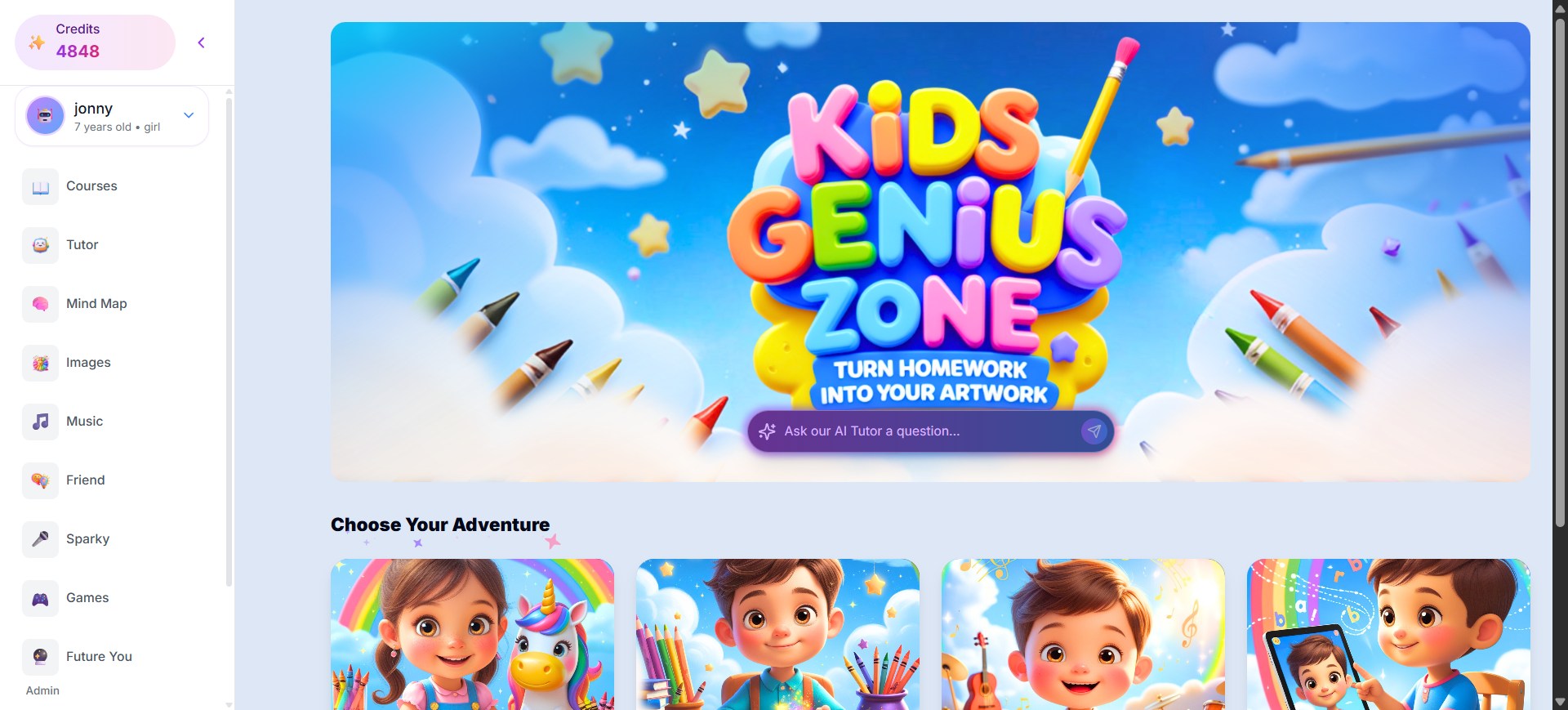
Engbrain Kids Academy · Product 1
Thailand's first AI education platform for children. Turns homework into artwork, lets kids ask an AI tutor anything, courses, images, music, games - every line built with Claude.
Visit platform ↗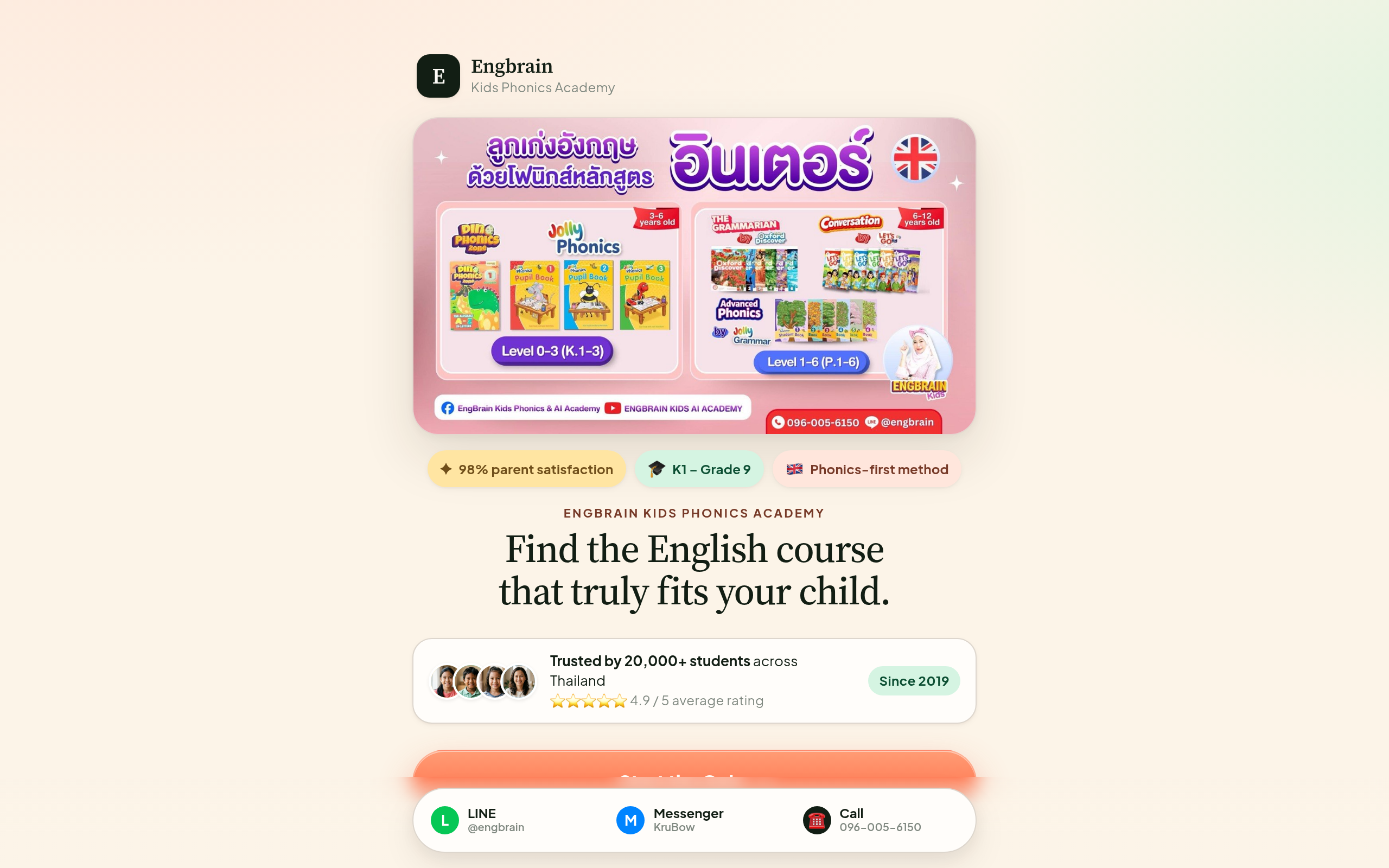
Engbrain Kids Academy · Product 4
An interactive quiz that helps parents find the English course that fits their child - while collecting leads on autopilot. Built end-to-end with Claude. Trusted by 20,000+ Thai families since 2019.
Visit the quiz ↗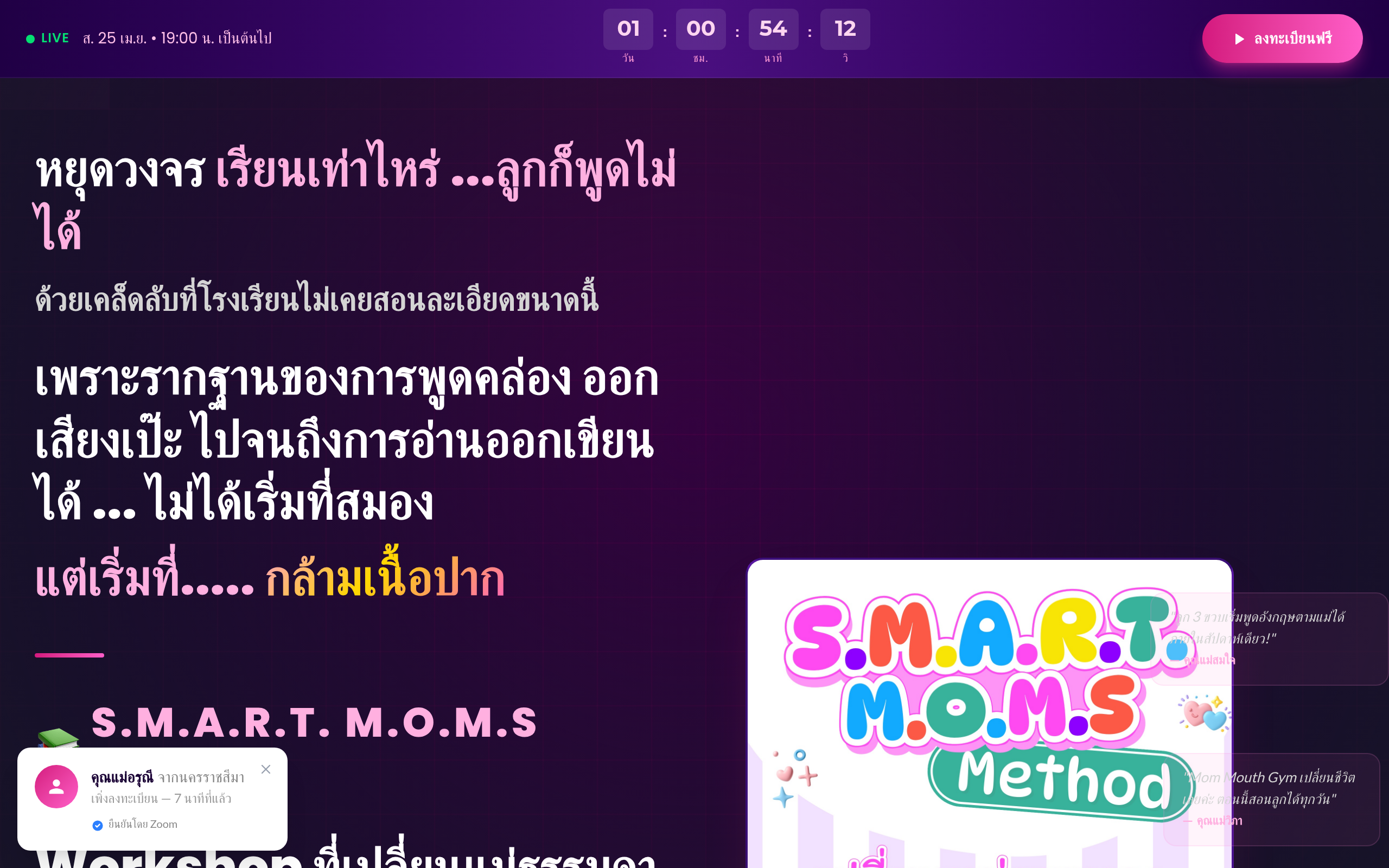
Engbrain Kids Academy · Product 3
A parent community & workshop in Thai - teaching moms the S.M.A.R.T. Moms method for raising confident speakers and learners. Live sessions, countdown timers, registration, follow-up - everything built with Claude.
Visit workshop ↗
Engbrain Kids Academy · Product 2
Turn one photo into a personalized storybook starring your child. Illustrated stories in Thai and English, with narration, a downloadable PDF, and a link to share with family. A product we vibe coded that is already generating revenue.
Visit platform ↗Real Example
Ad creatives for the Bangkok AI Creator Workshop. Each one designed, copywritten, and laid out by Claude. No designer. No agency.
122,273
Impressions · top ad
3.38%
Click-through rate
25+
Creatives shipped




AI CEOs · Landing Page
This very workshop has its own landing page - registration, countdown, benefits, testimonials, payment. Built with Claude in one session. No developers, no designers.
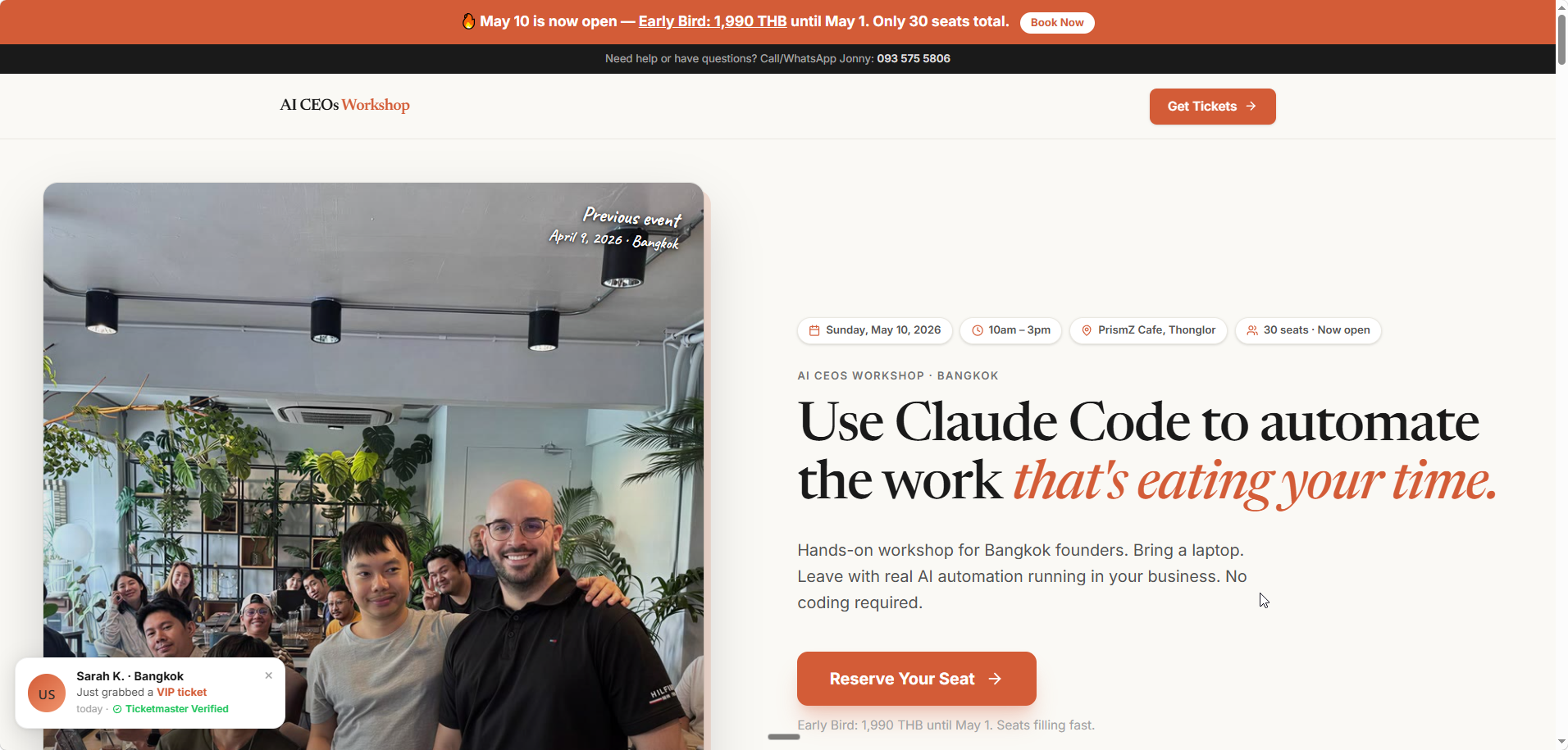 Visit the landing page ↗
AI CEOs · Landing Page 2
A second workshop, a second page. Same process, built start to finish with Claude - hero, offer, pricing, checkout.
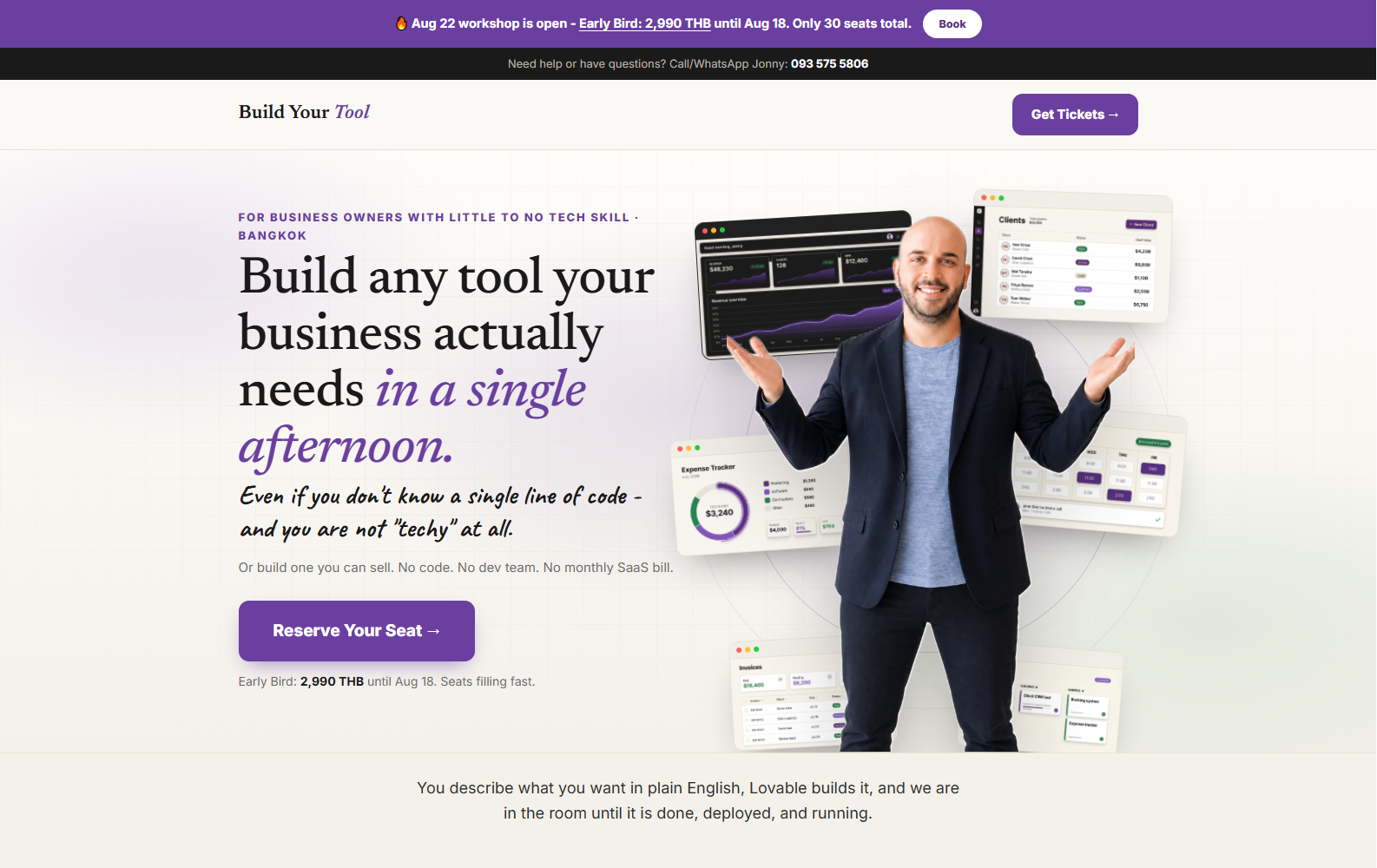 Visit tool-workshop.pages.dev ↗
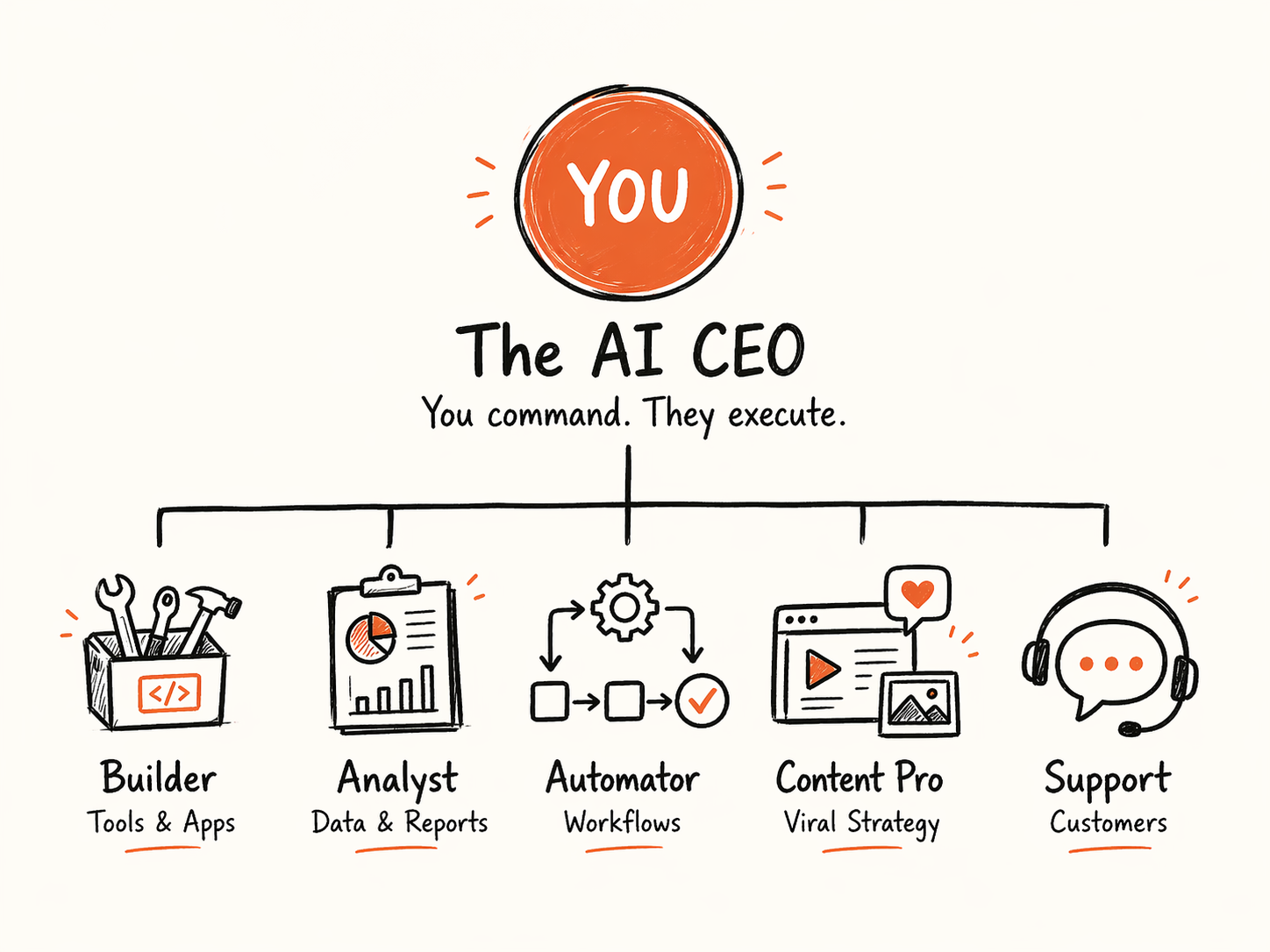
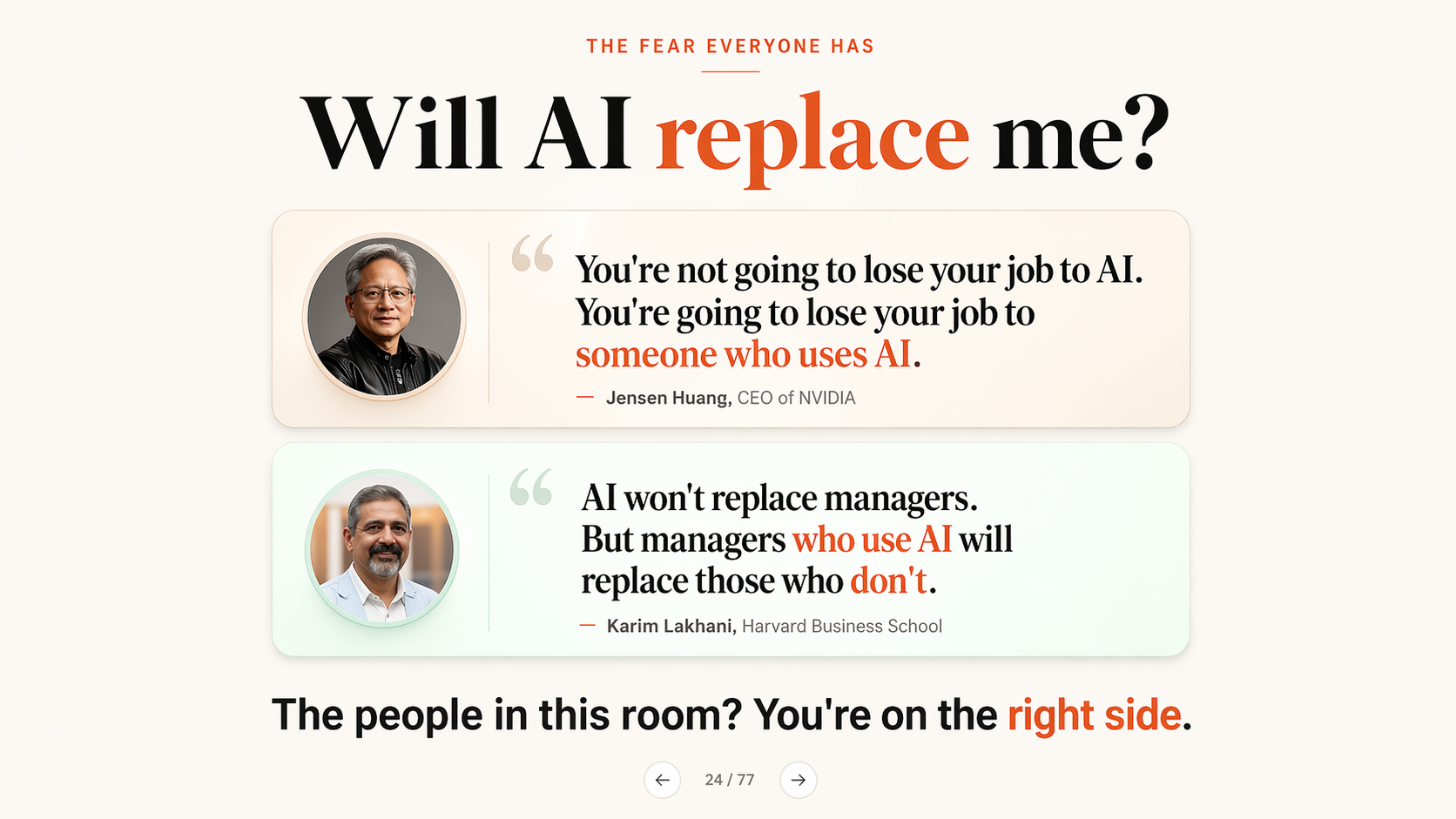
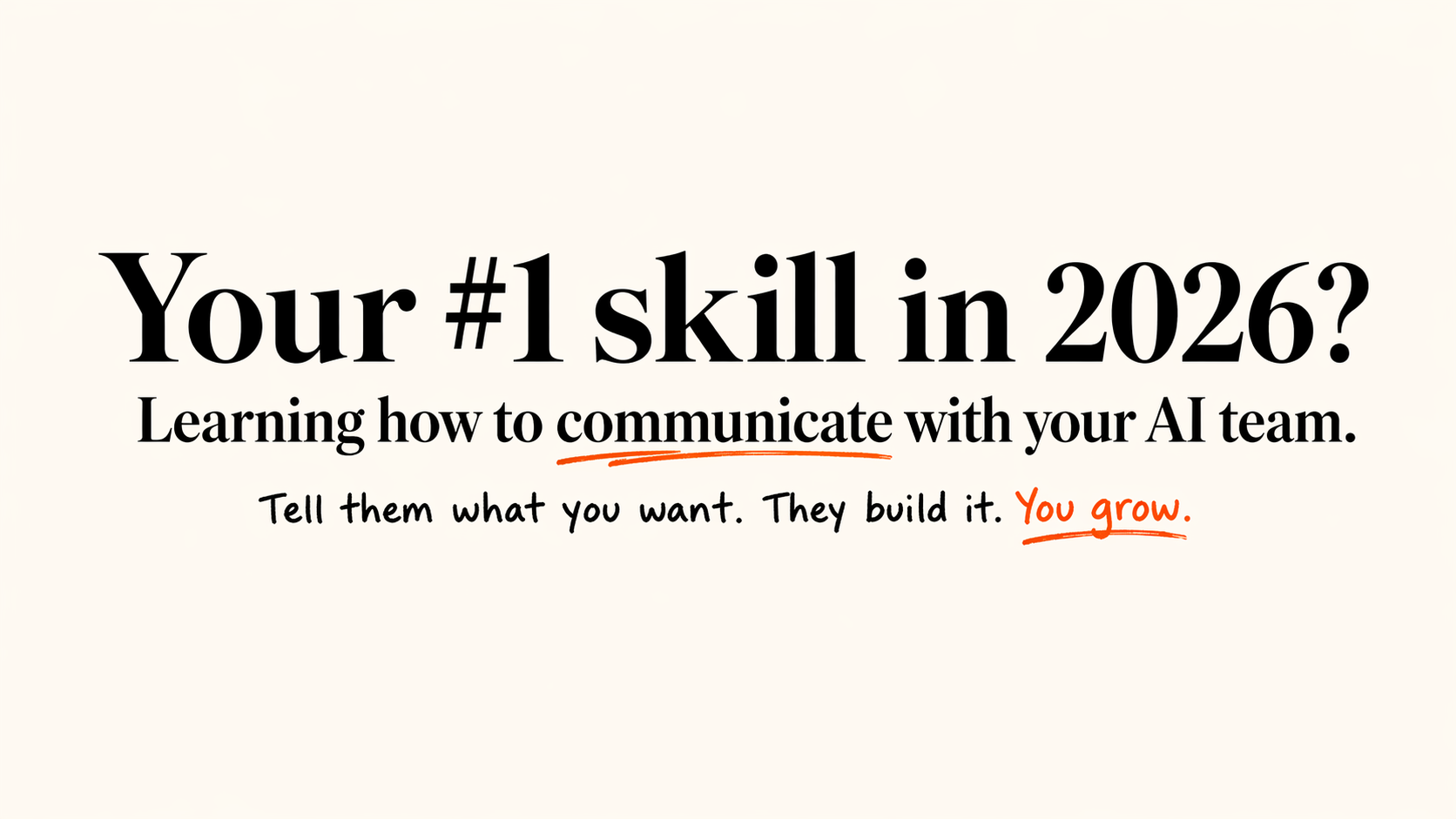
Who is excited to learn
some of this today?
First exercise · Step 1 of 2
Give Claude a home for your business.
A Project is a folder Claude remembers. Every chat inside it already knows your business, your tone and your files.
First exercise · Step 2 of 2
Load your AI-CEO-CONTEXT file.
The file you made in the questionnaire is your business brain. Give it to Claude once. It's used in every chat in this Project.
No file? Open ai-ceo-context-builder.ywest.chatgpt.site (6 minutes), or type 5 lines about your business into Project instructions.
5 minutes · Your business Project
Follow steps 1-6. Ask the room for help if you get stuck.
Before time runs out
Be ready to read your 3 tasks out loud.
Ready when you are
Before we go further · AI safety
5 habits that keep your business safe.
AI safety · Your questions answered
"But is it safe?"
Easy Trick
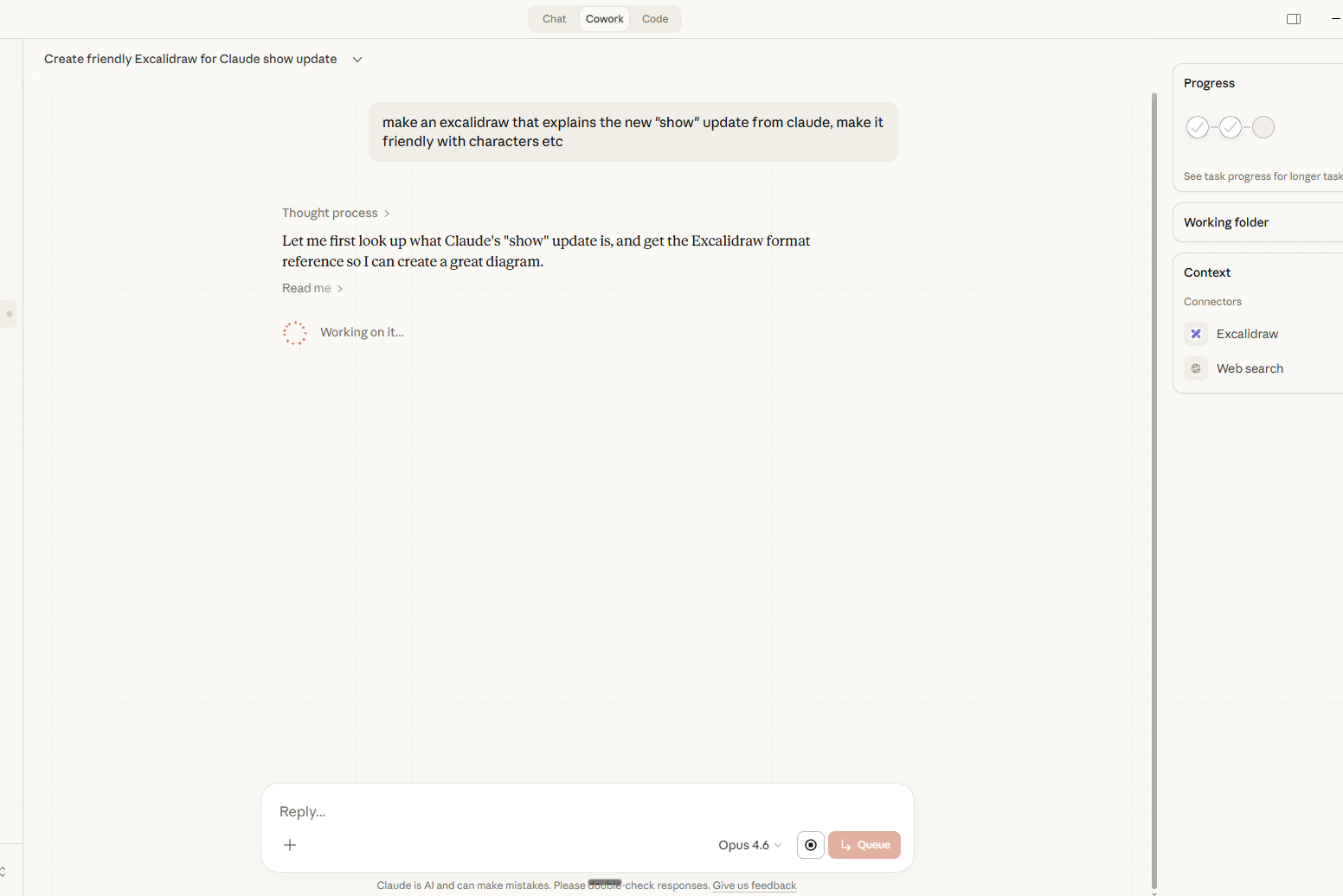
Ask Claude to show you
Say “Show me how ___ works as an interactive chart” and Claude builds a live visual inside the chat. Works on every plan, on claude.ai and the desktop app (not the phone app yet).
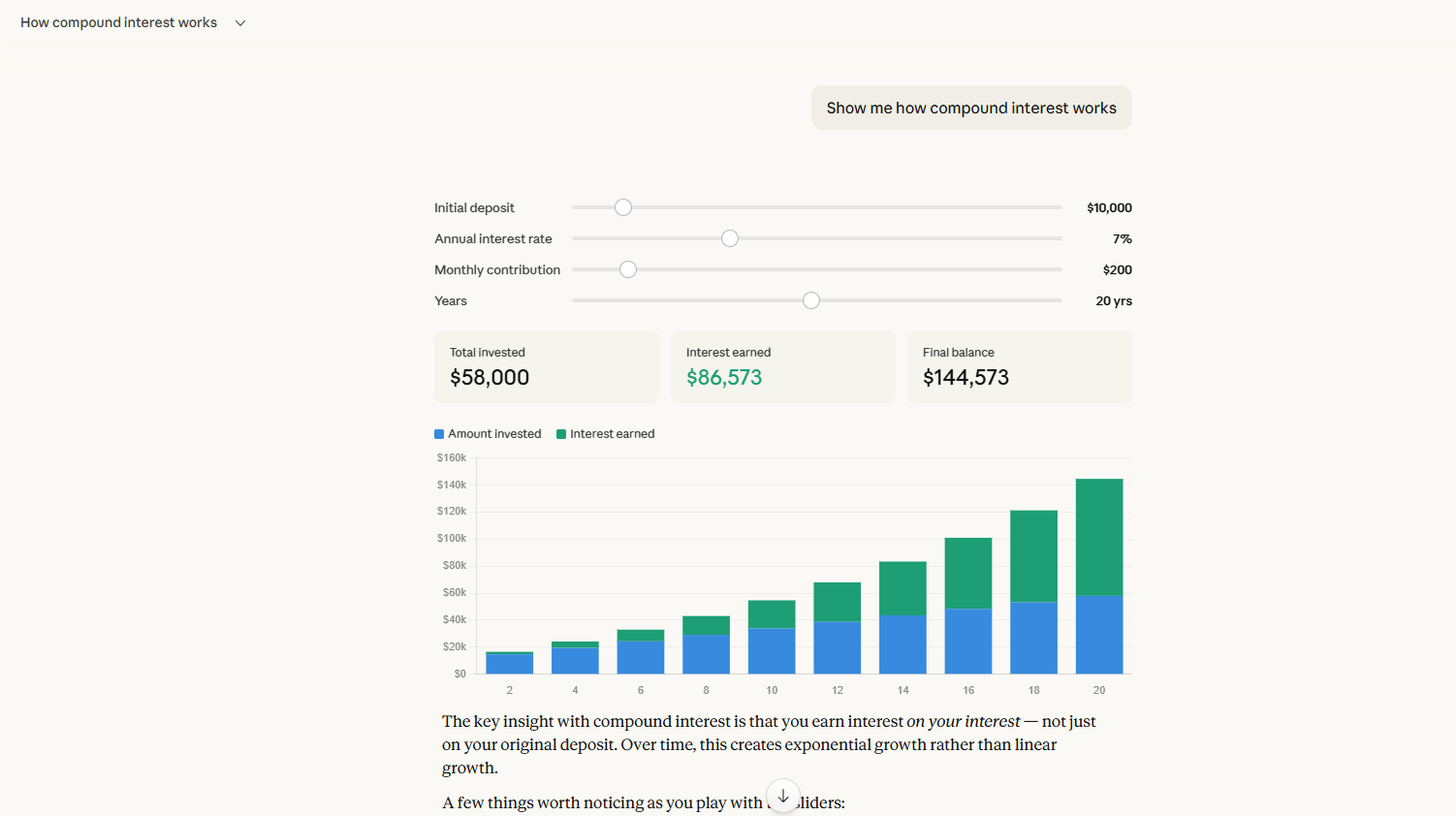
"Show me how compound interest works as an interactive chart with sliders. Start with ฿100,000 at 7% for 20 years."
Only got text? Reply: "Draw this as an interactive chart."
Your turn
Open Claude. Type "Show me..."
📈 "Show me how compound interest works as an interactive chart with sliders"
💰 "Show me how profit margin works as an interactive calculator"
📅 "Show me a monthly budget planner"
🎓 "Show me my monthly expenses as a chart: rent ฿30k, staff ฿80k, ads ฿20k, software ฿5k"
🚀 "Show me a customer journey funnel"
🎬 "Show me how a film production timeline works"
Pick one. Or make up your own. You have 3 minutes. Use a laptop - visuals don't show in the phone app. Only got text? Reply "Draw this as an interactive chart."
Take a Few Minutes
Keep asking Claude to show you. Try different prompts.
Ask Claude to show you something about YOUR business.
5 minutes · Show me
Use a laptop, not the phone app. Only got text? Reply “Draw this as an interactive chart.”
Before time runs out
Show your neighbour your best visual.
Ready when you are
Still Level 1
3 More Moves to Know Claude
Quick wins that make every future chat better.
Your turn · Memory
Teach Claude who you are.
Check Memory is on (it's on by default for Free, Pro and Max) so Claude builds context about your business over time.
Your turn · Claude Design
Make a visual in one prompt.
No Canva. No Figma. Describe it, Claude designs it, you edit live.
Built the same way ↓
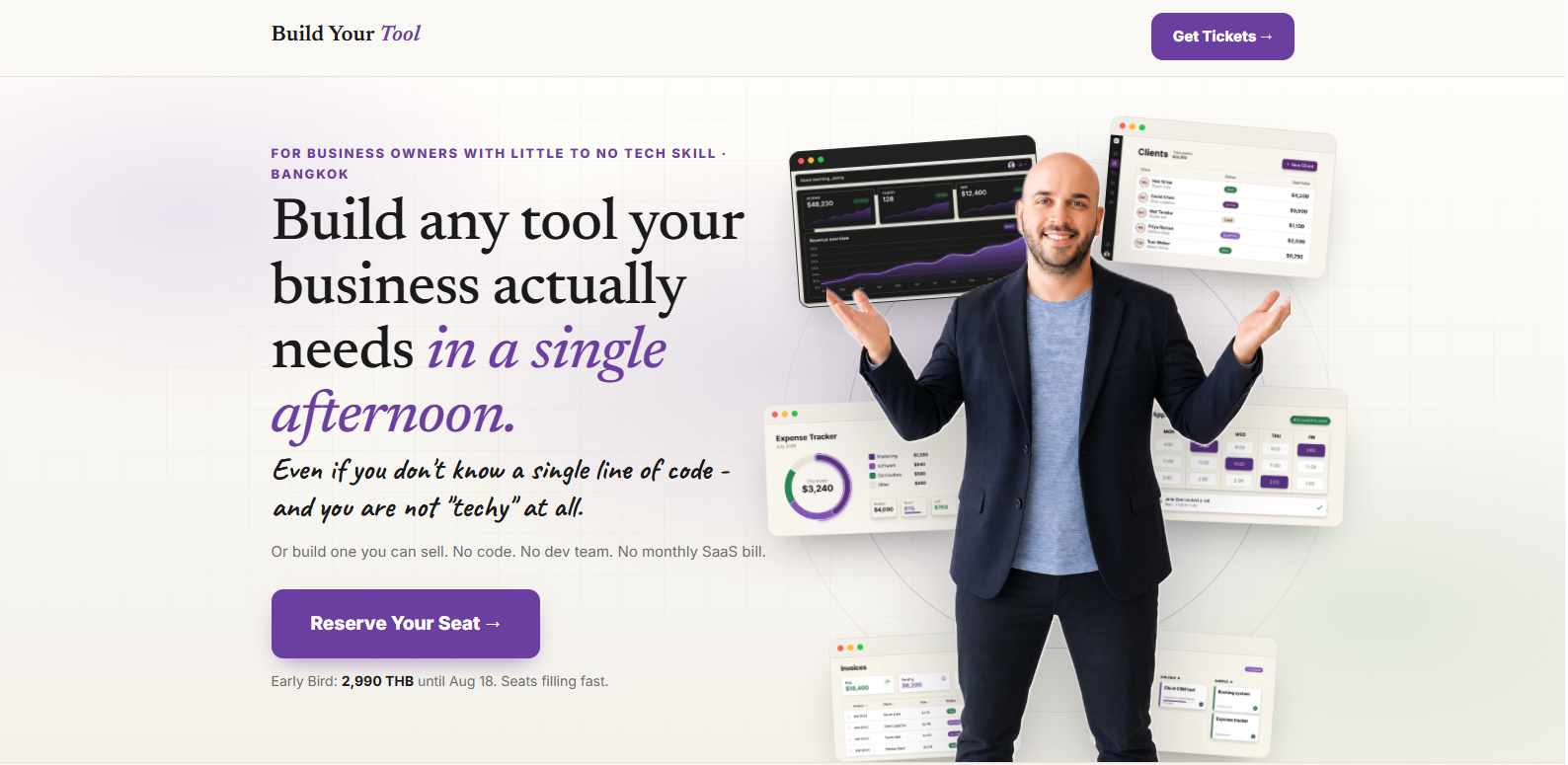
A whole landing page - no designer, no developer.
Take a Few Minutes
Set up Memory with your business details. Try Design if you have time.
Stuck? Put your hand up. KruBow and Jonny will come to you.
5 minutes · Memory + Design
Memory first. Claude Design is a bonus (Pro plan or higher).
Before time runs out
Who got a post that sounds like them?
Ready when you are
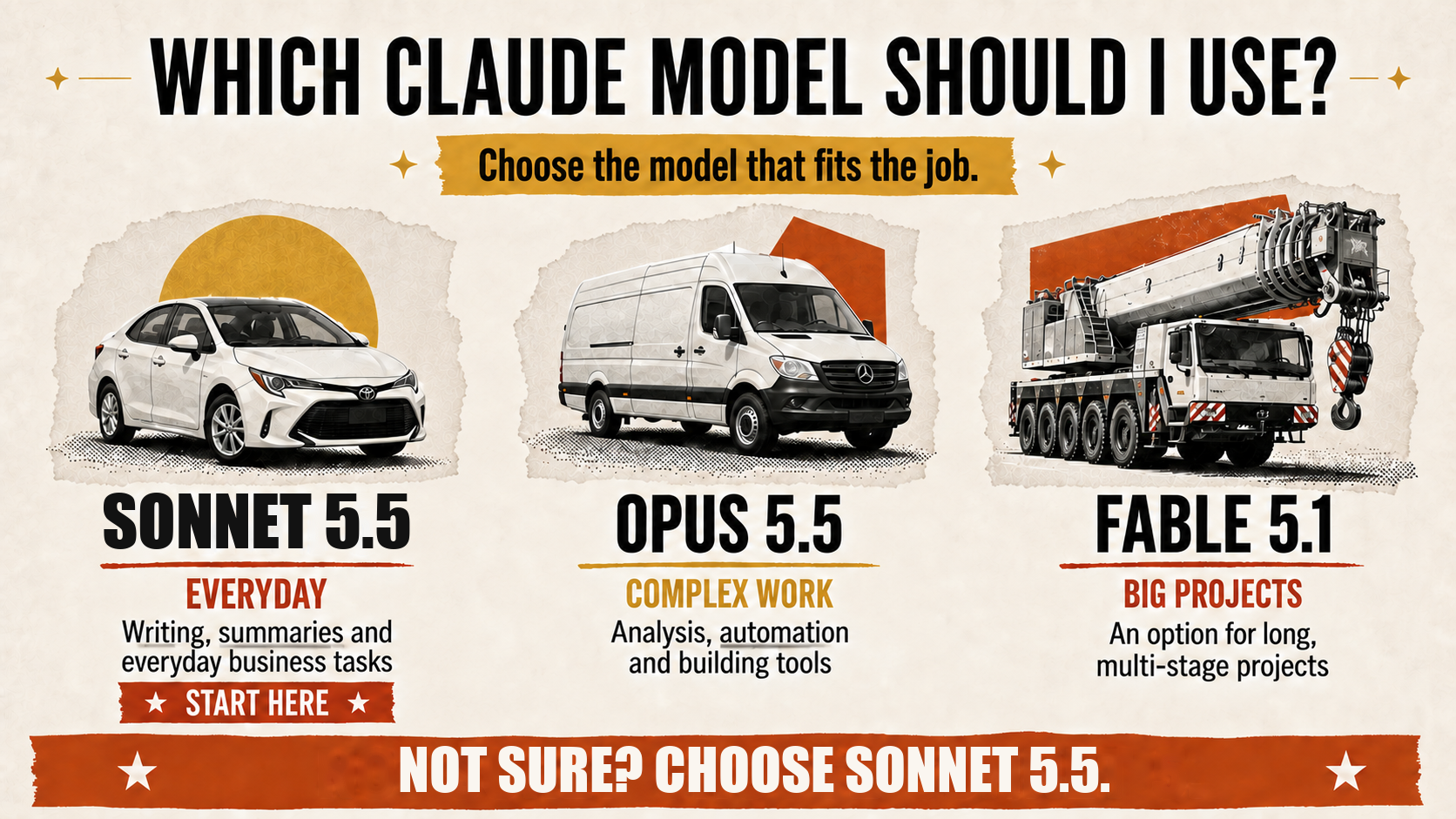
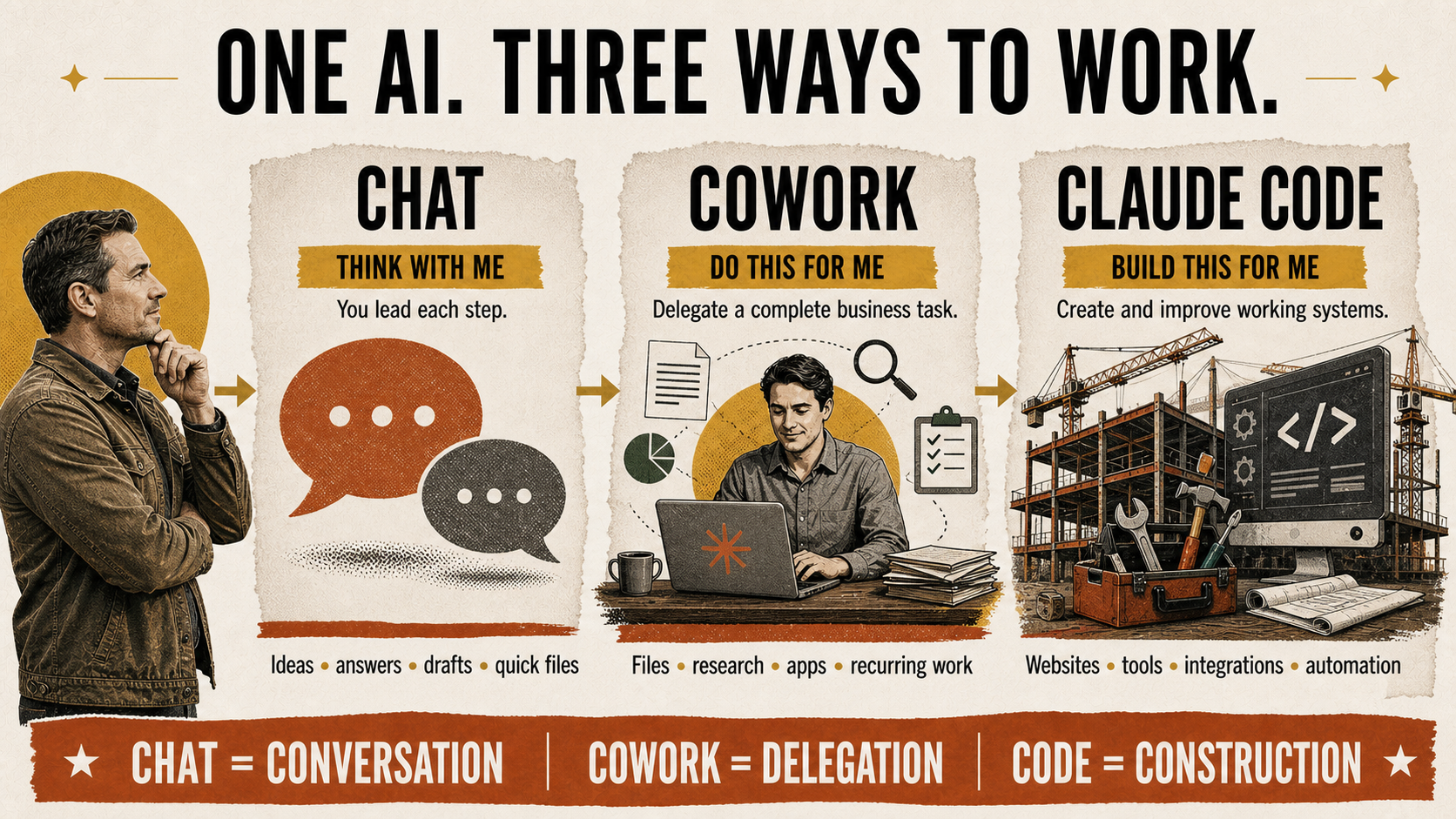
Block 1 · Cowork
What is Cowork?
A teammate that opens your files, does the work, and hands it back finished.
Excel, PowerPoint, PDF, images - it opens them, edits them, and gives them back.
Claude shows its progress and asks before sensitive actions.
Describe the job, walk away, come back to finished work.
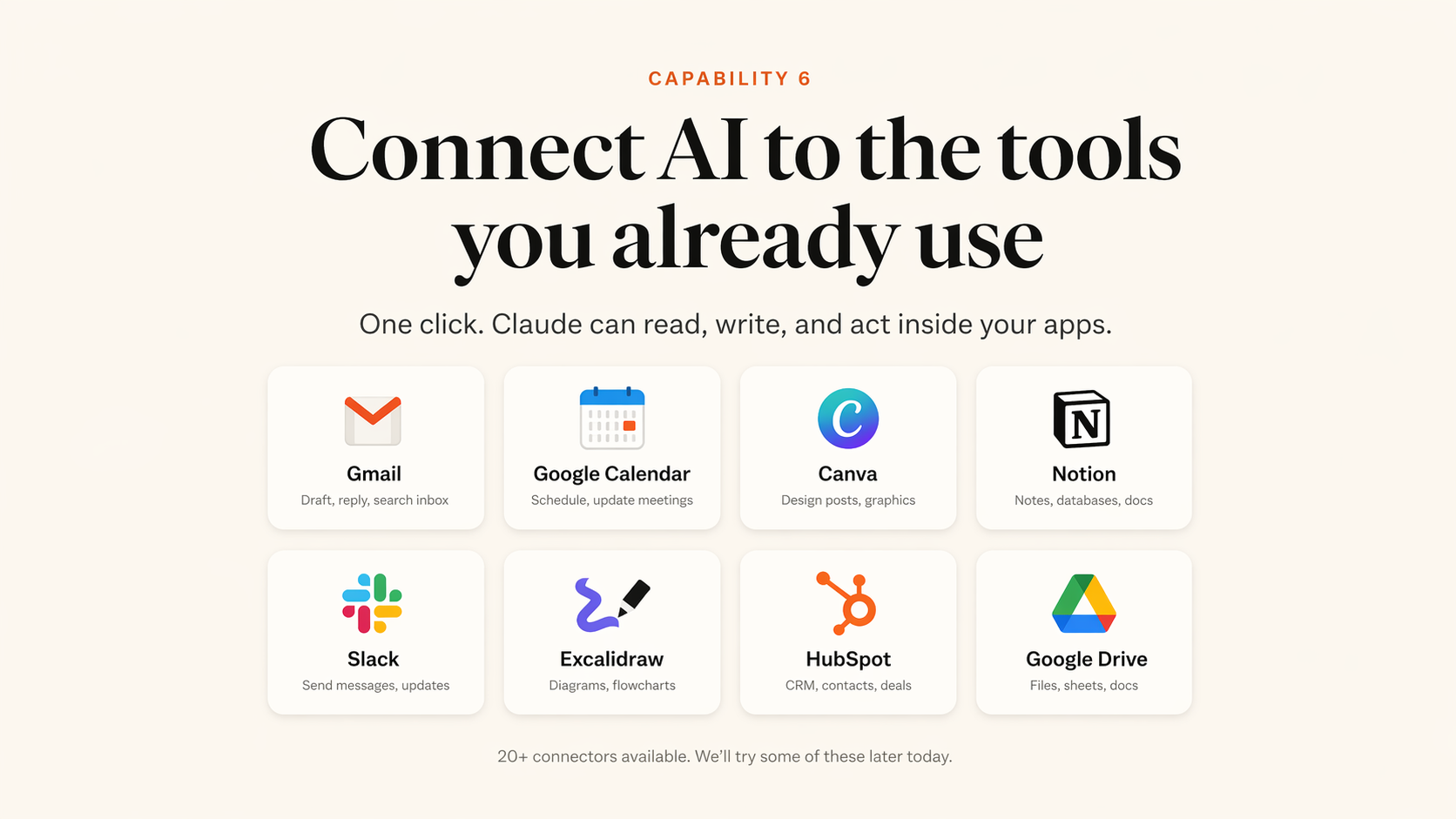
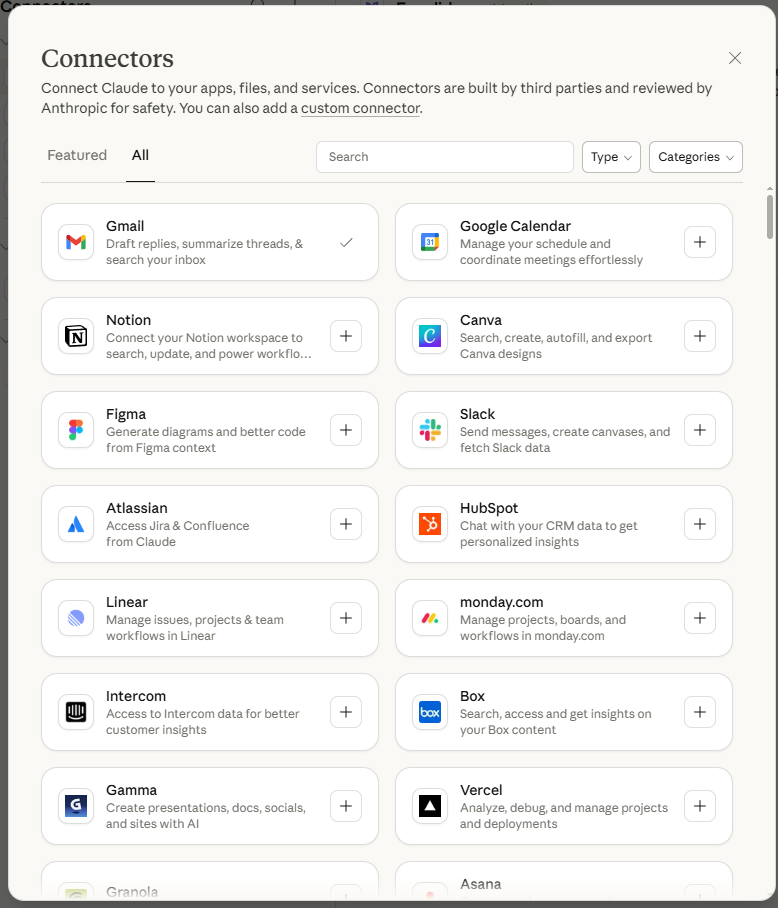
Connect Claude to your real tools
Connectors let Cowork read, write, and act inside the apps you already use.
How Connectors Work
Connect an app once. Then choose it when Claude needs it.
1. Set up connectors in Customize
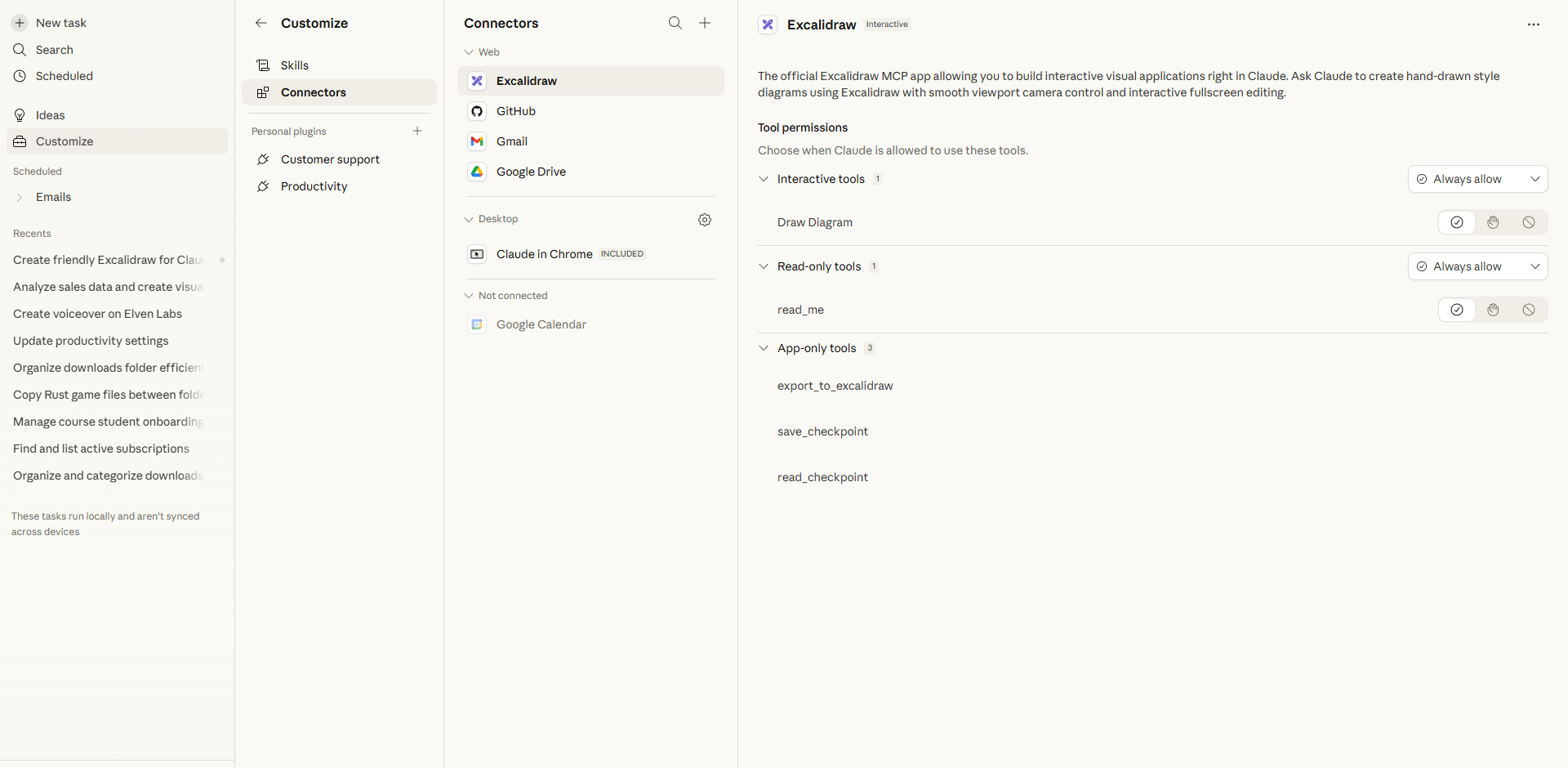
2. Claude uses them in your tasks
Example: “Summarize my important emails.” Claude uses Gmail and gives you a clean summary with draft replies.
Let's Try Together
📧 Try the Gmail Connector
Cowork → Customize → Connectors → find Gmail → click + → sign in to Google
Click New task in the sidebar. Check that Gmail shows in your connectors.
Paste this prompt
Summarize my important emails from the last 48 hours. Group them by sender, flag anything that needs a reply today, and tell me what I can safely ignore. Then draft quick replies for the top 3.
About 30 seconds - your whole inbox sorted, with replies ready to send.
Let's Try Together
🎨 Try the Canva Connector
Cowork → Customize → Connectors → find Canva → click + → log in to Canva
Click New task. Check that Canva shows in your connectors.
Paste this prompt
Create a professional Instagram post for my business [your business name]. Use Canva to design it. The post should announce [a promotion, event, or new product]. Use modern, clean design with bold text.
Claude designs it straight into Canva - open your account and keep editing.
Let it finish.
Wait for your Gmail or Canva result to land - then show your neighbour what you made.
Done early? Add one more connector and try it. · Hand up if you need help.
5 minutes · Connectors
Gmail or Canva. Sign in, start a new task, paste the prompt.
Before time runs out
Show your neighbour what Claude did.
Ready when you are
Cowork Power Moves
8 Things You Can Do
Right Now in Cowork
I'll demo each one. Then you try.
Use Case 1
Digital Janitor
Claude reads every file in a messy folder, understands what each one is, renames them, and organizes into subfolders.
Under 1 minute. Everyone has a messy folder.
20 files with ugly names. Upload this to Cowork.
Use Case 2
Data → Charts
Upload any spreadsheet or CSV. Claude writes Python, runs it, and gives you professional charts + a full report. No coding needed.
Works with 50,000+ rows. 3 minutes.
35 rows of Thai business sales data. Upload this to Cowork.
Use Case 3
Bulk Invoice Processing
Drop 50+ PDF invoices. Claude reads every one, extracts the data (date, amount, vendor), creates a master spreadsheet, and organizes the files.
50 invoices in 5 minutes vs. hours by hand.
8 realistic Thai business invoices. Upload to Cowork.
Try It Now
Download the CSV. Upload it to Cowork. Get instant charts.
While that runs, I'll show the next use case.
Use Case 4
Customer List → Visual CRM
Drop a list of your customers or leads. Claude builds a drag-and-drop pipeline board with stages like New, Contacted, Proposal, Won, Lost. A full CRM from a simple list.
No Salesforce. No HubSpot. Just your data + Claude.
15 customers with deal values, stages, and notes. Upload this to Cowork.
Try It Now
Download the customer list. Upload it. Get a visual CRM.
This one takes 1-2 minutes. Check your Data Charts result while you wait.
Use Case 5
Newsletter Generator
Tell Claude about your business and upcoming events. It creates a fully designed HTML newsletter email, ready to copy into your email tool and send.
A 30-minute task done in 2 minutes.
Sample cafe business info. Or describe your own business.
Use Case 6
Build a Website
Describe your business. Claude builds a complete website with hero section, about, services, contact form. One HTML file you can open instantly.
From zero to live website in 10 minutes.
Same business brief. Or describe your own business in the prompt.
Use Case 7
Meeting Notes → Action Items
Paste any meeting, call, or voice note. Claude gives you a clean summary, the decisions made, and a to-do list with who owns what.
Never write up notes by hand again.
Use Case 8
Proposal & Quote Generator
Describe the job in one line. Claude writes a professional, branded proposal with scope, timeline, and pricing - a clean document ready to send.
Close deals while your competitors are still typing.
Try It Now
Pick one. Customize the prompt for YOUR business.
Open a new Cowork task. Paste. Customize. Go.
Take a Few Minutes
Check all your results. Download the files. Open them.
Show your neighbor the coolest thing you made. Who wants to share with the room?
5 minutes · Cowork builds
Charts, CRM, newsletter or website. Download it and open it.
Before time runs out
Who wants to show their screen?
Ready when you are
🍴
Lunch Break
Enjoy your meal. We'll start again at 1:00.
Feel free to keep playing with Claude while you eat.
🙋
Quick Q&A
Questions about anything so far?
Content Creation
Create Viral Content
with Proven Frameworks
Most people ask AI to "write a post" and get generic garbage.
We're going to give it a proven framework and get gold.
Why Most AI Content Fails
Your Secret Weapon
12 Viral Script Frameworks
Download this PDF. Upload it to Claude. Ask it to pick the right framework for your business and write you a script.
Save this. You'll use it every time you create content.
Let's Try Together
🎬 Create Your Viral Script
Step 1: Upload the PDF
Open Cowork. Attach the Scripting Frameworks PDF you just downloaded.
Claude will analyze all 12 frameworks and pick the best one for YOUR business.
Take a Few Minutes
Wait for your script. Read it. Ask Claude to tweak the tone or make another version.
Try: "Make it more casual" or "Write a second version using the PAS framework"
5 minutes · Viral scripts
Ask Claude to tweak the tone, or write a second version with another framework.
Before time runs out
Be ready to read your hook out loud.
Ready when you are
🙋
Open Q&A
Ask me anything about what we covered today.
The Big Picture
What You Built Today
Interactive visuals from a simple prompt
Real files, charts, websites, newsletters
Gmail, Canva, Notion, Drive and more
Viral scripts from proven frameworks
One Claude subscription. No developer needed.
Take this home
What to do on Monday.
One task. Every week. That's how the time savings add up.
Thank you.
Now go build something that makes money.
Jonny West · KruBow